

HR Automation: What It Is, Why It Matters, and How to Automate HR Processes
HR automation means using software to handle the repetitive parts of human resources work: onboarding paperwork, leave requests, payroll data, exit surveys, and everything in between. Instead of an HR person copying information between spreadsheets and systems by hand, a workflow does it automatically when a trigger event happens. This guide covers what HR automation looks like in practice, its real benefits, common examples, popular tools, and the best practices worth following before you roll it out.
What Is HR Automation?
At its core, HR automation is software triggering HR tasks automatically instead of someone doing them by hand. When a new employee's record appears in a system, a workflow can create their accounts, send a welcome message, and assign their first training module, with no manual follow-up.
Human resources automation typically covers:
Recruitment and hiring: moving candidates through stages, scheduling interviews, sending offer letters.
Onboarding and offboarding: account creation, document collection, exit checklists.
Payroll and time tracking: calculating hours, flagging overtime, generating pay slips.
Employee data management: syncing records across HR systems, spreadsheets, and communication tools.
Approvals and notifications: leave requests, expense sign-offs, policy updates.
It's worth separating this from an HRIS (human resource information system), which is the database where employee records live. HR automation is the layer of workflows that acts on that data.
Why HR Automation Matters
HR teams are stretched thin. Deloitte's research on modernizing HR found that HR professionals spend up to 57% of their time on administrative work, things like payroll processing, leave management, and compliance reporting, instead of strategic priorities like retention or culture. That's more than half a work week lost to tasks that software can largely handle.
Automating human resources doesn't just save hours. It reduces manual data-entry errors, speeds up how fast employees get answers, and gives HR leaders cleaner data to work from. As a company grows, this matters even more: the same team can support double the headcount without doubling its workload, because workflows scale even when people don't.
Benefits of HR Automation
The case for HR automation usually comes down to a handful of concrete gains:
Time back for strategic work. Less data entry means more time on hiring strategy, engagement, and culture.
Fewer costly mistakes. Payroll errors and duplicate records drop sharply once workflows replace manual steps.
Faster employee experience. New hires get access on day one. Leave requests get approved in hours, not a week.
Better compliance tracking. Automated logs make it easier to prove you followed a process during an audit.
Cleaner data. When systems sync automatically, HR stops reconciling three versions of the same spreadsheet.
Room to scale. Automation absorbs more hires and requests without a proportional rise in HR headcount.
None of this means removing people from HR. It means removing the parts of the job that never needed a person in the first place.
HR Automation Examples: How Teams Automate Core Processes
Most HR automation falls into a few recurring categories. Here's how they typically play out:
HR Process | What Gets Automated | Example Workflow |
|---|---|---|
Recruitment | Candidate stage updates, interview scheduling, offer letters | When a candidate moves to "Hired" in a recruiting tool, a workflow creates their employee profile and notifies the hiring manager |
Onboarding | Account creation, welcome messages, training assignment | A new row in an HR system triggers a Slack welcome post and assigns onboarding tasks automatically |
Employee data management | Syncing records, form intake, backups | Data submitted through a form updates the HRIS instantly instead of someone re-typing it |
Notifications and approvals | Leave requests, expense sign-offs, policy acknowledgments | A leave request routes to a manager for approval and updates the employee's calendar once approved |
Offboarding | Exit checklists, access revocation, exit surveys | A resignation entry triggers an exit survey, notifies IT to revoke access, and alerts the team in Slack |
Training | Course assignment, reminders, progress tracking | Employees are auto-enrolled in role-specific training and reminded before deadlines |
In practice, these workflows usually span more than one tool. A recruiter might move a candidate through Zoho Recruit or Workable, but the new hire's profile needs to land in BambooHR, and the team needs to know about it in Slack. That's where a lot of "automation for HR" projects actually get stuck: not because any single tool is weak, but because none of them talk to each other by default.
This is the gap an integration platform like viaSocket is built to close. It connects HR and business apps so an event in one system (a hire, a resignation, a leave request) triggers an action in another, without someone manually bridging the two. It's not a replacement for your HRIS or applicant tracking system, just the layer that lets those tools act on each other's data.
Popular HR Automation Tools
Most HR teams run a mix of specialized tools rather than one all-in-one platform.
BambooHR
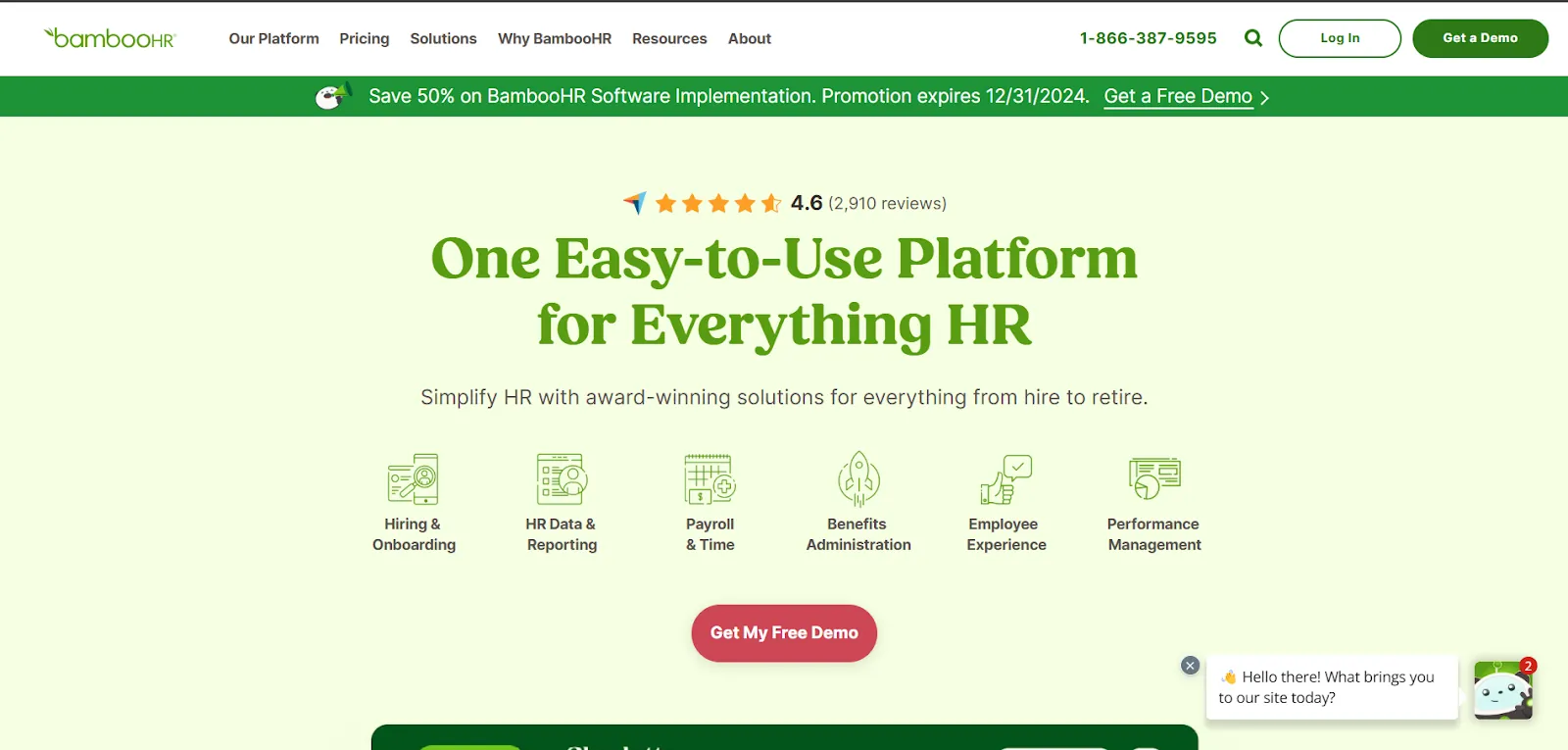
BambooHR handles core HR functions: employee records, time off, benefits, and basic payroll workflows, all from one system.
Workable
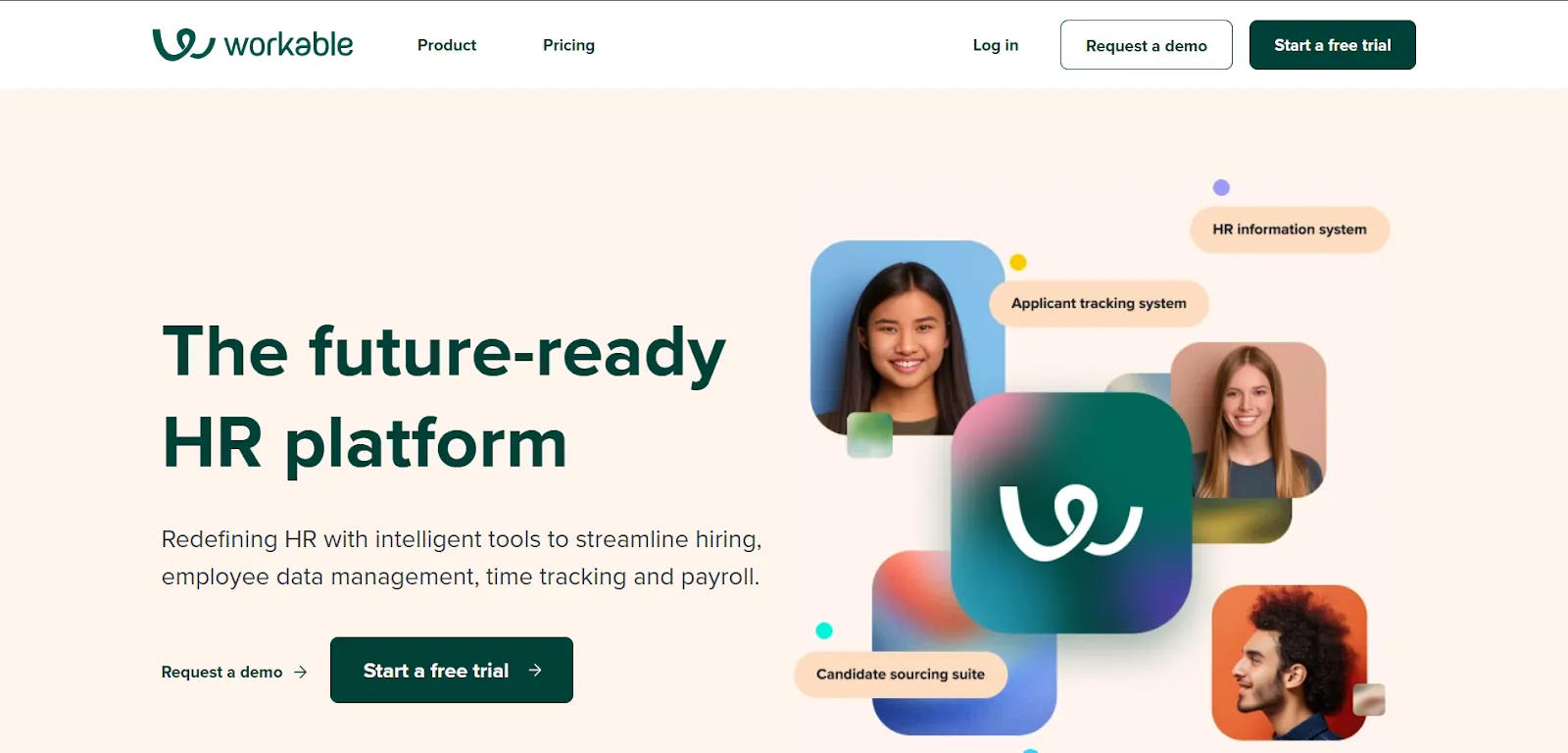
Workable focuses on recruiting: job postings, applicant tracking, interview coordination, and AI-assisted candidate screening.
Zoho Recruit
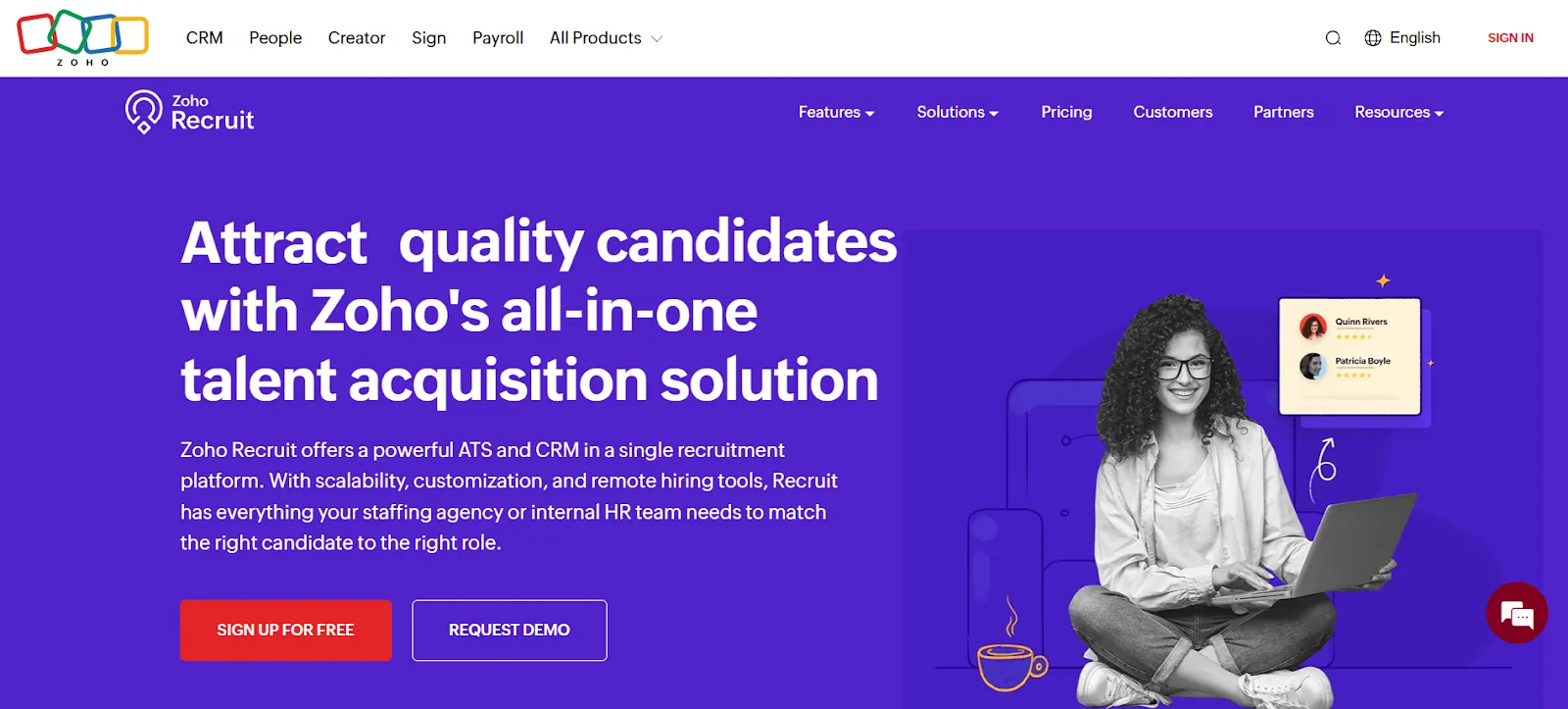
Zoho Recruit covers hiring and, for some teams, attendance and review tracking too.
Slack isn't an HR tool by design, but it's where most HR notifications and approvals actually happen day to day. None of these four were built to pass data to the others automatically. Teams either accept manual handoffs or connect them through an automation layer, which is the more common approach once a team outgrows spreadsheet workarounds.
How to Start Automating HR Processes
Rolling out HR automation solutions works better as a staged process than a single big switch:
Map your current process. Write down every manual step before you touch any software.
Pick the most repetitive task first. Data entry and notifications are usually the easiest wins.
Choose tools that integrate well. A great HR platform that can't connect to your stack just creates a new silo.
Pilot with one team. Run it for a few weeks, fix what breaks, then expand.
Train the people who'll use it. Automation fails when employees don't trust the new workflow.
Track what changed. Processing time, error rate, and employee satisfaction are enough to start with.
Challenges of HR Automation and How to Handle Them
Automation isn't friction-free. The common obstacles are predictable, and so are the fixes.
Data security and privacy. HR systems hold sensitive personal data, so automation needs the same access controls and encryption as any other sensitive system, plus regular audits.
Integration gaps. Many HR tools weren't built to talk to each other, which is often the real blocker, not the automation idea itself. Open APIs or an integration platform usually solve this.
Losing the human touch. Automating a leave approval is easy. Automating a difficult conversation isn't, and shouldn't be attempted. Keep people in the loop for anything involving judgment or sensitive feedback.
Upfront cost and effort. Setting up workflows takes time before it pays off. Starting with one or two high-volume processes keeps the initial investment small while ROI becomes visible fast.
HR Automation Best Practices
A few habits separate automation that sticks from automation that gets abandoned after a quarter:
Automate the task, not the judgment call. Clear-rule approvals are good candidates; decisions needing context usually aren't.
Keep workflows visible. HR and IT should be able to see what's automated and why.
Standardize data before you automate it. Automating a messy process just moves the mess faster.
Review workflows every few months. Policies change, and a workflow built a year ago may quietly be doing the wrong thing.
Get input from employees, not just HR. They'll spot friction HR won't see from the admin side.
Frequently Asked Questions
What is HR automation?
HR automation is the use of software to handle repetitive HR tasks, like onboarding, payroll data, leave approvals, and record updates, automatically instead of manually.
What are some real examples of HR automation?
Common examples include auto-creating employee profiles when a candidate is hired, sending Slack notifications for new hires, routing leave requests for approval, and triggering exit surveys when someone resigns.
Which HR processes should you automate first?
Start with high-volume, low-judgment tasks: data entry, notifications, and status updates. These carry the least risk and show ROI fastest.
Does HR automation replace HR staff?
No. It removes repetitive administrative work so HR staff can spend more time on hiring strategy, employee relations, and culture, the parts of the job that genuinely need a person.
What's the difference between an HRIS and HR automation?
An HRIS like BambooHR stores employee data. HR automation is the layer of workflows that acts on that data, often across multiple tools, not just within one system.
Getting Started
HR automation works best when it's treated as connective tissue rather than one more piece of software to manage. Most teams already have the tools they need (an HRIS, a recruiting platform, Slack); the gap is usually in getting them to work together. If that's where you're stuck, viaSocket is built to connect apps like BambooHR, Workable, Zoho Recruit, and Slack so HR events in one system can trigger the right action in another, without anyone manually shuttling data between tabs.