
How to Automate Product Videos with ngram and viaSocket
Every product team runs into the same wall. Something ships, a deal moves forward, a new item lands in the store, and somebody has to turn that moment into a video. That somebody is usually buried in other work, so the video either never gets made or shows up two weeks after anyone cares.
ngram handles the production problem. It's an AI video platform that turns docs, screen recordings, and text prompts into on-brand clips without needing a script writer or an editor. viaSocket handles the other half: watching your tools for the moment something is ready, then handing ngram exactly what it needs to build the video.
Connect the two and video stops being a task on someone's list. It becomes something that just happens alongside work you're already doing, whether that's shipping a release, moving a lead through your pipeline, or updating a listing.
Why bother automating this
Video isn't optional marketing anymore. Wyzowl's 2026 State of Video Marketing report found that business adoption of video as a marketing tool has reached 91 percent, matching the highest level the survey has ever recorded. Teams that keep pace aren't necessarily the ones with bigger creative departments. They're the ones who've cut the manual steps between "we have news" and "we have a video."
That's the real value here. You're not bolting a video tool onto your stack. You're removing the wait between an event happening and a video existing to talk about it.
Three workflows worth stealing
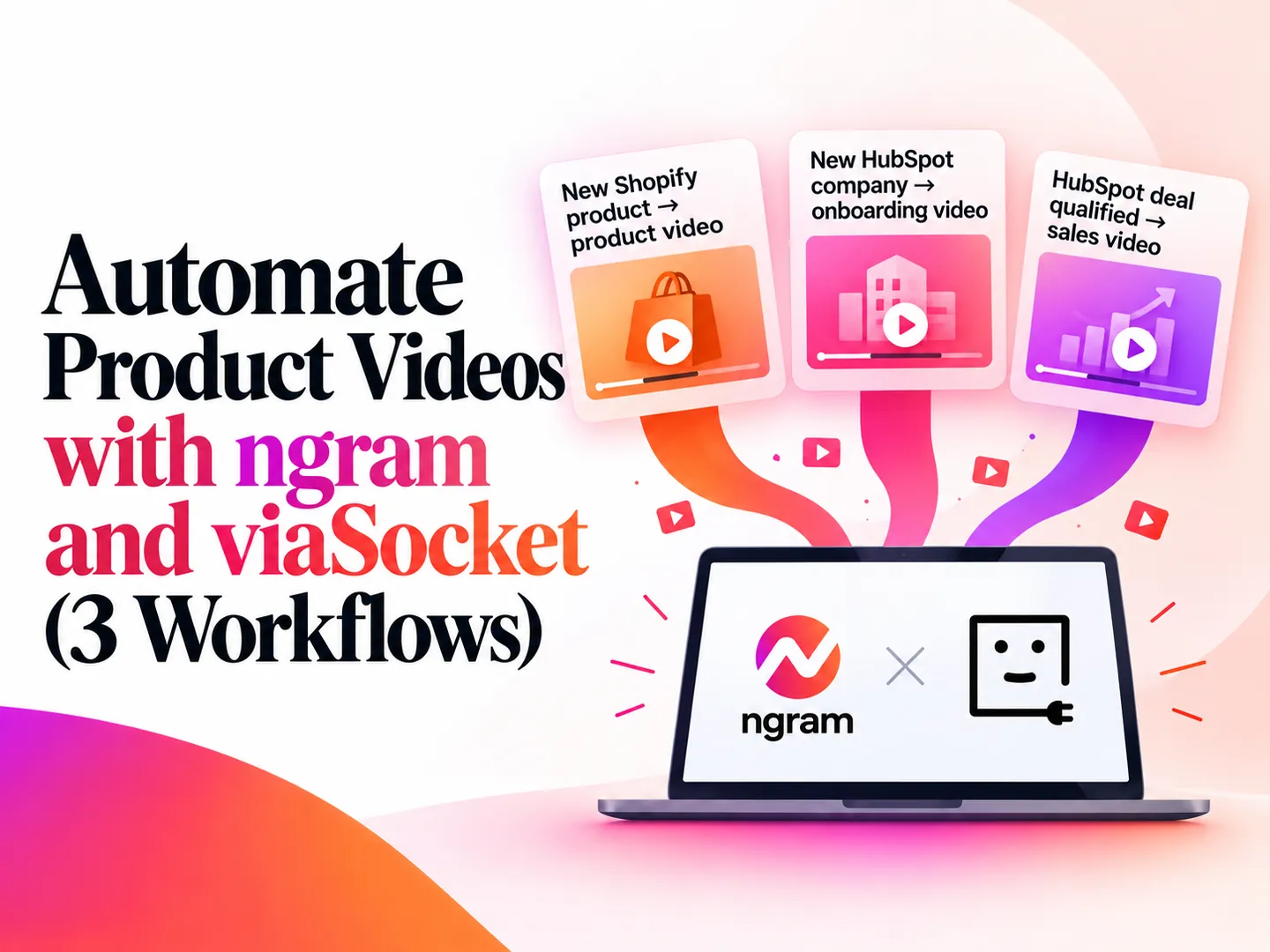
You don't need to build these from scratch. viaSocket already has ready-made automation templates for ngram, and three in particular cover most of what a product or growth team needs.
1. New Shopify product → product video
When a product gets added or updated in Shopify, this template sends the name, description, images, price, and key benefits straight to ngram, which builds a fresh product video for product pages, ads, or social. It closes the usual gap where a listing changes but the old video stays up next to the new price. You can pull up the ready-made flow here: Generate a product video from new Shopify products using ngram.
2. New HubSpot company → onboarding video
The first week with a new customer sets the tone for everything after it. This template fires the moment a new company record lands in HubSpot and generates a welcome video that covers the first useful action, the one capability most relevant to why they bought, and a clear next step. No full product tour, just the next right move. Grab the template here: Create a personalized onboarding video for new HubSpot companies with ngram.
3. HubSpot deal qualified → sales video
Generic outreach gets ignored. A short video that names the prospect's company and the specific problem they raised gets opened. This template triggers when a HubSpot deal hits "qualified to buy," passes the account context to ngram, and produces a video built for that one account, at the exact moment a rep would otherwise be recording a Loom by hand. Here's the flow: Create an ngram sales video when a HubSpot deal is qualified to buy.
Where the finished videos actually go
Where a video gets published matters as much as how it gets made. Wistia's 2026 State of Video report found that roughly eight in ten teams now treat LinkedIn as their primary channel for sharing video, ahead of YouTube. A release video built the moment a ticket moves to "done" is ready to post same-day on the platform your audience is actually watching.
Trigger event | Source app | What the video covers | Where it's used |
|---|---|---|---|
Product added or updated | Shopify | Name, description, images, price, benefits | Product pages, ads, campaigns |
New company created | HubSpot | Welcome, first action, key capability, next step | Onboarding emails, in-app messages |
Deal marked qualified | HubSpot | Role, company, challenge, relevant value | Sales outreach, follow-ups |
Setting one of these up yourself
All three templates follow the same underlying pattern, which is part of why they're worth reusing instead of rebuilding each time:
Pick the trigger event in the source app: a status change, a new record, an updated listing.
Map the fields ngram actually needs, like title, audience, or product details.
Send that data to ngram's "Create Video From Text" action, or fire a webhook once the render is done.
Route the finished video wherever it needs to land, whether that's Slack for a quick sign-off, email for outreach, or a CMS for publishing.
If you'd rather adapt something already built than configure every step by hand, viaSocket's automation templates give you a starting point instead of a blank canvas. And since ngram sits alongside more than 2,300 apps in viaSocket's catalog, these three workflows are a starting point, not the ceiling. Any tool that produces structured data, a support ticket system, an event platform, a billing tool, can feed the same kind of video-on-demand setup.
Beyond these three templates
viaSocket's library goes further than Shopify and HubSpot. Because ngram connects across the full app catalog, there are already flows built around a trigger called "When a video is completed" and two actions: "View Video Status" and "Create Video From Text." That covers things like a new release published on GitHub, a pull request closing, a document fully signed in Zoho Sign, or a new event on a Google Calendar. Each one is a signal that something worth a video just happened.
"View Video Status" is the piece doing the quiet work behind the scenes. It checks whether a video is queued, processing, or ready to download, so a workflow can wait for the render to finish before pushing it anywhere. Pair that with "Create Video From Text" and you've got the two moves every one of these workflows is really making: ask ngram to build something, then hand off the result once it exists.
What actually changes
None of this asks your team to become video editors. It asks you to decide, once, what data matters for each type of video, then let the trigger do the rest. The release video doesn't wait for someone's free afternoon. The onboarding video doesn't depend on how slammed CS is that week. The product video doesn't sit stale next to a price that changed three weeks ago.
That's the actual shift. Video stops being a deliverable someone owns and becomes a system that runs on its own.
FAQ
Do I need to write scripts for ngram?
No. ngram handles research, storyboarding, scripting, voiceover, and motion graphics on its own. You control the inputs (docs, prompts, brand kit) and the outputs (audience, goal, style, length), not the script itself.
What other triggers can I use besides these three?
Anything that produces structured data works: a closed support ticket, a webinar signup, a new case study, a survey response. The pattern stays the same. An event happens, relevant fields get mapped, ngram builds the video.
Can someone review a video before it goes out?
Yes. Route the finished video to Slack, email, or a shared drive as an approval step before it goes anywhere public. This is a common addition to both the onboarding and sales video templates above.
Does this replace a video production team?
Not for everything. It's built for the high-volume, repetitive video needs, releases, onboarding, product updates, that would otherwise never get made because they're not worth a full production cycle. Bigger campaign videos still benefit from human creative direction.

