No-Code Automation for Sales & Marketing: Tools, Templates & Frameworks to Boost Productivity
Introduction
Marketing and sales teams don’t usually lose productivity in big, dramatic ways. It slips away in small tasks copying lead data, sending the same follow-up emails, updating spreadsheets, or building reports that should update themselves. Over time, those “quick” tasks eat hours every week.
The good news: you no longer need developers to fix this. Today, you can automate large parts of your sales and marketing operations without writing any code. With the right tools and workflow templates, you can connect your apps, remove manual work, and move faster as a team.
In this guide, you’ll learn what no-code automation really means, why it matters for go-to-market teams, which tools to consider, and how structured workflow templates help you scale without chaos.
What Does “No-Code Automation” Actually Mean?
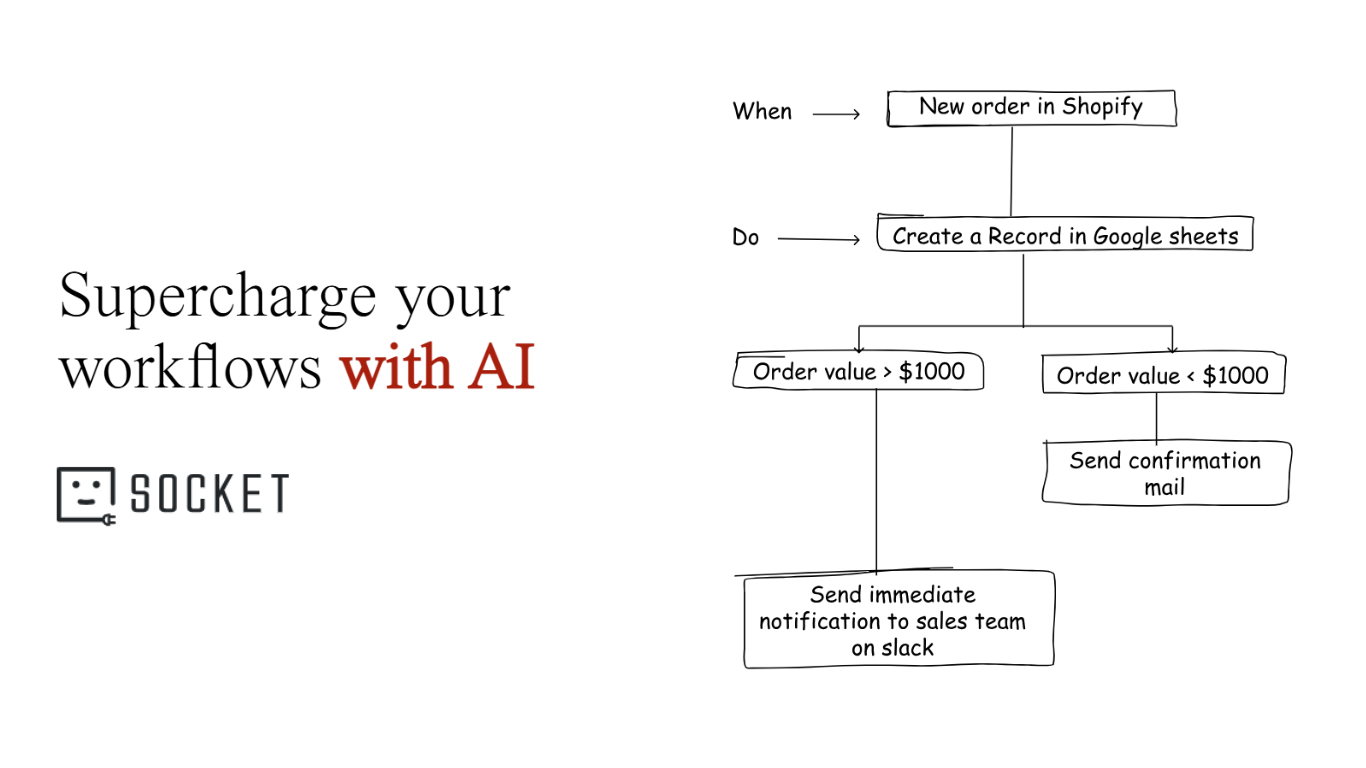
No-code automation lets you build workflows between your tools using visual builders instead of programming, essentially creating “if this happens, then do that” rules across your software stack so information moves automatically without manual effort. For example, when a prospect fills out a form, their details can be added to your CRM, a welcome email sent, and the right sales rep notified in Slack within seconds. It works like a digital operations assistant running behind the scenes, handling repetitive coordination while your team focuses on strategy and relationships. Unlike low-code tools that require some scripting or custom integrations built by developers, no-code platforms hit a sweet spot for sales and marketing teams by reducing manual data entry, speeding up lead response, improving alignment between teams, enabling faster experimentation, and helping operations scale without increasing headcount.
When evaluating no-code automation tools, teams should look at integrations, ease of use, ability to handle multi-step logic, scalability, and the availability of templates or structured workflow blueprints. Popular platforms include Zapier for simple cross-app automations, Make for visual workflows with advanced branching, HubSpot Workflows for teams already using that CRM, viaSocket for structured, reusable sales and marketing automations, Airtable Automations for data-driven operations, n8n for technical flexibility, and Workato for enterprise grade governance. Starting with high-impact workflows like lead routing, instant follow-ups, campaign reporting, pipeline alerts, and customer onboarding and building them with reusable templates instead of scattered one off automations helps turn no-code automation from a few quick wins into a scalable, long term competitive advantage.
Why Sales And Marketing Teams Benefit Most
Sales and marketing teams sit at the center of customer data, but their tools are often disconnected, and automation helps close those gaps by keeping systems in sync and processes moving automatically. Instead of manually copying form submissions into a CRM or spreadsheet, automation reduces errors and frees teams to focus on campaigns, messaging, and closing deals. It also enables faster lead response, which can be the difference between starting a conversation and losing an opportunity, by instantly routing leads and triggering follow-ups. When lifecycle stages, campaign engagement, and deal updates update automatically, sales and marketing stay aligned with shared, up-to-date information, leading to smoother handoffs and more relevant outreach. No-code automation also makes experimentation easier, allowing growth teams to test nurture flows, routing logic, or scoring models without waiting on engineering, and as lead volume increases, these automated systems help operations scale so teams can handle more work without burning out or adding extra headcount.
How To Evaluate No-Code Automation Tools
Not all automation platforms are built the same, so before choosing one, evaluate how well it fits your real operational needs. Strong integrations are essential your tool should connect smoothly with your CRM, email platform, ad tools, forms, and reporting systems so you’re not forced into messy workarounds. Ease of use also matters; a visual builder, guided setup, and ready-made templates help ensure your team actually adopts the tool instead of avoiding it because it feels too technical. Beyond simple trigger-and-action flows, look for support for branching logic, conditions, and multi-step sequences so your workflows can handle real-world complexity as you grow. You should also consider scalability, including task limits, reliability, and how pricing increases with higher automation volume. Finally, templates and structured blueprints can dramatically reduce setup time and errors, which is why platforms like viaSocket stand out by offering reusable workflow frameworks rather than forcing teams to build every automation from scratch.
Popular No-Code Automation Tools
Different tools fit different teams and use cases. Here’s a quick overview.
Best for: Technical teams wanting flexibility
Key strength: Open-source and highly customizable
Consider if: You have some technical support available
Best for: End-to-end sales and marketing workflows
Key strength: Structured templates and workflow frameworks
Consider if: You want guided, reusable automations across multiple tools
Best for: Simple cross-app automations
Key strength: Huge integration library
Consider if: You need quick, straightforward workflows
Best for: Visual, multi-step workflows
Key strength: Advanced logic and branching
Consider if: You want more control and don’t mind a steeper learning curve
HubSpot Workflows
Best for: Teams already using HubSpot CRM
Key strength: Deep, native CRM and marketing automation
Consider if: Most of your processes live inside HubSpot
Airtable Automations
Best for: Data-driven marketing ops
Key strength: Database plus lightweight automation
Consider if: Many workflows revolve around structured tables
High-Impact Workflows To Start With
If you’re new to automation, don’t try to automate everything at once. Start with a few workflows that directly impact revenue.
Lead capture and routing
Form submission → CRM record → assign owner → notify repInstant lead follow-up
New lead → send welcome email or SMS → create follow-up taskCampaign reporting
Ad platform data → spreadsheet or dashboard → weekly Slack summaryPipeline stage alerts
Deal moves stage → notify account manager or customer successCustomer onboarding
Deal marked “closed-won” → send onboarding email series → create internal tasks
These are exactly the types of processes that structured templates — like those in viaSocket are designed to support.
Why Workflow Templates Matter More Than You Think
Many teams create one-off automations that seem fine at first but eventually break, leaving behind a tangled mess of disconnected workflows that no one fully understands or feels confident updating. Structured workflow blueprints, like the ones provided by viaSocket, solve this by standardizing how automations are built, making flows easier to troubleshoot, maintain, and improve over time, and giving teams a clear path to scale from simple task automations to more advanced, system-level processes. Instead of scattered “zaps” spread across different tools, you get a more organized, reliable automation layer that grows alongside your operations rather than becoming harder to manage as complexity increases.
AI Workflow Automation Tool | viaSocket