What Are AI Agent Integrations? A Practical Guide for Developers
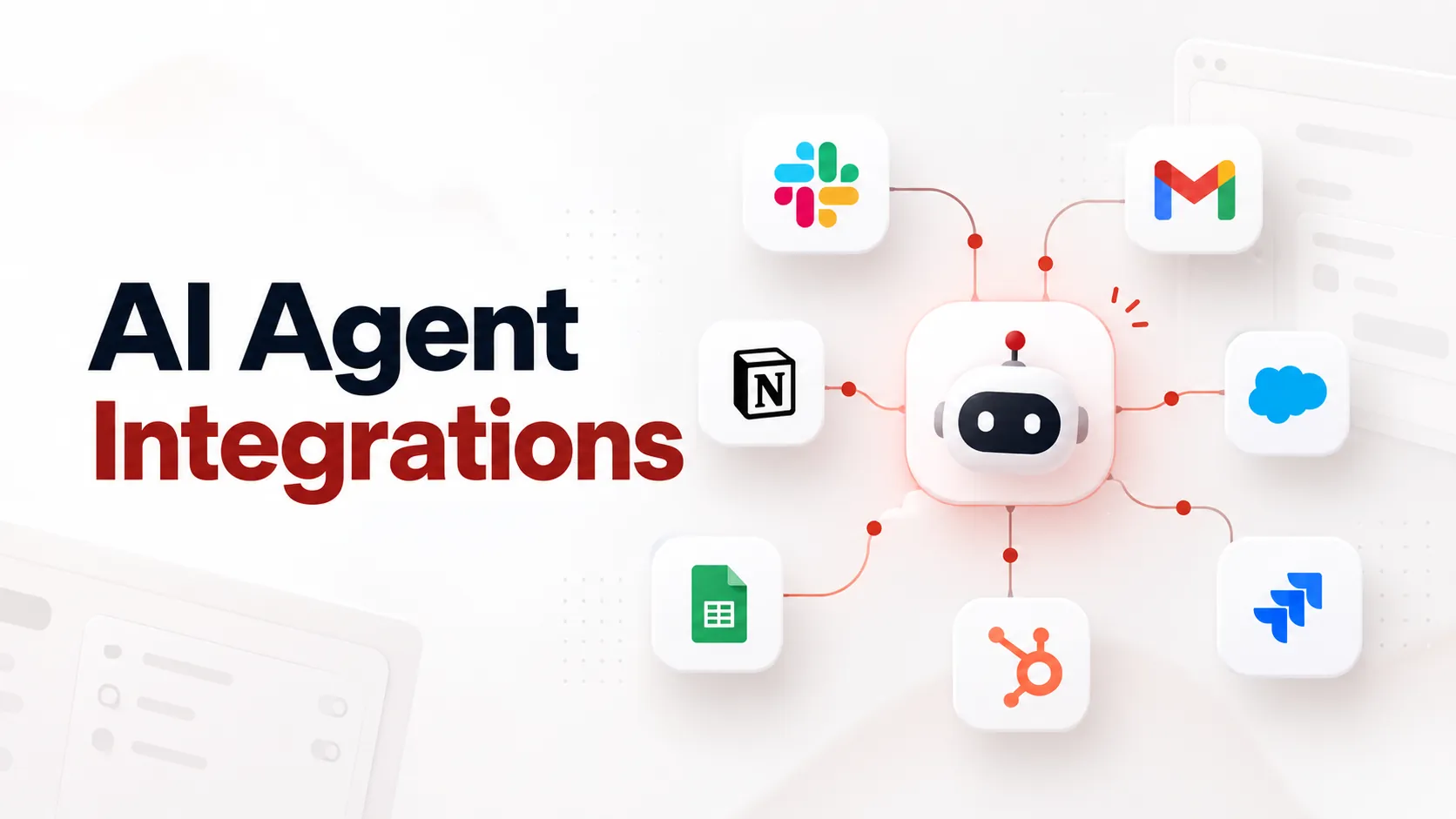
AI agent integrations are the connections that let an AI agent read data from, and take actions in, external applications such as Gmail, Slack, HubSpot, Jira or Stripe. They turn a model that can only produce text into an agent that can send the email, update the CRM record or open the ticket.
This guide covers what an agent integration actually is under the hood, the difference between read and action integrations, how tool calling and MCP fit in, the parts that tend to break in production (authentication, multi-tenancy, rate limits, permissions), and how to decide whether to build the integration layer yourself or use one.
The short definition
An AI agent integration is a connection between an AI agent and an external system, made up of three things:
A tool definition the model can see: a name, a description and a JSON schema for the inputs.
An execution layer that turns the model's tool call into a real, authenticated API request.
Credentials that are scoped to a specific user or account and allow that request.
The model decides what to do. The integration decides whether it is allowed and how it actually gets done.
Why agents need integrations at all
A language model on its own has two limits. It only knows what was in its training data and your prompt, and it cannot change anything outside the conversation.
Integrations address both:
Context. The agent can pull current data, such as today's open deals, the last five support tickets from a customer, or a file in Google Drive.
Action. The agent can write back: create a Jira issue, post in a Slack channel, issue a Stripe refund, update a row in Google Sheets.
Most competing guides stop at "read vs write". For anyone building a product, the more useful split is who the agent is acting for, which comes up again below.
Two kinds of AI agent integrations: read and action
| Read (context) integrations | Action integrations |
|---|---|---|
What it does | Retrieves data for the model to reason over | Creates, updates or deletes something in another app |
Examples | Search CRM contacts, fetch a calendar, read a Notion page | Send an email, create a ticket, update a deal stage |
Typical techniques | Tool calls, RAG/indexed sync, MCP resources | Tool calls, MCP tools |
Main risk | Leaking data the user shouldn't see | Irreversible or wrong side effects |
Safeguards | Per-user scopes, field filtering | Confirmation steps, idempotency, least-privilege scopes, audit logs |
Action integrations are where agents become useful, and also where most of the engineering risk is. A wrong answer can be corrected. A wrongly sent invoice has already gone out.
How an AI agent integration works, step by step
Here is the lifecycle of a single action, for example "Create a HubSpot contact for the person who just emailed me."
User request
   │
   ▼
Agent / LLM ── sees list of tool definitions (name, description, schema)
   │  decides to call: create_contact({ email, first_name, company })
   ▼
Execution layer (your code or an integration platform)
   ├─ validate arguments against the schema
   ├─ check permissions: is this user allowed to call this tool?
   ├─ look up the user's HubSpot connection and access token
   ├─ refresh the token if it has expired
   ├─ map arguments to HubSpot's API format and send the request
   ├─ handle 429s / 5xx with retries and backoff
   └─ trim the response to the fields the model needs
   │
   ▼
Tool result returned to the model ──► model replies to the user or calls the next tool
Two details matter here:
The model never holds the credentials. It outputs a structured request, and your application runs it. Anthropic's tool-use docs describe exactly this loop: the model responds with a
tool_useblock, and "your code executes the operation and sends back atool_result." OpenAI's function calling follows the same pattern.Most of the work sits in the execution layer. The tool definition is a few lines. Auth, mapping, retries and permissions are where the engineering effort goes.
What a tool definition looks like
A minimal tool definition in the format used by Anthropic's Messages API:
{...}{
  "name": "create_crm_contact",
  "description": "Create a contact in the user's connected CRM. Use when the user asks to save or add a person as a lead or contact. Do not use to update existing contacts.",
  "input_schema": {
    "type": "object",
    "properties": {
      "email": { "type": "string", "description": "Contact's email address" },
      "first_name": { "type": "string" },
      "last_name": { "type": "string" },
      "company": { "type": "string" }
    },
    "required": ["email"]
  }
}
Notice what is not in the schema: the user ID, account ID or API key. Those come from your application's session context, not from the model. Nango's engineering guidance makes the same point. Pre-fill known values like userId or accountId instead of asking the LLM for them, because every extra parameter the model has to fill in is another chance for it to get something wrong.
Tool calling, MCP and APIs: how they relate
These terms get used as if they were the same thing. They are separate layers.
APIs are what the external app exposes (the HubSpot REST API, the Gmail API). Every integration eventually calls one.
Tool calling / function calling is how a model asks for an action: it emits a structured call against a schema you gave it.
Model Context Protocol (MCP) is an open protocol that standardizes how AI applications discover and call tools and data exposed by external servers. It uses JSON-RPC 2.0 between hosts (the LLM application), clients (connectors inside the host) and servers (services that provide tools, resources and prompts), according to the MCP specification.
The integration layer is everything that sits behind the tool or MCP server: credentials, token refresh, per-user connections, field mapping, retries, logging.
MCP standardizes the interface between the agent and the tools. It doesn't remove the need for the layer behind those tools. Someone still has to store each user's OAuth tokens, refresh them, respect rate limits and translate a generic create_contact into the specific API call.
On authorization, MCP's spec says authorization is optional. When it is used over HTTP transports it is based on OAuth 2.1. A protected MCP server acts as an OAuth resource server, and tokens must be issued specifically for that server (audience-bound). For local STDIO servers, the spec says credentials should come from the environment instead.
Rule of thumb:
One agent, a few internal tools, your own credentials → direct tool calling is fine.
You want your tools usable from many AI clients (Claude, ChatGPT, Cursor, your own agent) → expose them over MCP.
Your customers connect their accounts and your agent acts for them → you need a proper integration layer regardless of which of the above you use.
The three deployment patterns (the part most guides skip)
What "AI agent integration" means in practice depends on who owns the credentials.
1. Internal agent, company credentials
An ops agent that reads your own Jira and posts to your own Slack. One set of credentials, usually a service account or bot token. The hard parts are permissions and auditing.
2. Personal agent, the user's own credentials
A desktop assistant or IDE agent connecting to your Gmail or GitHub. Often done with local or remote MCP servers. The hard part is consent: the MCP spec requires hosts to get explicit user consent before invoking tools.
3. AI product, many customers' credentials (multi-tenant)
You are building an AI SaaS product, and each of your customers connects their own HubSpot, Google Workspace or Shopify. Your agent has to act as user A in tenant X and never touch tenant Y's data. This is where integrations get expensive:
An OAuth flow and app registration for every provider
Secure storage of access and refresh tokens per user
Background token refresh, and handling revoked or expired connections gracefully
Mapping between your tool schemas and each provider's API
Per-tenant rate limits and error isolation
A UI where end users connect and disconnect apps
Most guides written from an enterprise-automation angle cover pattern 1. If you're building an AI product, you're almost certainly in pattern 3, and that's where the integration layer, sometimes called the action layer, becomes its own piece of infrastructure.
What breaks in production
A demo integration works on the first try. A production integration has to keep working at 2 a.m. for thousands of users. The common failure modes:
Expired or revoked tokens. OAuth access tokens expire, and users revoke access or change passwords. Your execution layer needs to refresh tokens before they expire, detect invalid_grant errors and send the user back through re-authorization, rather than showing the model an opaque 401.
Rate limits. Every provider limits requests differently. Agents can fire many tool calls in a loop, so handle 429 responses with backoff in the tool layer, not by hoping the model slows down.
Too many tools. Giving a model dozens of loosely described tools makes it pick the wrong one more often. Nango's guide puts it bluntly: an agent with 50 tools "will hallucinate more often than an agent presented with 5." Scope tools to the workflow, and write descriptions that say when not to use a tool.
Raw API responses. Returning a 40 KB JSON payload wastes tokens and distracts the model. Return only the fields it needs.
Duplicate side effects. If a call times out and the agent retries, you can end up with two tickets or two charges. Use idempotency keys where the API supports them, or check for existing records before creating new ones.
Excessive agency. OWASP lists "Excessive Agency" (LLM06:2025) as a top risk for LLM applications: agents given more functionality, permissions or autonomy than they need. Mitigations include least-privilege OAuth scopes, separate read and write tools, and human approval for destructive actions.
No audit trail. When a customer asks "why did your AI delete my deal?", you need logs showing the tool call, arguments, user, tenant, timestamp and API response.
An implementation checklist
Use this before shipping any AI agent integration:
☐ Each tool does one clear job and has a description that says when to use it and when not to
☐ Tenant, user and account IDs come from session context, never from the model
☐ Credentials are stored encrypted, per user, and never passed to the model
☐ Tokens are refreshed automatically, and revoked connections trigger re-auth
☐ OAuth scopes are the minimum the tools need
☐ Arguments are validated before calling the external API
☐ Errors come back to the model as short, structured messages it can act on
☐ Rate limits and retries are handled in the execution layer
☐ Write actions are idempotent or de-duplicated
☐ Destructive or high-value actions need user confirmation
☐ Every tool call is logged with user, tenant, inputs and outcome
☐ Responses are trimmed to what the model needs
Build vs buy: the integration layer
Build it yourself when:
You need a small number of integrations (roughly one to five) that are core to your product
You need deep, custom behavior with a specific API
You have engineers who can own OAuth, token storage and API changes over time
Use an integration platform when:
Your customers expect to connect many different apps
You're in the multi-tenant pattern and don't want to run per-user OAuth for every provider
Integrations support your product but aren't what it's differentiated on
The ongoing cost is usually larger than the first build. Each integration needs maintenance as providers change APIs, deprecate endpoints and adjust scopes.
Platforms take different approaches. Composio and Nango, for example, focus on developer-facing tool and auth infrastructure for agents. viaSocket fits in the multi-tenant, action-layer pattern: AI products and agents can take actions across 2,300+ apps, and viaSocket handles managed authentication (OAuth flows and token refresh), managed mapping, multi-tenant connections, actions and triggers. It also offers MCP access, so the same actions can be exposed to MCP-compatible AI clients. Whichever you evaluate, test it against the checklist above with your real use cases before committing.
Examples of AI agent integrations
Use case | Integration | Read or action |
|---|---|---|
Sales assistant logs a call summary | HubSpot / Salesforce: update deal, add note | Action |
Support agent drafts a reply using order history | Shopify: fetch orders; Zendesk: create reply | Read + action |
Engineering agent triages a bug report | GitHub / Jira: search issues, create issue | Read + action |
Scheduling assistant books a meeting | Google Calendar: check availability, create event | Read + action |
Finance agent flags overdue invoices | Stripe / Xero: list invoices; Slack: post alert | Read + action |
Ops agent logs form submissions | Google Sheets: append row | Action |
FAQ
What is the difference between an AI agent integration and a normal API integration?
A traditional API integration runs fixed logic that a developer wrote: when X happens, call Y. In an AI agent integration, the model decides at runtime which tool to call and with which arguments, based on the user's request. That means the integration has to be described clearly enough for a model to use, and it needs guardrails for calls the developer never anticipated.
Is MCP the same as an AI agent integration?
No. MCP is a protocol for exposing tools and data to AI applications in a standard way. An AI agent integration is the full connection, including authentication, API mapping, error handling and permissions. An MCP server is one way to deliver an integration.
Do AI agents need OAuth?
If the agent acts on behalf of users in apps like Google, Microsoft, Slack or HubSpot, usually yes, because those providers use OAuth for delegated access. Internal agents sometimes use API keys or service accounts instead. For remote MCP servers that require authorization, the MCP spec's authorization flow is based on OAuth 2.1.
What's the difference between tool calling and function calling?
In practice they describe the same mechanism: the model returns a structured request to run a named function with JSON arguments, and your code executes it. OpenAI popularized "function calling", and Anthropic and others use "tool use" or "tool calling".
How many tools should an AI agent have?
As few as the task needs. Accuracy tends to drop as the number of tools grows, so group tools by workflow and load only the relevant set for each context.
What is an action layer for AI products?
It's the infrastructure between an AI product and the apps its users connect. It turns model decisions into authenticated, reliable API actions, and it handles OAuth, per-user connections, mapping, retries and logging so the product team doesn't rebuild that for every app.
Key takeaways
AI agent integrations combine a tool definition, an execution layer and user-scoped credentials.
Read integrations give agents context. Action integrations let them do work, and carry most of the risk.
Tool calling, MCP and APIs are separate layers. MCP standardizes the interface but doesn't replace the auth and mapping behind it.
The hard part is production: token refresh, multi-tenancy, rate limits, idempotency, least privilege and audit logs.
If your customers connect their own apps, treat the integration or action layer as infrastructure, and decide deliberately whether to build it or buy it.
Sources