Workspace Settings
Workspace Settings allow you to manage the basic information associated with your workspace.
Any changes you make here apply across your entire workspace and help personalize your viaSocket experience.
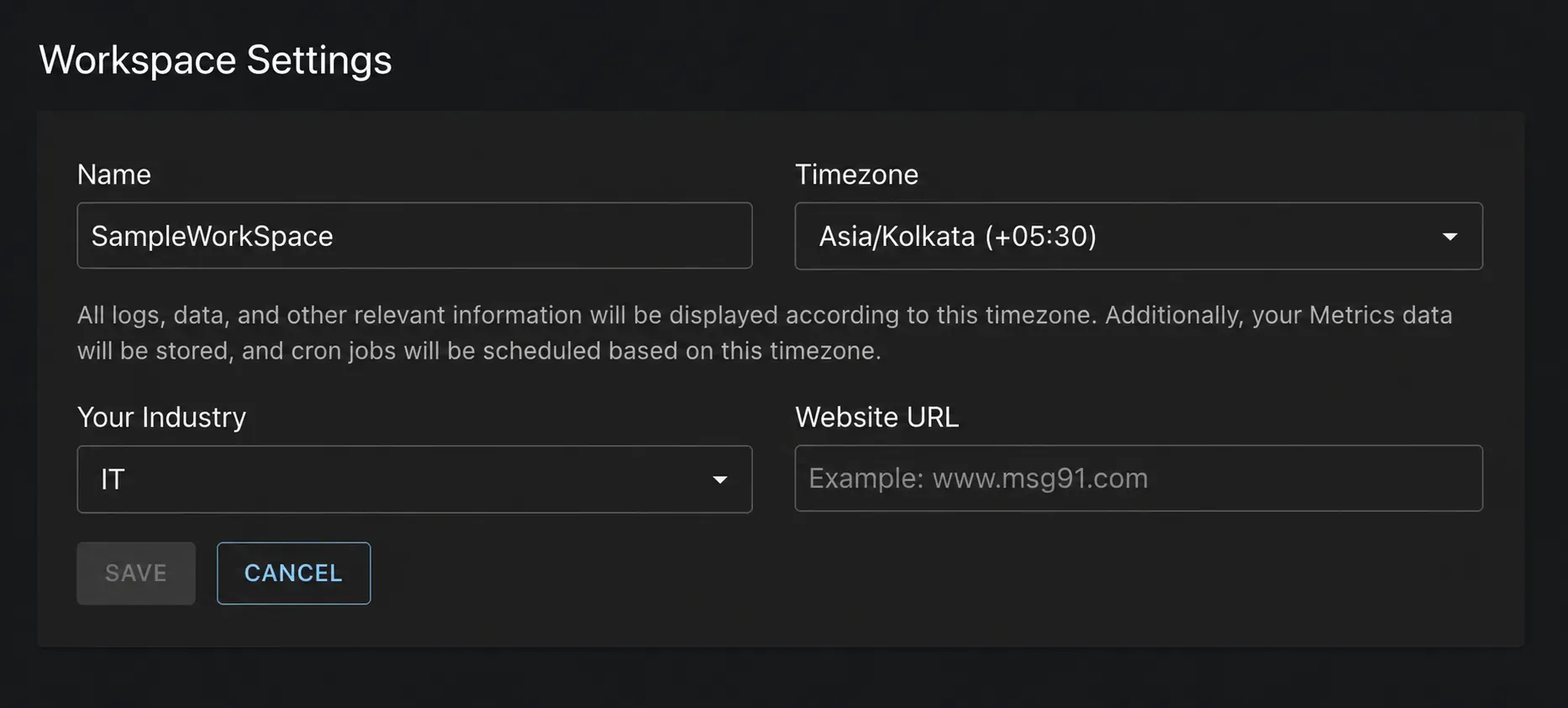
Name - Your workspace name helps you identify and organize your work inside viaSocket..
Timezone - Your selected timezone determines how time-based activities are displayed and executed within your workspace.
Your Industry - Select the industry that best describes your business. This helps Viasocket better understand your use case and may be used to personalize recommendations, templates, and product experiences.
Website URL - Add your business website (e.g. www.msg91.com) to associate your workspace with your organization.
Save Your Changes - After updating any settings, click Save to apply the changes to your workspace.