
Best Top 10 Payroll Software to Use in 2025
This post covers: The Best top 10 payroll software of 2025, why they are the best, their pricing, and more..
💰 Employees love payday... until you ‘accidentally’ forget to pay them!💰
We all have jobs, and let’s be honest—the ultimate motivation to show up at the office every day is salary. After all, nobody works just for high-fives and pizza parties!
But when it comes to processing payroll, things get tricky. No one enjoys calculating deductions and preparing pay slips for every employee manually (oops, high chance of errors!).
However, if you're in finance or HR, payroll is something you have to deal with.
Luckily, payroll software make the job easier—no more stressing over calculations! I’ve researched, compared reviews, analyzed features and pricing, and even checked expert opinions to bring you the best payroll software. 🚀
Best Payroll software in 2025
✅ Gusto – Best for a user-friendly experience, ideal for small to mid-sized businesses.
✅ Square Payroll – Best for small businesses & contractors, with simple pricing and easy tax filing.
✅ ADP RUN – Best for scalability, suitable for businesses that plan to grow.
✅ Patriot Payroll – Best for businesses on a budget, offering affordable payroll solutions.
✅ OnPay – Best for niche industries, including agriculture, nonprofits, and healthcare.
✅ Remote – Best for global payroll, managing international teams with compliance support.
✅ Rippling – Best for tech companies, providing a seamless integration of HR, IT, and payroll.
✅ Ceridian Dayforce – Best for enterprise-level payroll & workforce management, offering AI-driven automation and compliance tools.
✅ Zoho Payroll – Best HR payroll in India for small to mid-sized businesses, delivering seamless HR & payroll integration, automated processing, and streamlined compliance.
✅ HR One – Best for organizations needing an all-in-one HR & payroll platform with customizable workflows, scalable processing, and complete workforce management.
What Makes the Best Payroll Software?
To cut through the noise and find the best payroll solutions, I evaluated each option based on the following key criteria:
1. Pricing & Value
Let’s be honest—payroll software should save you money, not drain your budget. The best payroll tools offer competitive pricing without compromising on essential features like automation, compliance, and tax support.
2. Compliance & Support
Payroll isn’t just about cutting checks—it’s about staying legally compliant and avoiding costly fines. The best payroll software provide:
✔️ Automatic tax updates & filings
✔️ Compliance alerts to stay ahead of changing regulations
✔️ Dedicated customer support for payroll & tax queries
Because nothing ruins your day faster than receiving a letter from the IRS or your local tax authority.
3. Tax Automation
Payroll taxes are complicated (understatement of the year!). The best payroll software handles:
✔️ Automatic tax calculations
✔️ Seamless tax filings & payments
✔️ Multi-jurisdiction support for businesses with employees in different states or countries
Say goodbye to manual tax headaches and potential filing mistakes!
4. Features & Capabilities
Modern payroll software goes beyond just payroll. The best software offer:
✔️ Direct deposits & contractor payments
✔️ Employee benefits administration (health insurance, retirement plans, etc.)
✔️ Integrations with accounting & HR software
✔️ Self-service portals for employees to access pay slips & tax documents
The more a payroll software can automate and simplify, the better.
Final Note 📝
Now, while I’d love to tell you that I personally ran payroll for an entire company using each of these tools (sounds thrilling, right?), that’s not exactly the case. Instead, I’ve gathered insights from:
✅ Extensive research & software comparisons
✅ User reviews & real-world experiences
✅ Feedback from payroll professionals who use these tools daily
So, if you’re looking for the best payroll software that balances affordability, automation, compliance, and ease of use, you’re in the right place. Let’s dive in!
Software | Best For | Pricing | Key Features |
|---|---|---|---|
User-friendly experience for small to mid-sized businesses | Starts at $40/month + $6 per employee | Full-service payroll, tax filings, employee benefits | |
Small businesses & contractors | Starts at $35/month + $5 per employee | Automatic tax filings, direct deposits, benefits management | |
Scalability, suitable for growing businesses | Custom pricing based on business size | Payroll automation, HR support, compliance tools | |
Businesses on a budget | Starts at $17/month + $4 per employee | Affordable payroll, tax filing, direct deposit | |
Niche industries (agriculture, nonprofits, healthcare) | Flat $40/month + $6 per employee | Payroll, benefits, and HR tools | |
Global payroll & compliance | Custom pricing based on location & team size | International payroll, contractor payments, tax compliance | |
Tech companies | Starts at $8 per employee/month | Seamless HR, IT, and payroll integration | |
Enterprise-level payroll & workforce management | Custom pricing based on company size | AI-driven payroll automation, compliance tools | |
Best HR payroll in India for small to mid-sized businesses | Free for up to 3 employees; ₹45/employee/month (monthly) or ₹39/employee/month (annual) | Seamless HR & payroll integration, automated processing, streamlined compliance | |
All-in-one HR & payroll platform with customizable workflows and scalable processing | Starter: ₹3,999/month; Business: ₹7,999/month; Enterprise: Custom pricing | Customizable workflows, integrated HR & payroll, comprehensive workforce management |
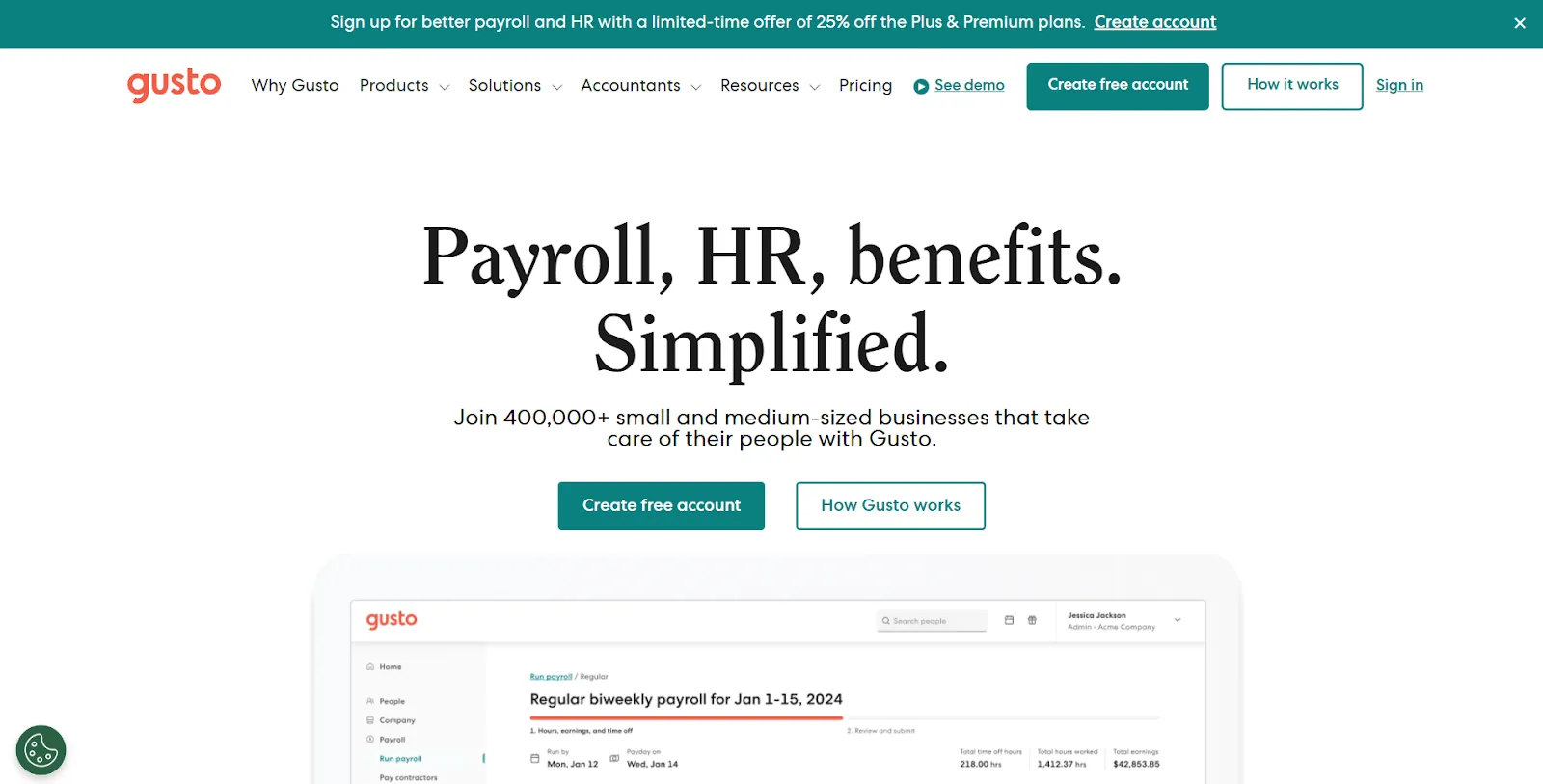
Gusto is the Apple of payroll software—sleek, intuitive, and just expensive enough to make you wish it were cheaper. But after hours of research, digging through reviews, and testing the interface, I can confidently say it’s worth every penny for businesses that want a payroll software that just works.
Gusto Pros:
Built-in employee management – HR tools, benefits administration, and payroll all in one place.
Automatic tax calculations and filings – Federal, state, and local taxes? Gusto handles them. No stress, no IRS letters.
Feature-packed mobile app – Run payroll from anywhere (even in your pajamas).
Gusto Cons:
Pricing can be higher than some competitors for larger teams – Small businesses love it; big businesses might feel the pinch.
Advanced payroll features require an upgrade – Want multi-state payroll? That’s gonna cost extra.
Why Gusto Stands Out
After testing multiple payroll solutions, Gusto offers the most intuitive payroll experience I’ve seen. The dashboard is clean, logical, and easy to navigate—so even if payroll gives you cold sweats, Gusto makes it feel weirdly simple.
User Favorite: Employee Self-Onboarding
New hires don’t need HR babysitting. Gusto sends an email, and employees set up their own accounts, complete tax forms, and enroll in benefits—all without you lifting a finger. The self-service portal also means employees can check their own pay stubs without spamming you with “When is payday?” questions. Historically, unpaid employees have started revolutions. Just ask Marie Antoinette.
That said, Gusto’s tiered pricing can be a pain. The base plan is reasonable, but key features like multi-state payroll require an upgrade. It’s like Paramount+—except instead of ad-free content, you get the legal right to pay your employees.
💰 Simple – $40/month + $6/employee/month
💰 Plus – $80/month + $12/employee/month
💰 Premium – $180/month + $22/employee/month (for businesses that like extra bells and whistles)
Final Verdict:
If you want a payroll software that’s modern, effortless, and takes tax stress off your plate, Gusto is your best bet. Just be prepared to pay a little extra for the premium experience.
Square Payroll : The Best Payroll software for Small Businesses & Contractors
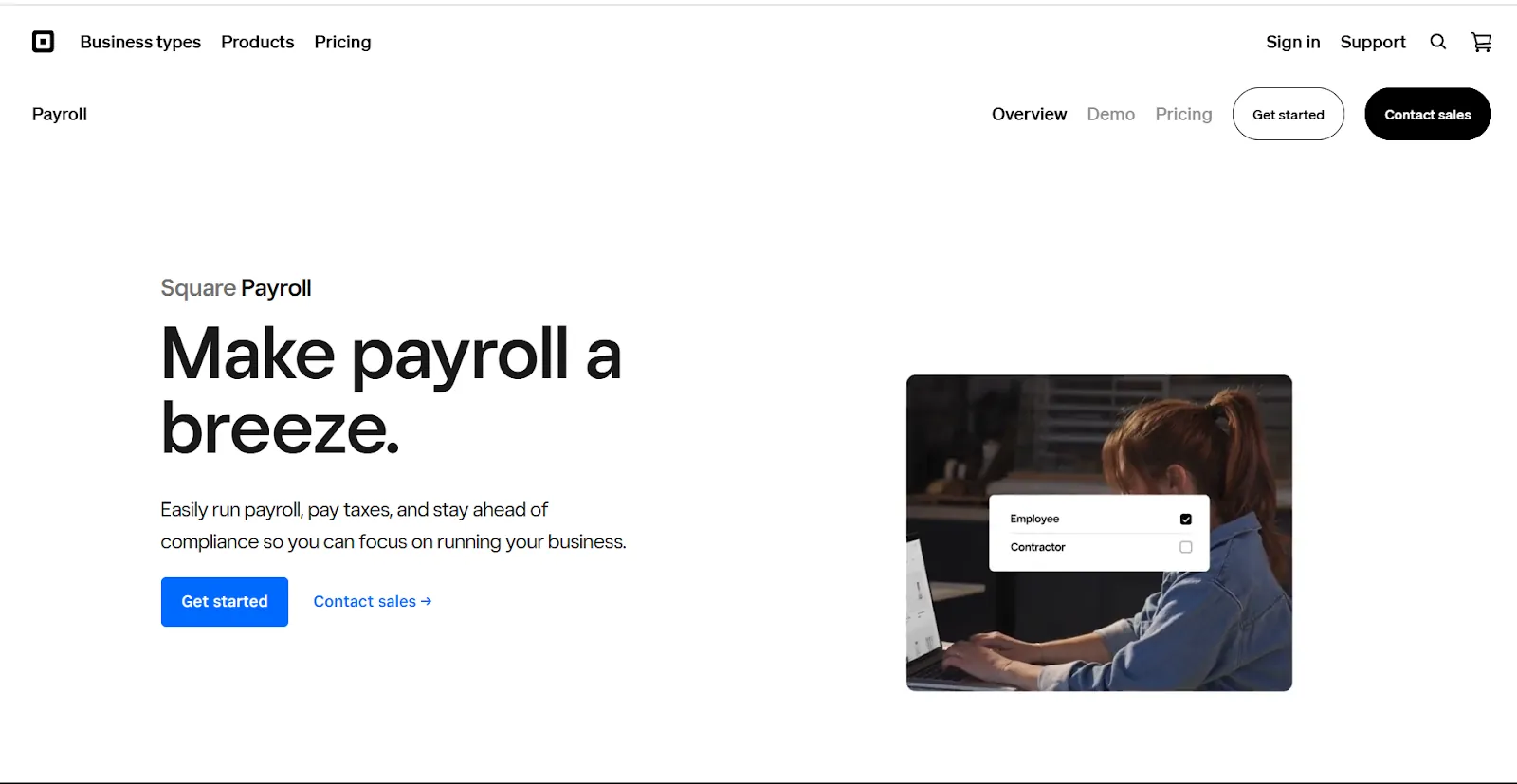
Square Payroll is the set-it-and-forget-it payroll software for small businesses and independent contractors. If you’re already using Square for payments, integrating payroll is as smooth as swiping a card. It’s simple, affordable, and gets the job done without unnecessary complexity—because payroll shouldn’t feel like solving a calculus equation.
Square Payroll Pros:
Flat, transparent pricing – No hidden fees, no surprises. Just a straightforward cost structure.
Automatic tax filing – Federal, state, and local taxes? Square handles them so you don’t have to.
Contractor-only payroll option – Pay 1099 workers with zero monthly base fees—just $5 per contractor.
Square Payroll Cons:
Limited advanced features – Great for small businesses, but larger companies might outgrow it.
Integrates best with Square – If you’re not using Square for payments, it may not be the most seamless option.
Why Small Businesses Love Square Payroll
After digging into user reviews and testing the software, one thing is clear—Square Payroll is built for simplicity. If you’re a small business owner, restaurant owner, freelancer, or contractor-heavy business, you don’t need enterprise-level payroll complexity. You need quick payroll runs, automated tax handling, and easy integrations—and that’s exactly what Square Payroll delivers.
User Favorite: Contractor-Only Payroll
If your business relies on freelancers or gig workers, Square lets you pay contractors without a monthly base fee—just $5 per contractor. That means no paying for features you don’t need. And since it syncs seamlessly with Square Payments, it makes life easier for businesses already in the Square ecosystem.
That said, if you need advanced HR tools, benefits administration, or multi-state payroll, Square Payroll might feel a little basic. But for small teams and contractors? It’s a dream.
💰 Small Business Plan – $35/month + $6/employee
💰 Contractor-Only Plan – No base fee, just $5 per contractor
Final Verdict:
For small businesses, restaurants, and gig-based companies, Square Payroll is one of the easiest, most cost-effective payroll solutions out there. It’s not fancy, but it’s fast, reliable, and gets the job done—without breaking the bank.
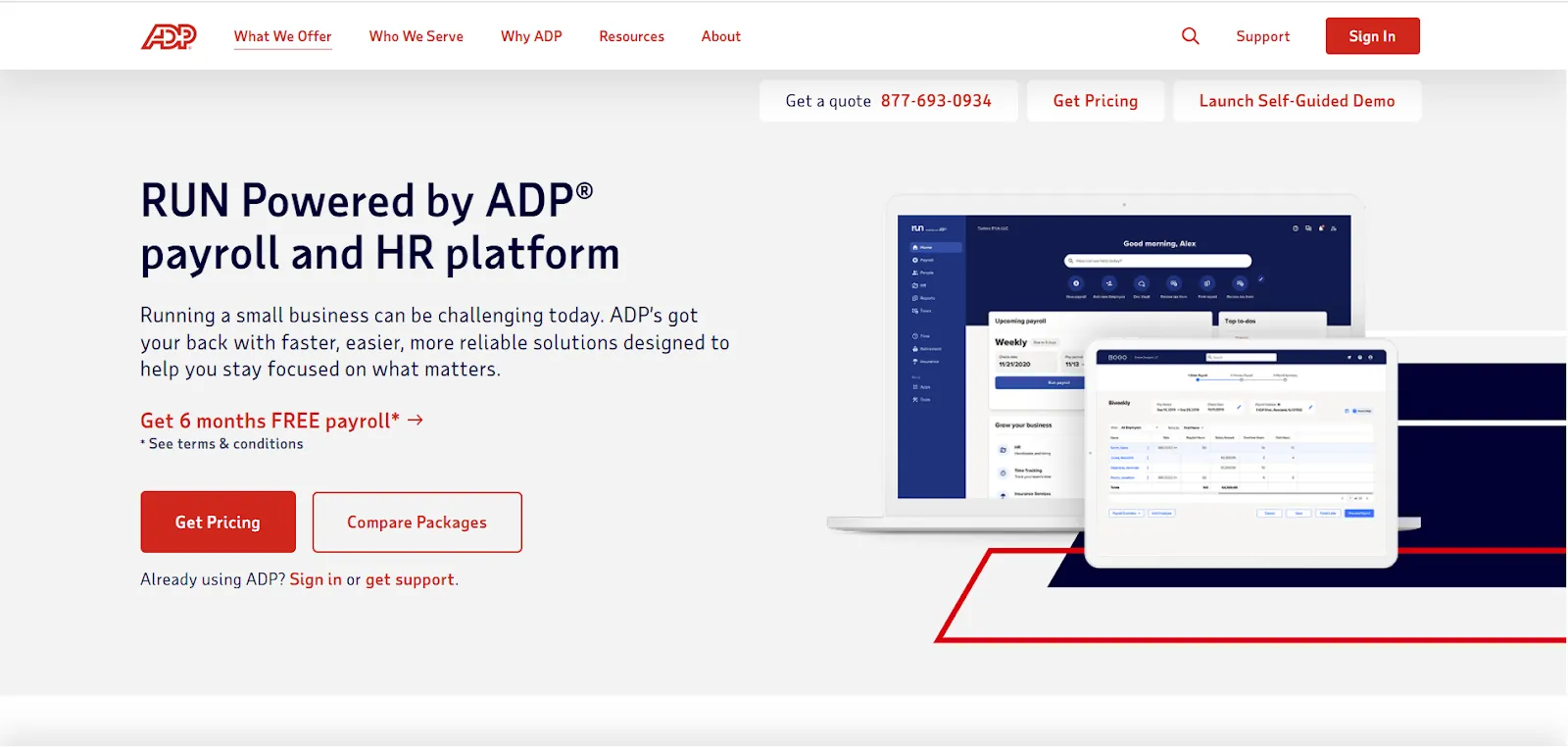
If your business is small today but has big plans for tomorrow, ADP RUN is one of the best payroll systems for scalability. After deep research, expert reviews, and hands-on testing, it’s clear that ADP RUN is built for businesses that need a flexible, future-proof payroll system.
ADP RUN Pros:
Highly scalable – Whether you have 10 or 10,000 employees, ADP RUN grows with your business.
Automatic tax compliance – Federal, state, and local tax filings? ADP handles them all, so you don’t have to.
Extensive HR & benefits options – Payroll is just the start—ADP offers 401(k), health insurance, and HR tools to keep everything in one place.
ADP RUN Cons:
Pricing isn’t transparent – You’ll need to request a quote, which can be a hassle.
May have more features than small businesses need – Great for scaling, but if you’re a solopreneur, it might feel like overkill.
Why ADP RUN Works for Growth-Minded Businesses
ADP RUN isn’t just payroll—it’s an all-in-one workforce management system. Businesses that start small often find themselves outgrowing simpler payroll tools. With ADP RUN, that’s not a concern. You can start with basic payroll features and add advanced HR, time tracking, and benefits management as your company expands.
User Favorite: Scalable HR & Compliance Tools
ADP RUN comes with built-in compliance alerts to help you keep up with tax laws and labor regulations—a lifesaver for businesses hiring in multiple states.
That said, ADP’s pricing isn’t transparent, which can be frustrating if you just want a quick cost comparison. But if long-term scalability is your priority, ADP RUN is one of the most powerful payroll solutions available.
💰 Custom Pricing – You’ll need to request a quote based on your business size and needs.
Final Verdict:
If your business is growing (or plans to), ADP RUN is one of the best payroll solutions for scalability. It’s packed with features, keeps compliance headaches at bay, and ensures you won’t have to switch systems as you expand.
Patriot Payroll : The Budget-Friendly Payroll Solution for Small Businesses
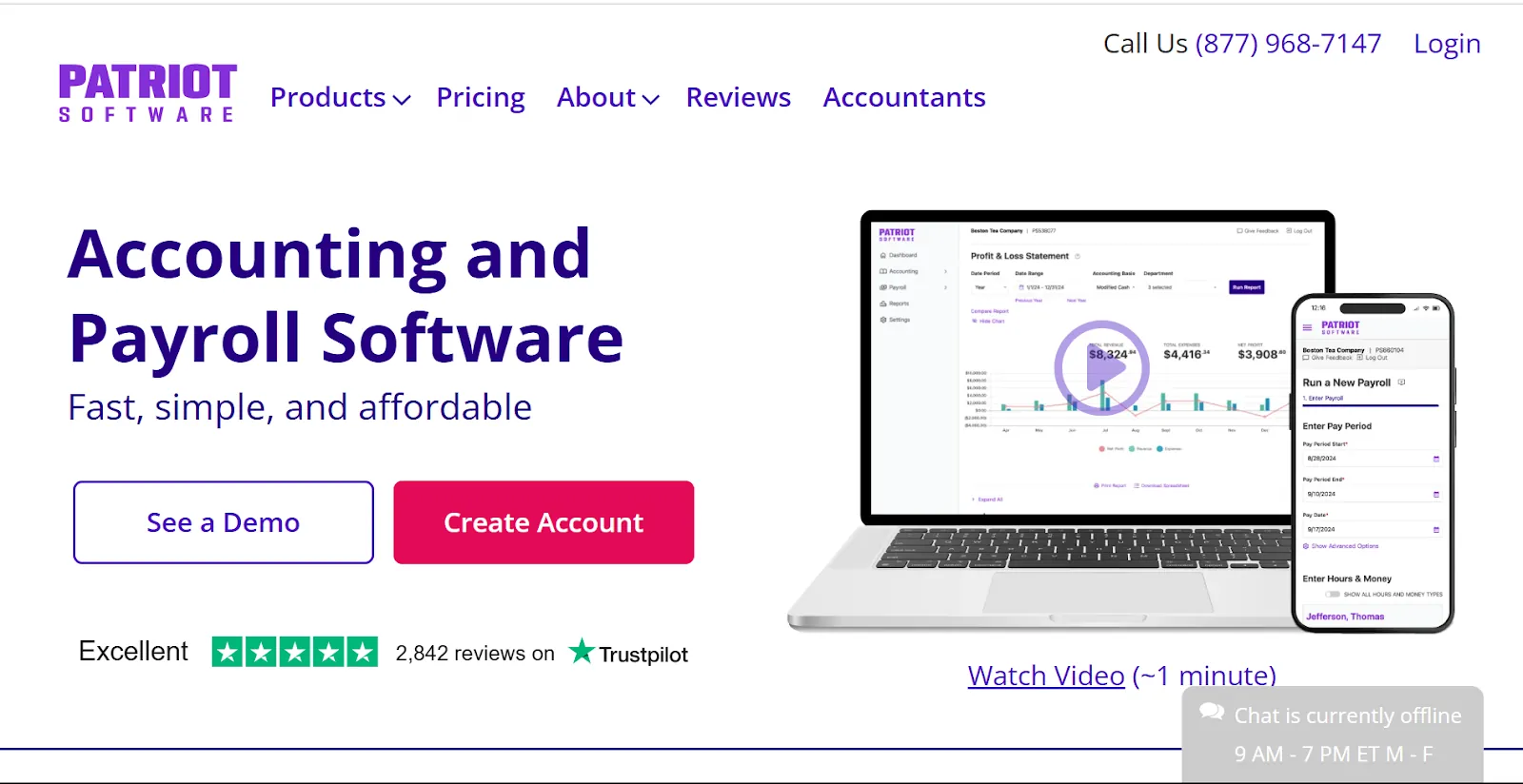
If you’re running a small business and need an affordable payroll system that doesn’t skimp on essential features, Patriot Payroll is one of the best options out there. After comparing multiple payroll platforms, reading user reviews, and digging through pricing details, it’s clear that Patriot Payroll offers one of the most cost-effective solutions without sacrificing functionality.
Patriot Payroll Pros:
Affordable pricing – One of the most budget-friendly payroll solutions available.
Simple tax filing & compliance – Automatically calculates, withholds, and files payroll taxes.
Easy-to-use interface – No complicated setup, just straightforward payroll processing.
Patriot Payroll Cons:
Limited HR features – While great for payroll, it lacks built-in HR tools like benefits administration.
Basic automation – Some advanced features, like AI-driven insights, aren’t included.
Why Patriot Payroll is a Top Pick for Small Businesses
Not every business needs a high-end, enterprise-level payroll system with features they’ll never use. Patriot Payroll keeps things simple and budget-friendly, making it an ideal choice for small business owners who want easy payroll processing without paying a fortune.
User Favorite: No-Frills, Straightforward Payroll Processing
Unlike some payroll systems that pile on extra costs for basic features, Patriot Payroll keeps pricing transparent and affordable. The self-service employee portal also cuts down on admin work, letting employees view their pay stubs and tax documents without having to email HR every payday.
That said, if you need advanced HR tools like benefits management, time tracking, or multi-state payroll, you may need to look elsewhere. But if affordability is your top priority, Patriot Payroll delivers solid payroll processing at a fraction of the cost of other providers.
💰 Basic Payroll – $17/month + $4 per employee
💰 Full-Service Payroll – $37/month + $4 per employee (includes tax filing services)
Final Verdict:
For small businesses that need a no-nonsense, budget-friendly payroll system, Patriot Payroll is one of the best choices available. It’s simple, affordable, and gets the job done—without draining your wallet.
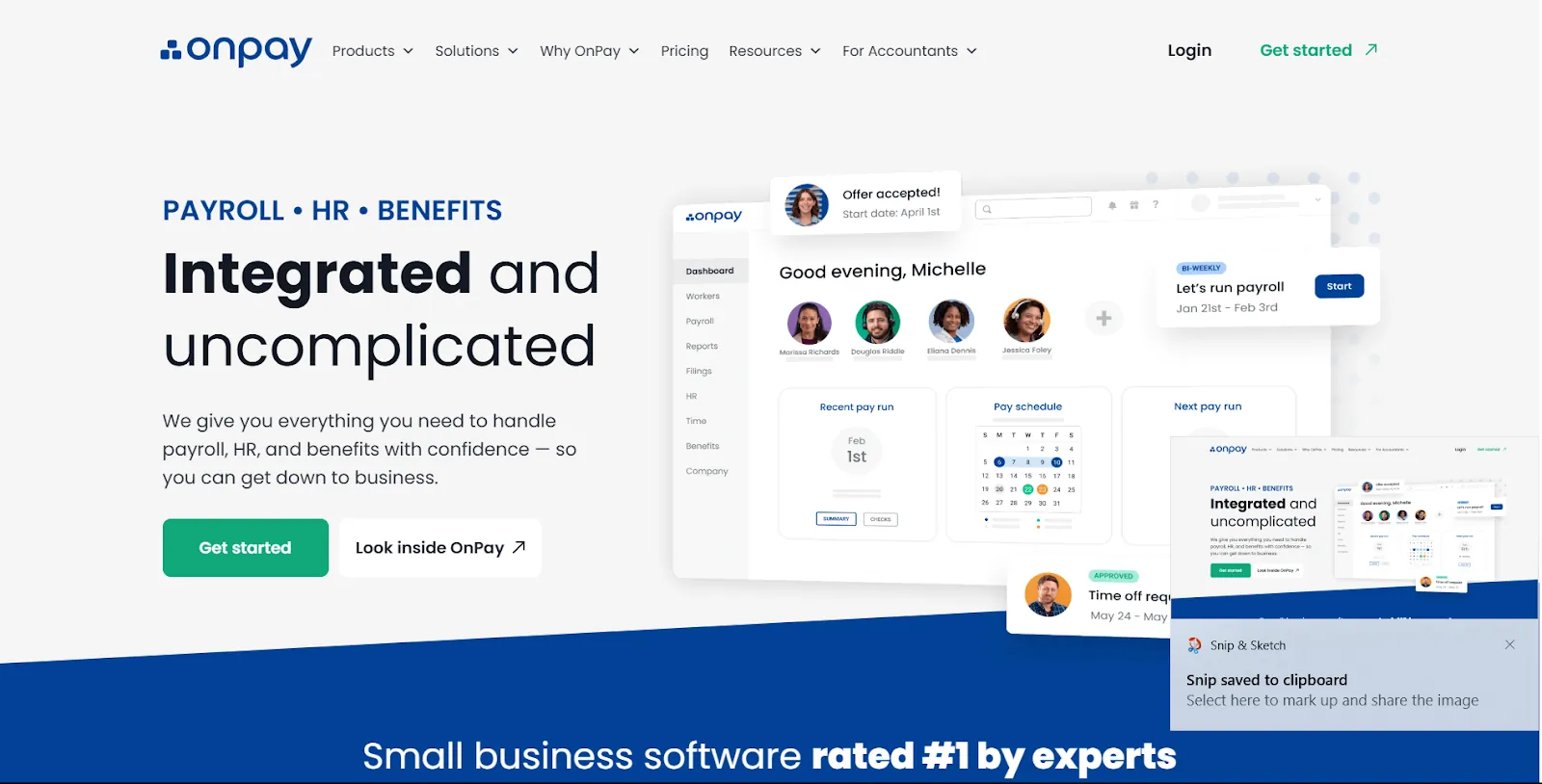
If you run a nonprofit, farm, healthcare practice, or other specialized business, finding a payroll system that understands your industry’s unique needs can be a challenge. After hours of research, comparing user reviews, and analyzing features, one thing is clear—OnPay is built for niche industries that don’t always fit into the one-size-fits-all payroll model.
OnPay Pros:
Industry-specific payroll features – Supports agriculture, nonprofits, healthcare, churches, and more with specialized tax handling.
No hidden fees – Flat-rate pricing that includes tax filings, direct deposits, and benefits administration.
Great customer support – Highly rated customer service, especially helpful for industries with unique payroll challenges.
OnPay Cons:
Limited HR automation – While it offers HR tools, it lacks some of the advanced automation found in pricier systems.
No mobile app – Payroll must be managed via a web browser, which might be a downside for on-the-go business owners.
Why OnPay Works for Niche Businesses
Unlike many payroll providers that focus only on traditional businesses, OnPay offers industry-specific payroll solutions that cater to:
✔️ Agricultural businesses – Supports agricultural tax exemptions and Form 943 filing.
✔️ Nonprofits & churches – Handles clergy-specific tax rules and allows for special pay types.
✔️ Healthcare & dental practices – Integrates with workers’ comp and handles multiple pay rates for different roles.
User Favorite: Specialized Tax Handling for Niche Businesses
One of the biggest challenges for niche industries is dealing with complex tax rules. OnPay automates tax filings, including unique industry-specific forms, ensuring business owners don’t have to stress over compliance.
That said, the lack of a mobile app might be a downside for some business owners who prefer managing payroll on their phones. But if you need a payroll system that understands the ins and outs of your specific industry, OnPay is one of the best choices available.
💰 $40/month base fee + $6 per employee (includes payroll, tax filings, and benefits management)
Final Verdict:
For businesses in agriculture, healthcare, nonprofits, and other niche industries, OnPay offers tailored payroll solutions that handle industry-specific tax and compliance challenges. If generic payroll software doesn’t quite fit your business, OnPay is worth a serious look.
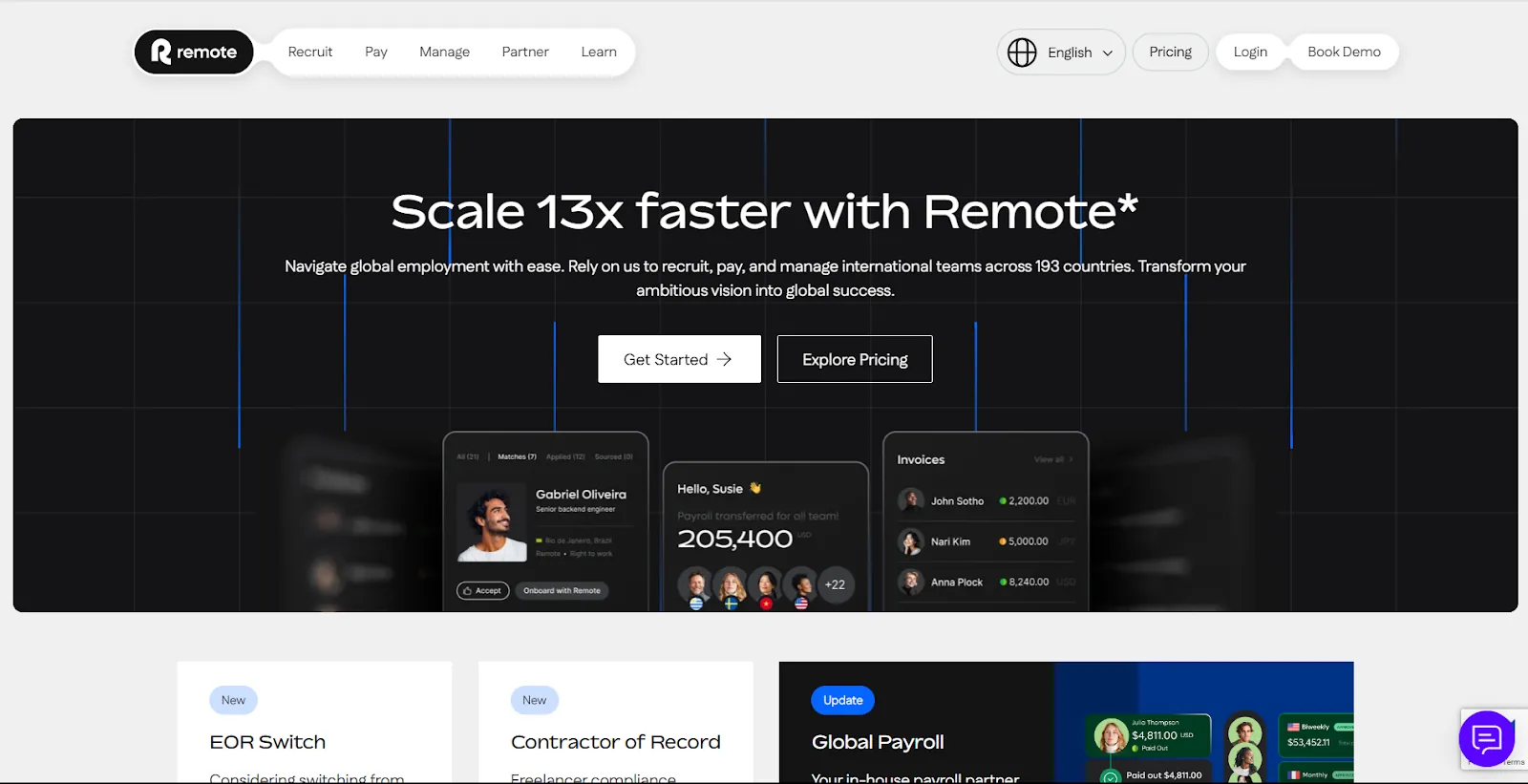
If your business has employees or contractors in multiple countries, payroll gets complicated—fast. Between tax laws, compliance rules, and different currencies, global payroll can feel like navigating a legal maze. After extensive research, comparing payroll providers, and reading real-world feedback from international businesses, one thing is clear: Remote is one of the best payroll solutions for managing a global workforce.
Remote Pros:
Handles payroll in multiple countries – Pay employees and contractors worldwide without the compliance headaches.
Built-in tax & legal compliance – Remote ensures you meet local labor laws, tax rules, and benefits requirements in every country.
Contractor management – Easily hire and pay freelancers and contractors across borders while handling tax forms like 1099s and local equivalents.
Remote Cons:
Pricing can add up for larger teams – While cost-effective for small teams, it may get pricey as your global workforce expands.
Limited customization – Some businesses may need more flexibility in structuring employee contracts.
Why Remote is Perfect for Global Payroll
Hiring internationally is a legal minefield, with different employment laws in every country. Remote takes care of everything, so you don’t have to become an expert in global tax compliance.
✔️ Manages tax withholdings, social security, and local labor laws in multiple countries
✔️ Ensures compliance with local employment contracts & benefits
✔️ Supports international contractor payments without expensive wire transfer fees
User Favorite: Employer of Record (EOR) Services
One of Remote’s biggest advantages is its Employer of Record (EOR) service—perfect for companies that want to hire international employees legally without setting up a local entity. Instead of dealing with complex registrations and compliance issues, Remote acts as the legal employer, handling payroll, benefits, and tax obligations.
That said, pricing can add up for larger teams, so businesses scaling rapidly may need to factor that into their budget. But if you need a global payroll solution that removes legal and tax burdens, Remote is one of the most reliable options out there.
💰 Contractor Management – $29 per contractor/month
💰 Employer of Record (EOR) – Starts at $599 per employee/month
Final Verdict:
For companies managing a remote or international workforce, Remote makes payroll and compliance effortless. It’s one of the easiest ways to legally hire and pay global employees while staying compliant with local laws.
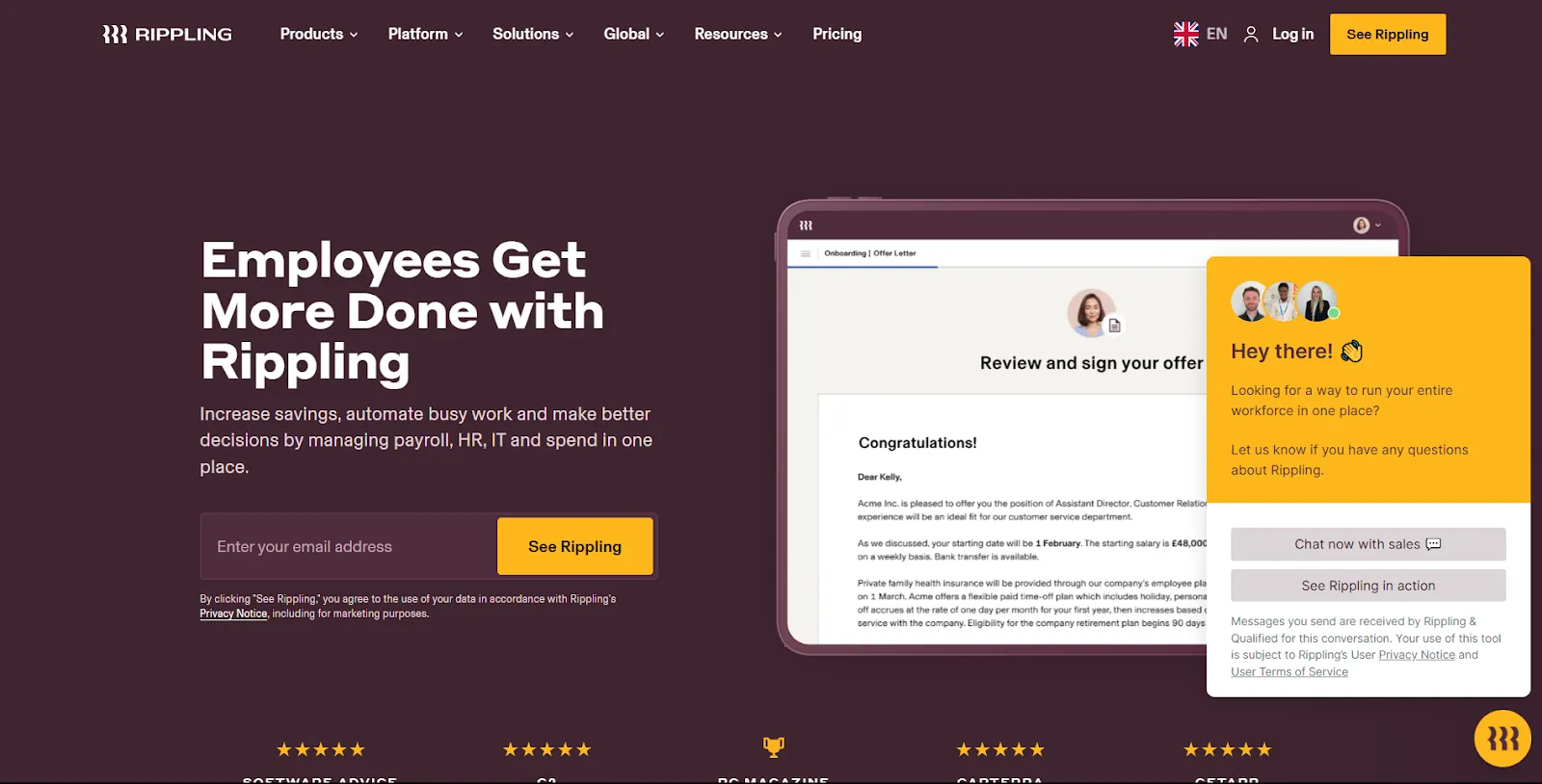
Tech companies move fast—and they need a payroll system that can keep up. After extensive research, product comparisons, and real-world feedback, one thing stands out: Rippling isn’t just payroll—it’s an all-in-one HR, IT, and finance platform built for modern businesses. If your company is scaling rapidly and needs a payroll system that integrates seamlessly with your tools, Rippling is one of the smartest choices available.
Rippling Pros:
Seamless HR, IT, and payroll integration – Manage payroll, benefits, employee onboarding, and even company devices from one platform.
Highly automated & scalable – Perfect for tech startups and enterprises growing at a fast pace.
Global payroll support – Pay employees and contractors across multiple countries with built-in compliance tools.
Rippling Cons:
Pricing isn’t transparent – You’ll need to request a quote based on your business size and needs.
May feel overwhelming for small teams – Packed with features, but might be overkill for businesses that just need basic payroll.
Why Tech Companies Love Rippling
Unlike traditional payroll software, Rippling goes beyond just payroll. It’s a full workforce management system that automates HR, IT, and finance tasks—something tech companies, especially fast-growing startups, need.
✔️ Onboard new hires in minutes – Automatically set up payroll, benefits, and even company laptops from one dashboard.
✔️ Deep integrations with tech stacks – Syncs with tools like Slack, Google Workspace, Zoom, and thousands of other apps.
✔️ Automated tax compliance – Handles payroll taxes across multiple states and countries, so you don’t have to worry about compliance.
User Favorite: IT & Payroll in One Platform
One of Rippling’s standout features is its IT management integration. When you hire a new employee, Rippling doesn’t just add them to payroll—it can also set up their company email, software accounts, and even ship them a laptop. For tech companies that need everything automated, this is a game-changer.
That said, small businesses might find Rippling’s extensive features more than they need. But for tech-driven companies looking for a fully automated, scalable payroll and HR solution, Rippling is hard to beat.
💰 Custom pricing – You’ll need to request a quote, but pricing starts at $8 per employee per month for payroll.
Final Verdict:
For tech companies and startups that need an all-in-one software to manage payroll, HR, and IT, Rippling is one of the best solutions out there. It’s powerful, scalable, and built for companies that want to automate everything.
Ceridian Dayforce : The Best Enterprise-Level Payroll & Workforce Management Solution
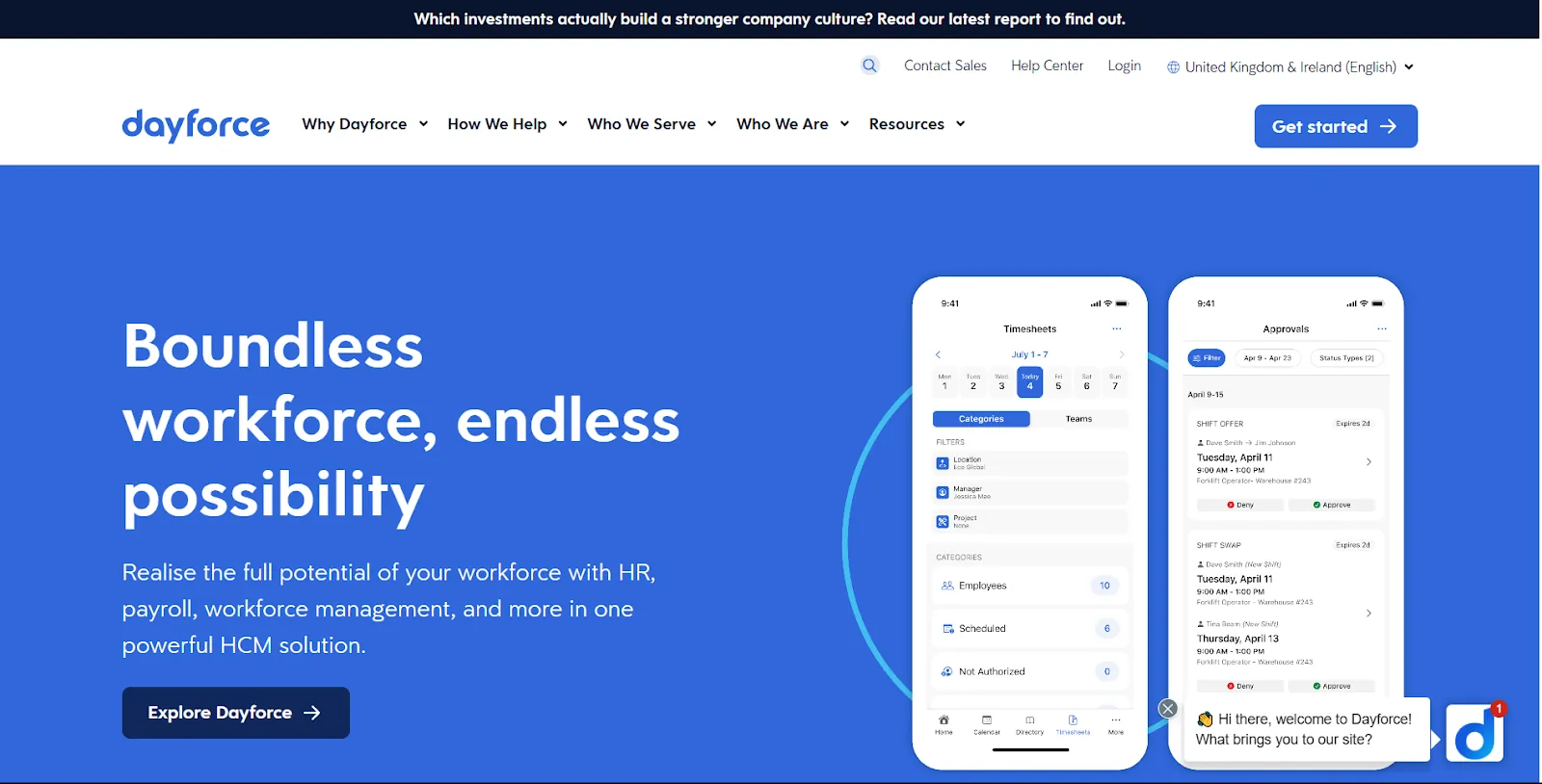
When you’re running a large business or enterprise, payroll isn’t just about paying employees—it’s about compliance, automation, workforce planning, and integrating HR with finance. After deep research, product comparisons, and expert insights, one thing is clear: Ceridian Dayforce is one of the most powerful enterprise payroll and workforce management platforms available.
Ceridian Dayforce Pros:
AI-driven automation – Uses machine learning to optimize payroll, compliance, and workforce planning.
Real-time payroll processing – No more waiting for payroll cycles—process and preview payroll in real-time.
Comprehensive workforce management – Handles scheduling, benefits, time tracking, and payroll in a single platform.
Ceridian Dayforce Cons:
Not designed for small businesses – Feature-rich but may be too complex for startups or small teams.
Learning curve – Due to its enterprise-level capabilities, it takes time to set up and master.
Why Enterprises Choose Ceridian Dayforce
Unlike basic payroll software, Ceridian Dayforce is built for enterprises that need an all-in-one payroll, HR, and workforce management solution. It’s not just about paying employees—it’s about optimizing workforce efficiency, staying ahead of compliance regulations, and leveraging AI-driven insights to improve business operations.
✔️ Real-time payroll processing – Unlike traditional software, Dayforce lets you preview payroll in real-time, reducing errors and surprises.
✔️ Built-in compliance tools – Automatically tracks tax law changes, overtime regulations, and workforce policies to keep businesses compliant.
✔️ AI-driven analytics – Uses machine learning to provide workforce insights, helping businesses predict labor costs, optimize scheduling, and improve decision-making.
User Favorite: One Unified software for HR & Payroll
Many large businesses struggle with disconnected payroll and HR software. Ceridian Dayforce unifies payroll, workforce management, and benefits administration into a single, cloud-based platform, reducing errors and increasing efficiency.
That said, small businesses might find Dayforce overwhelming, but for enterprises that need robust automation, compliance tools, and workforce analytics, Ceridian Dayforce is a top-tier choice.
💰 Custom pricing – You’ll need to request a quote based on business size and needs.
Final Verdict:
For large businesses and enterprises that need a highly automated, AI-driven payroll and workforce management solution, Ceridian Dayforce is one of the best options available. It’s powerful, scalable, and built for businesses that demand real-time payroll, compliance, and workforce optimization.
Zoho Payroll : The Best HR and Payroll Software in India
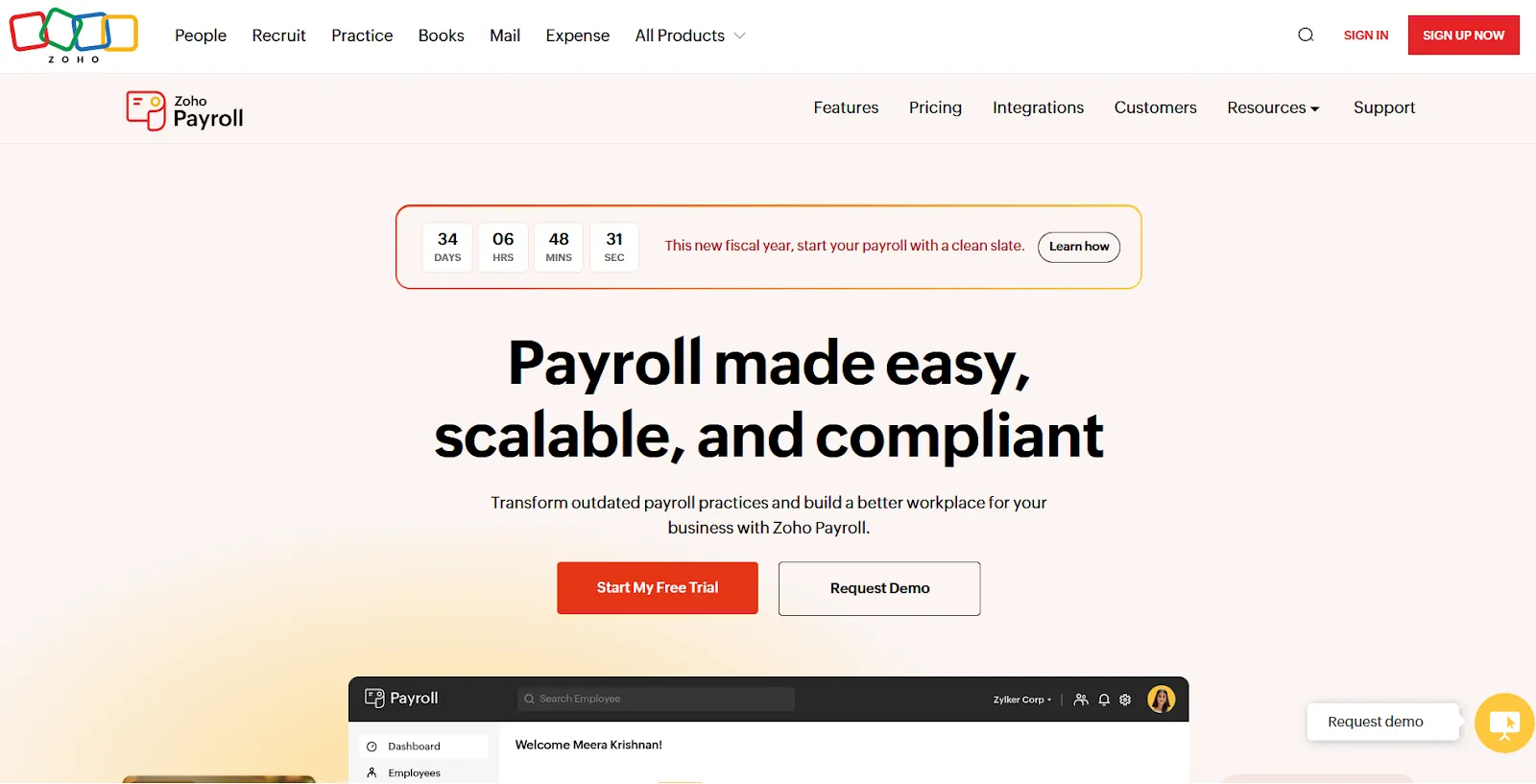
Zoho Payroll is the Amazon of payroll software—efficient, integrated, and ready to simplify your payroll processing. As a leading hr and payroll software, it delivers comprehensive payroll services that cover everything from basic payroll to advanced payroll accounting. Whether you’re testing a free payroll trial or looking for simple payroll functionality, Zoho Payroll stands out on any payroll software list. It’s truly a human resource payroll software that functions as a payroll service and is considered 1 payroll solution for modern businesses.
Zoho Payroll Pros:
Seamless Zoho Integration: Enjoy effortless syncing with Zoho Books and other hr and payroll softwares to create a unified payroll & hr management system. This integration even extends to other payroll software hr tools for streamlined payroll and accounting.
Automatic Payroll Processing: Experience automatic payroll that handles complex tasks—from multi-currency support to multi-state filings—making simple pay a reality for payroll workers.
User-Friendly Interface: With an easy hr dashboard and an intuitive Zoho Payroll Login, both admins and employees can manage payroll processing software tasks with ease. It’s as straightforward as any x payroll solution on the market.
Competitive Pricing Options: Benefit from transparent Zoho payroll pricing that scales with your business, whether you need basic payroll services or advanced hr payroll programs. Expect clear payroll pricing details and no hidden payroll fee surprises.
Robust Integration: As part of the broader payroll one ecosystem, Zoho Payroll integrates with several systems—including connections via razorpay payroll login or razorpayx payroll login—making it a flexible solution for payroll work and payroll structure optimization.
Zoho Payroll Cons:
Customization Limitations: Advanced users may find that tweaking the payroll structure or adjusting the payroll fee options isn’t as flexible as some other payroll software offerings.
Learning Curve: New users might require extra time to master the full suite of features, from automatic payroll tasks to managing payroll and accounting processes.
Why Zoho Payroll Stands Out
Zoho Payroll isn’t just another tool; it’s a complete hr software and payroll solution that makes payroll processing effortless. By providing simple payroll options alongside robust payroll services, it seamlessly handles everything from basic payroll to advanced integration needs. If you’re looking for a platform that supports automatic payroll, an intuitive Zoho Payroll Login, and even integration with tools like razorpay payroll login, Zoho Payroll is among the best payroll software choices for any modern business.
Zoho Payroll Pricing:
💰 Free Plan: For small businesses with up to 3 employees.
💰 Premium Plan: For businesses with more than 3 employees, Zoho Payroll Premium is priced at ₹45 per employee per month on a monthly subscription. Enjoy a discounted rate of ₹39 per employee per month when billed annually.Whether you're leveraging free payroll or opting for advanced features, Zoho Payroll provides a flexible, integrated solution that excels among payroll software companies and on every payroll software list.
Final Verdict:
Zoho Payroll is a standout hr and payroll software solution for small to mid-sized businesses that demand efficient and automatic payroll processing. With its intuitive interface, competitive Zoho payroll pricing, and seamless integration with other Zoho apps, it delivers robust payroll services from basic payroll to advanced payroll accounting. Whether you’re testing a free payroll option or need a solution that scales with your business, Zoho Payroll simplifies payroll processing and payroll and accounting tasks, making it one of the best payroll software choices available.
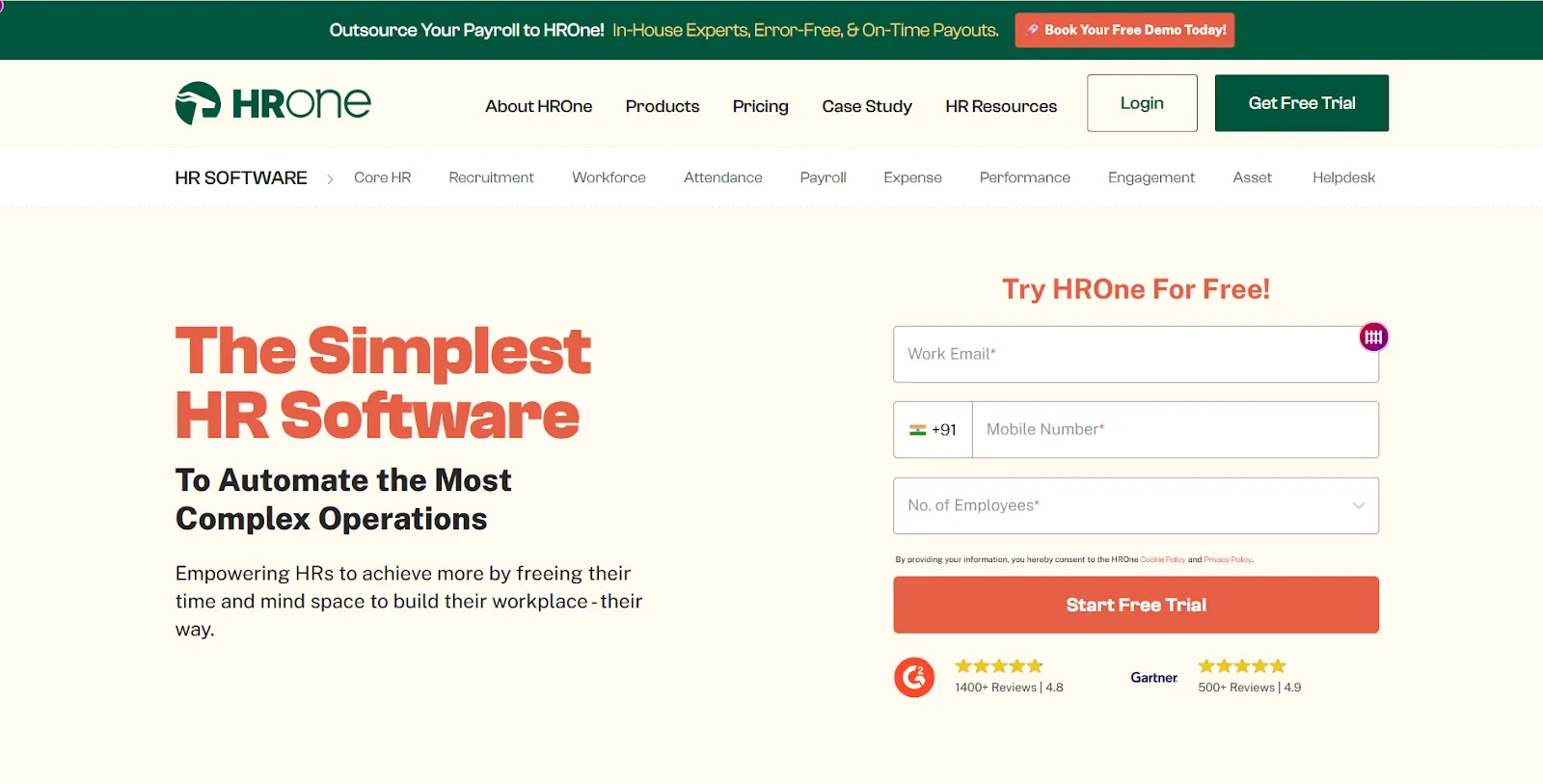
HR One is the Netflix of hr and payroll software—comprehensive, innovative, and binge-worthy for businesses that demand an all-in-one solution. As a leading payroll processing software and human resource payroll software, HR One integrates robust payroll processing, payroll accounting, and easy hr functionalities into one flexible platform. Whether you’re after simple payroll, automatic payroll, or advanced payroll services, HR One covers every aspect of payroll & hr management while also serving as a powerful payroll HRM software.
HR One Pros:
All-in-One Integration: Merge payroll, HR, and accounting into a single system that streamlines both payroll work and hr payroll programs. HR One stands out among payroll & hr management platforms and even competes with some of the best payroll software in India.
Customizable Workflows: Tailor a payroll structure that fits your unique business needs. This flexible payroll system is designed to handle everything from basic payroll tasks to complex payroll processing demands.
Employee Self-Service: Empower your team with features like simple pay and a user-friendly interface. Employees can easily access their payroll details—eliminating the need for constant queries about when is payday? No more sifting through complex payroll system software or navigating clunky x payroll dashboards.
Robust Compliance & Security: HR One’s comprehensive approach to payroll services ensures data security and compliance, whether you’re using free payroll trials or opting for premium payroll pricing plans.
Integrated HR & Payroll Solutions: Recognized as a top solution among payroll software companies and featured on many payroll software lists, HR One brings together advanced hr payroll functionalities and top-tier payroll management software capabilities.
HR One Cons:
Premium Pricing: The extensive feature set and advanced hr payroll programs come with a higher payroll fee, which might not suit businesses looking solely for basic payroll solutions.
Complex Implementation: The depth of integration across payroll processing, payroll system software, and overall payroll and accounting management may require professional setup or additional training.
Why HR One Stands Out
HR One differentiates itself by merging robust HR and payroll features into one cohesive platform. It supports everything from automatic payroll and simple payroll functions to advanced integrations—including connections with razorpayx payroll login systems and even x payroll tools. With its intuitive easy hr interface and comprehensive payroll & hr management capabilities, HR One is one of the best payroll software solutions available. Whether you’re managing payroll work for a small team or looking for an enterprise-level payroll management software solution, HR One delivers excellence.
HR One Pricing:
💰 Starter Plan: ₹3,999 per month – Ideal for small teams requiring simple payroll and basic hr payroll programs.
💰 Business Plan: ₹7,999 per month – Perfect for growing businesses that need advanced payroll processing software, integrated payroll and accounting, and enhanced hr payroll functionalities.
💰 Enterprise Plan: Custom pricing – Tailored for large organizations needing a flexible payroll structure and comprehensive payroll processing capabilities.
Whether you access HR One via a standard login or integrate with extended connectivity options like razorpay payroll login, HR One remains a top choice among hr and payroll softwares. It’s the ultimate solution for businesses that demand robust, all-in-one payroll management software and payroll system software solutions.
Final Verdict:
HR One is a powerful, all-in-one hr and payroll software designed for businesses that require flexible payroll processing and comprehensive workforce management. Combining customizable workflows with advanced payroll accounting and stringent compliance features, HR One streamlines both payroll and HR management. As a top-tier payroll HRM software, it optimizes your payroll structure and elevates employee management—making it an ideal choice for organizations aiming for scalable, integrated solutions. If you’re looking for a robust platform that handles everything from simple payroll to complex payroll processing, HR One stands out as a proven solution for modern enterprises.
Simplify Payroll with viaSocket
After exploring these top payroll software, you might be wondering how to take them to the next level for your business. viaSocket is your secret weapon for automating those tedious, manual tasks and creating smooth workflows between your payroll software and other apps.
Whether you want to automatically update your accounting software after each payroll run, alert managers when timesheets need approval, or sync employee data across multiple systems, viaSocket can help streamline your payroll processes and create a fully automated payroll system. Ready to make payroll even easier? Dive into the world of HR automation and see how it can transform your business.
Keep reading

5 Service-Based Companies Winning With Workflow Automation (And What You Can Steal From Them)
Learn how top service firms automate: start with boring handoffs in finance, HR, and support; connect departments with ITSM; and layer AI later using no-code tools.

Workflow Automation Guide: 25 Business Workflows for Sales, Marketing, HR, Finance & Support
25 practical workflow automation examples for sales, marketing, HR, finance, and support, each with a ready-to-use no-code automation prompt.