
Chatbot Integration: Give Your Chatbot the Power of 2,400+ Integrations

Picture a chatbot that does more than talk. A customer asks a question, the bot answers it, and then it updates your CRM, books the meeting or sends the follow-up. No human has to step in.
That becomes possible through chatbot integration and tool calling, which let your chatbot communicate with third-party applications and act on what users ask.
This guide covers the basics, the most useful use cases, a step-by-step setup, and what to plan for before going live.
Limitations of Chatbots Without Integrations
LLMs such as OpenAI's GPT-5 and Google's Gemini process and generate human-like text. They are good at answering questions, summarizing information, generating content and translating languages. On their own, though, they hit a wall quickly.
| Limitation | What it means in practice |
|---|---|
| Text-based responses | The chatbot can only reply with text. |
| Static responses | It can't take real-world actions based on user input. |
| No real-time data | It can't pull data from a CRM, database or analytics tool. |
| No automation | It can't trigger workflows from a conversation. |
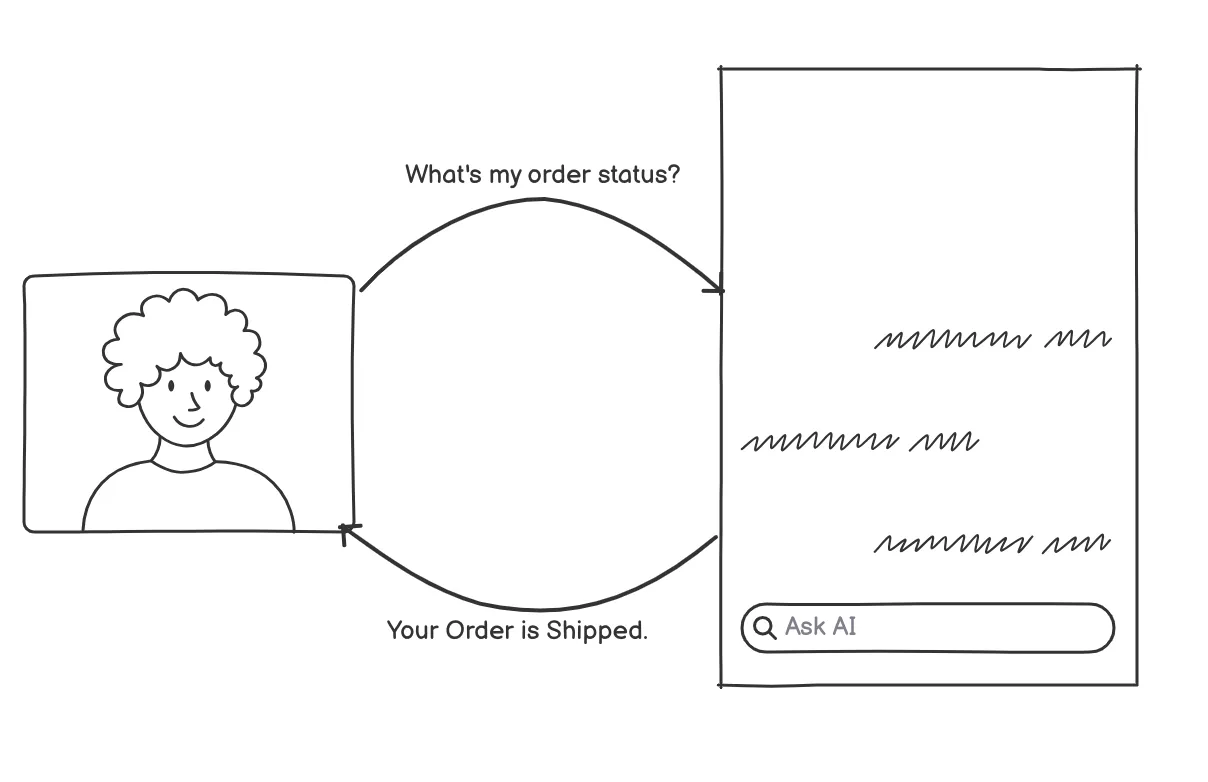
Example: A customer asks, "What's my order status?" Without integrations, the chatbot cannot fetch live data. It can only give a generic reply.
What Changes When Your Chatbot Connects to 2,400+ Apps
Connect your AI chatbot to thousands of apps and it starts working like an automation hub.
Automated workflows: The AI replies to the customer and updates your business systems at the same time.
Smooth data flow: Data moves between Slack, Notion, HubSpot, Google Sheets and 2,400+ other apps.
Time saved: The AI carries out the action, so manual tasks go away.
Better user experience: The chatbot feels more interactive and action-driven.
Popular Use Cases
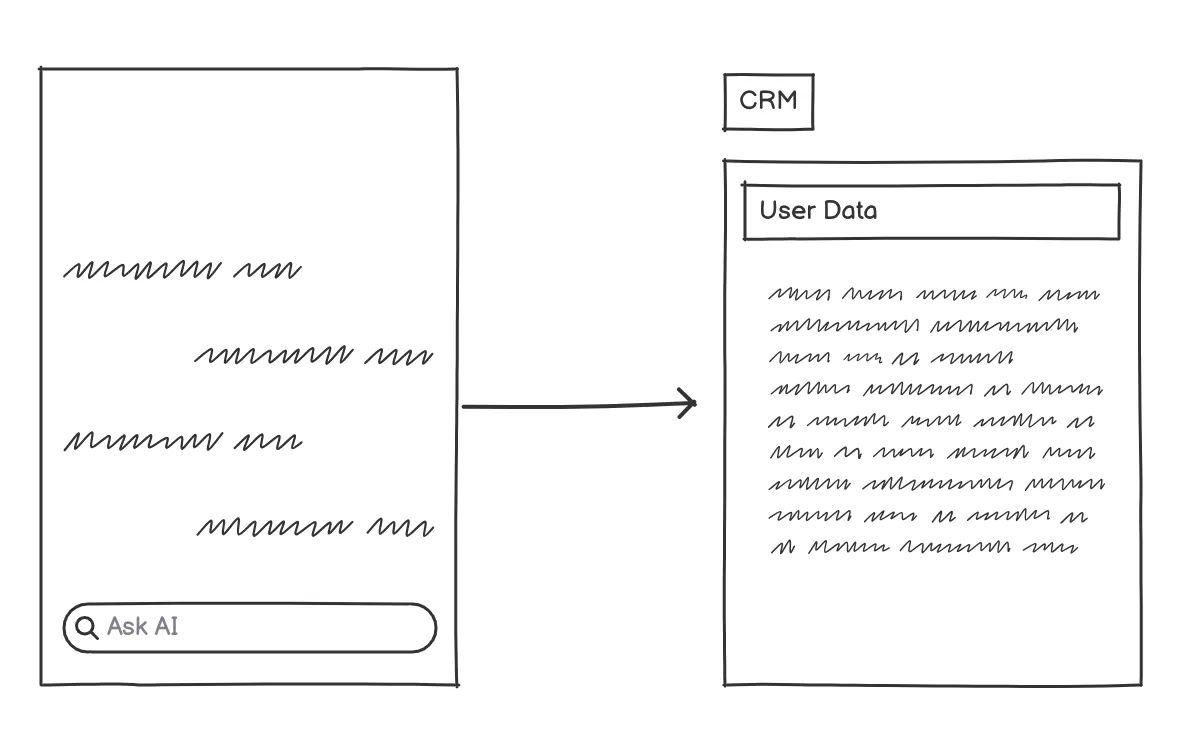
1. Update Your CRM Automatically
A potential customer starts asking questions on your website. The chatbot captures their details and pushes them into your CRM, such as Salesforce or HubSpot. Your sales team gets the full picture and can follow up right away.
2. Schedule Appointments Without the Back-and-Forth
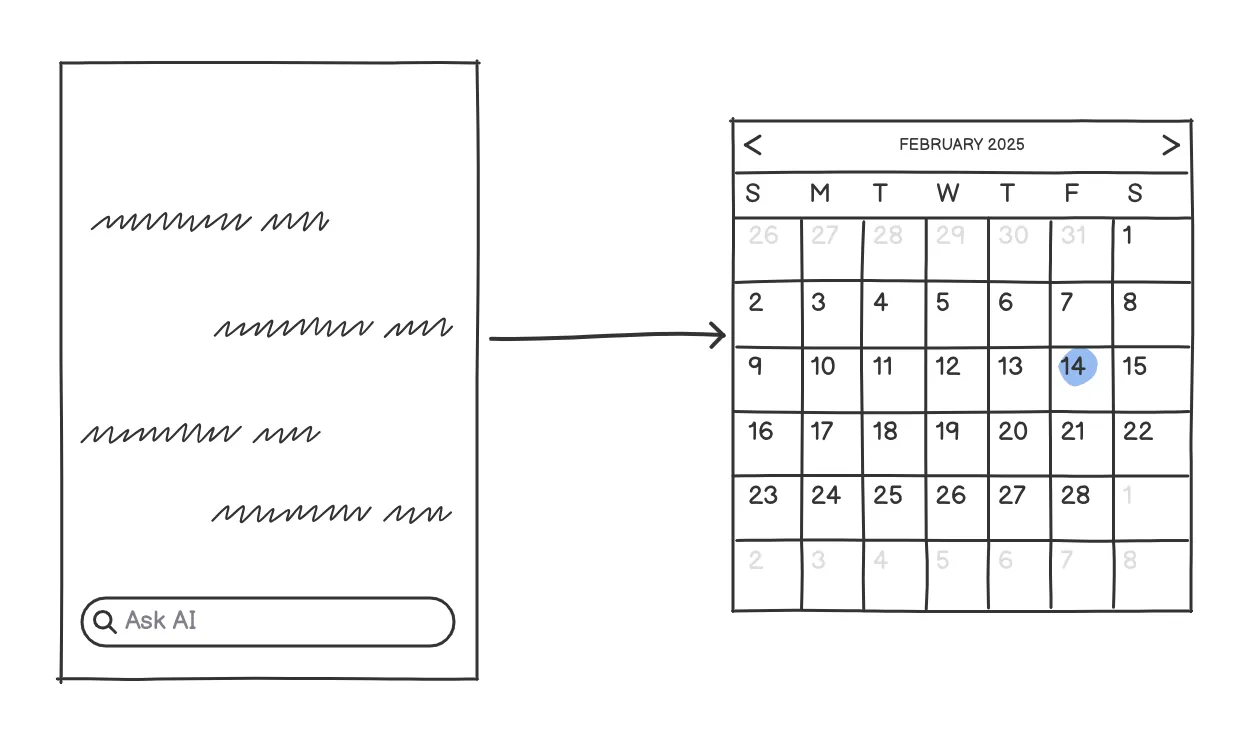
Connect the chatbot to Google Calendar or Calendly. When a customer asks to book, the bot checks your availability and schedules it on the spot. If plans change, it can reschedule too.
3. Automate Order Tracking
Link the chatbot to your Shopify store. A customer asks where their order is, and the bot pulls the details and shares tracking info. It can even suggest products based on past purchases, with no human involved.
4. Run Targeted Email Campaigns From Chats
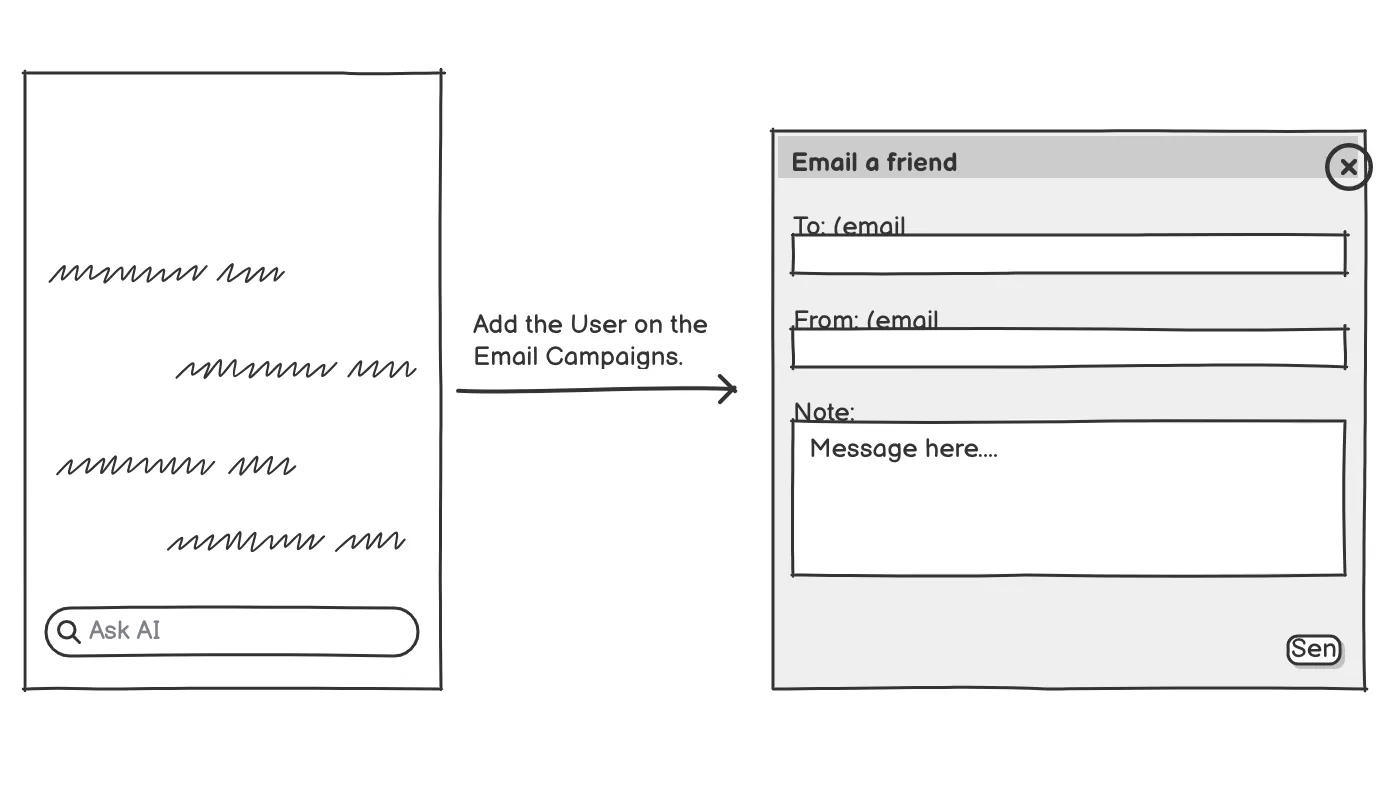
Integrate the chatbot with Mailchimp or Klaviyo. A new visitor gets a welcome email, an interested one gets an offer, and a quiet one gets a follow-up. No lead goes untouched.
See How It Works
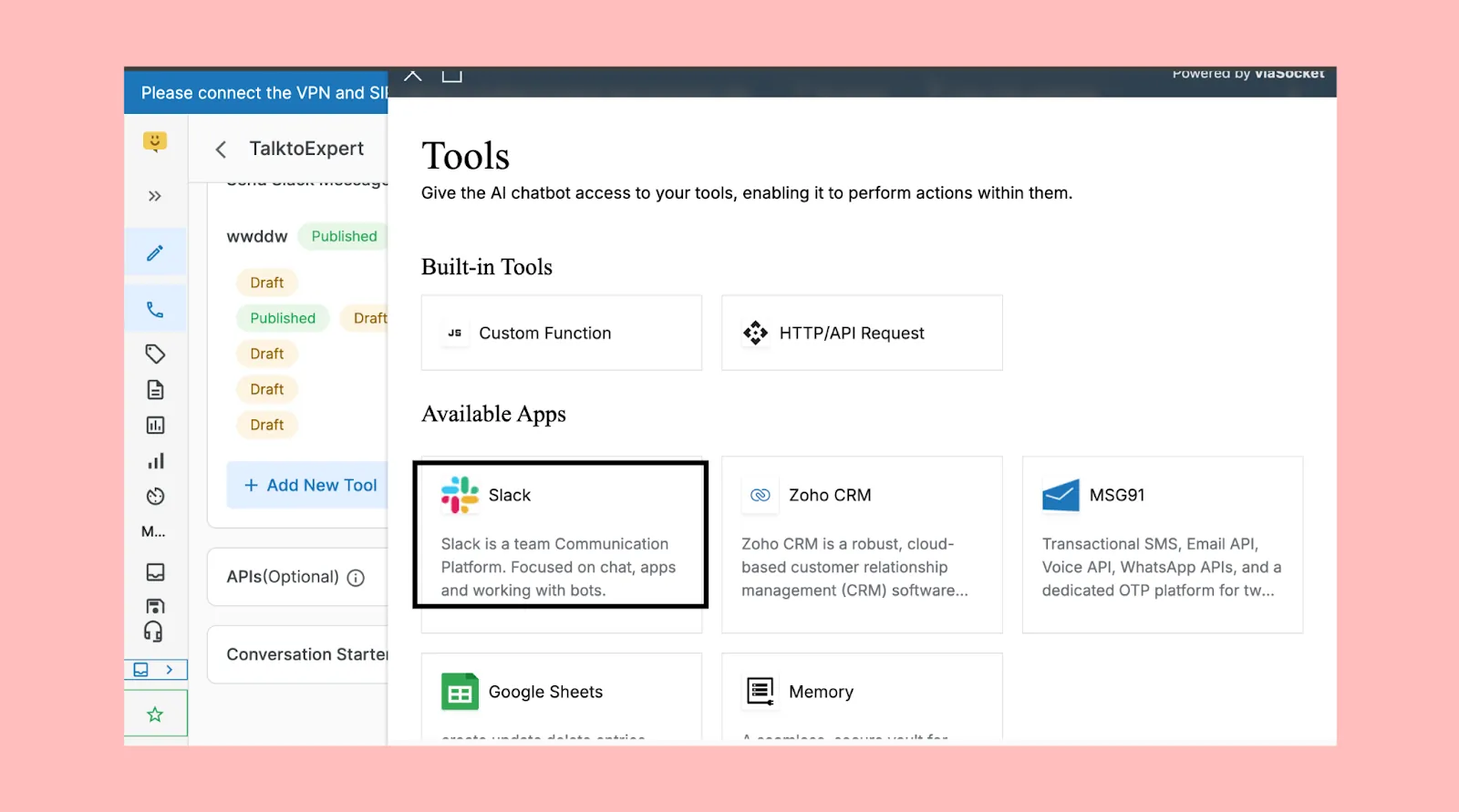
The Hello platform chatbot can communicate with third-party apps because of its integration with viaSocket, a robust automation platform. It doesn't just answer questions. It acts on them.
For example, whenever a query is assigned to a human agent for follow-up, the chatbot instantly sends a notification on Slack. The right team member is alerted immediately and can jump in without delay.
How to Connect Your Chatbot to Third-Party Apps
Wondering how to connect a chatbot to Salesforce, HubSpot or Google Calendar? The steps are nearly the same for every app.
Pick one clear job. For example, "save every new lead to HubSpot." Start small.
Choose your app. Browse the full list of 2,400+ supported apps and select the tools your chatbot needs.
Authenticate the app. Log in once and approve access, so the chatbot never handles your password.
Define the tool. Describe what the action does and which inputs it needs (name, email, date). This is what LLM tool calling relies on, as explained in OpenAI's function calling guide.
Test in a sandbox. Run a few sample chats and check the data lands where it should.
Go live and monitor. Watch the first week of conversations and fix any gaps.
Need more detail on any step? The viaSocket help center has documentation for each one.
Things to Plan Before You Go Live
A chatbot that can take action needs a little more care than one that only talks.
| Area | What to do |
|---|---|
| Data security | Share only the fields the chatbot needs. Avoid passing sensitive data. |
| Authentication | Use OAuth or scoped API keys with minimum permissions. |
| Error handling | Decide what the bot says when an app is down, and retry failed actions. |
| Latency | Keep tool calls quick. Tell the user when something takes a moment. |
| Rate limits | Check each app's limits so a busy day doesn't break the flow. |
What Is an LLM?
Ever wondered how chatbots understand your question so precisely? The answer is Large Language Models (LLMs).
LLMs are pre-trained on immense amounts of text, which lets them understand and generate human language coherently. Chatbots built on them don't just match keywords to a pre-set answer. They try to understand the question and respond sensibly. Popular models include GPT-4, GPT-5, Mistral Large, Claude, Gemini Pro and Llama 2 70B.
What Are Chatbots?
Chatbots are conversational AI built to simulate human conversation through text or voice. They answer questions, share information and help complete tasks in customer service, support and e-commerce.
Some run on simple rules. More advanced ones, built on large language models, understand and respond to complex, natural language queries.
What Is Chatbot Integration?
Chatbot integration means connecting a chatbot to third-party applications, tools or platforms so it can do more and give users a smoother experience. The chatbot can access data, trigger actions and interact with other systems in real time.
Think of the LLM as the brain and the integrations as the hands. Without hands, you get a polite assistant that can only talk. With them, it can look up an order, log a lead, send a message or book a slot inside the same conversation.
Frequently Asked Questions
Which types of applications can my chatbot integrate with?
CRMs (Salesforce, HubSpot), calendars (Google Calendar, Calendly), e-commerce platforms (Shopify), email marketing tools (Mailchimp), and more.
How can viaSocket help businesses with automation and integrations?
viaSocket lets businesses automate workflows by connecting their chatbots and applications with over 2,400 third-party services. It allows smooth data exchange, real-time updates and task automation across CRMs, e-commerce platforms and scheduling tools.
How do I connect a chatbot to Salesforce?
Choose Salesforce from the app list, authenticate your account, define the action (such as "create lead") with its inputs, then test it with a sample chat before going live.
What is an LLM, and how does it power chatbots?
LLMs (Large Language Models) like GPT-5 help chatbots understand and generate human-like responses. They process natural language, give context-aware answers and handle complex queries. Unlike rule-based bots, LLM-powered chatbots adapt, personalize replies and take on tasks like summarization and translation.
What are the limitations of chatbots without integrations?
They can only give static, text-based responses. They lack real-time data access, automation and the ability to trigger workflows.
How can integrating with third-party apps improve chatbot functionality?
Integrations let chatbots fetch live data, automate tasks, update systems and perform real-world actions.
Is it safe to give a chatbot access to my apps?
Yes, if you limit permissions. Use scoped access, share only the data needed and review activity logs regularly.
Ready to Make Your Chatbot Do More?
Explore the 2,400+ integrations and pick your first workflow today. Start with one task, test it, and build from there.
Keep reading

Learn viaSocket| The complete course to master workflow automation
Learn viaSocket through its official viaSocket Learn course — the best way to understand automation, build workflows, and connect your favorite apps without code.

How to choose the best workflow automation software
Looking to automate your business processes? Learn how to choose the best workflow automation software by evaluating essential factors such as ease of use, scalability, integration…