



Connect Google Chat and abcsubmit
Integrate Google Chat with abcsubmit to automate workflows, sync data between apps, and eliminate repetitive tasks with AI-powered automation.
Send Message via Google Chat when New Form Submission in AbcSubmit
Create Google Chat Card in Google Chat when New Form Submission in AbcSubmit
List Messages from Google Chat when New Form Submission in AbcSubmit
List Spaces in Google Chat when New Form Submission in AbcSubmit
Get Submission from ABCSubmit when New Message Arrives in Google Chat Space in Google Chat
Popular Google Chat + abcsubmit flows
Start from a real workflow other teams are already running.
Choose a trigger
Google Chat
When this happens...
New Message Arrives in Google Chat Space
Choose an action
abcsubmit
Automatically do this!
Submit Form Entry
List Submissions
Get Submission
Update Submission
Delete Submission
Export Submissions
Send Message via Google Chat when New Form Submission in AbcSubmit
Use this flowCreate Google Chat Card in Google Chat when New Form Submission in AbcSubmit
Use this flowList Messages from Google Chat when New Form Submission in AbcSubmit
Use this flowList Spaces in Google Chat when New Form Submission in AbcSubmit
Use this flowGet Submission from ABCSubmit when New Message Arrives in Google Chat Space in Google Chat
Use this flowSubmit Form Entry to abcSubmit when New Message Arrives in Google Chat Space in Google Chat
Use this flowUpdate Submission in Abcsubmit when New Message Arrives in Google Chat Space in Google Chat
Use this flowList Submissions from AbcSubmit when New Message Arrives in Google Chat Space in Google Chat
Use this flowDelete Submission from AbcSubmit when New Message Arrives in Google Chat Space in Google Chat
Use this flowExport Submissions from Abcsubmit when New Message Arrives in Google Chat Space in Google Chat
Use this flowSupported Triggers & Actions
Everything you can automate between Google Chat and abcsubmit.
When this happensTriggers
A trigger is an event that starts a workflow.
New Message Arrives in Google Chat Space
Runs when a new message is sent or received in a Google Chat space.
New Form Submission
Runs when a new submission is received on a chosen form.
Do thisActions
Action is the task that follows automatically within your Google Chat integrations.
Send Message
Send a message to a chat space or thread. Optionally reply in an existing thread, target a specific thread, and include a request or message ID to avoid duplicates or link messages.
Create Google Chat Card
Creates a card message in a specified Google Chat space.
List Messages
List messages in a Google Chat space.
List Spaces
List chat spaces, optionally filtering by space type and using pagination.
Submit Form Entry
Submit a new entry to a selected form with values for its fields.
List Submissions
List the submissions of a selected form, one page at a time or all at once.
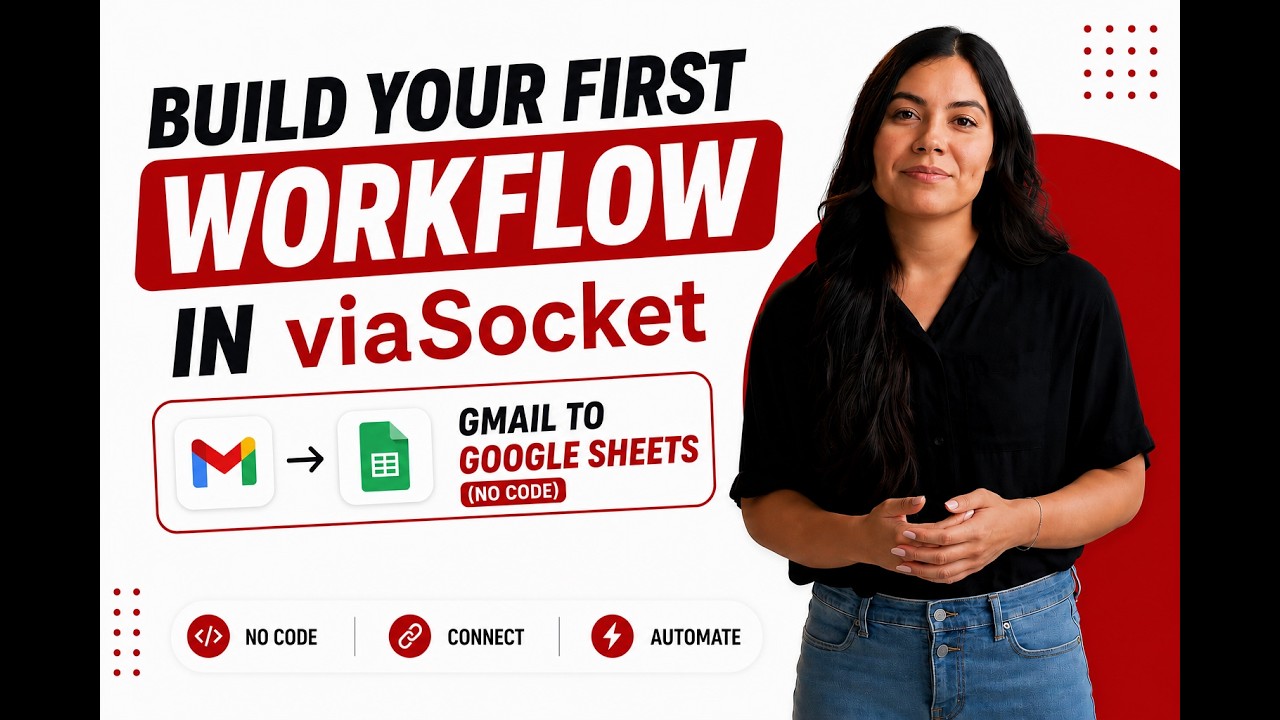
Learn how to build your first workflow
Follow a simple walkthrough to create, test, and launch your first automation.
- 1
Connect your apps
Link the apps you want to automate.
- 2
Configure your workflow
Set up triggers, actions, and map your data.
- 3
Test & publish
Test your workflow and publish it.
Trusted by Thousands. Recognized by the Best.
Recognized by leading review platforms and trusted by 10,000+ businesses worldwide.





From idea to automation.
AI will build it for you
Just describe the task in plain English. viaSocket AI selects the right apps, builds the workflow, maps the fields, and prepares everything for review before you publish.
Learn More About Automation
How to Find the Chat ID in Google Chat
How viaSocket Works | A Complete Guide
Explore viaSocket, a no-code AI-powered automation platform that connects 2,000+ apps to automate repetitive tasks. Learn how it works, set up triggers and actions, and start automating your day.

5 Simple Automation Hacks to Make Your Team Free
Five practical automation hacks to cut repetitive tasks and boost productivity using viaSocket, covering lead generation, onboarding, accounting, support, and HR.
What is Workflow Automation - Definition, Importance & Benefits | A Complete Guide
Explore workflow automation: its definition, benefits, how it works, real-world examples, and how to automate with viaSocket.
viaSocket Support
We're here to help

Instant answers
AI assistant available 24/7
Expert support
Connect with our specialists
Trusted & secure
Your data is safe with us
Start automating Google Chat and abcsubmit free
No credit card required. Set up your first workflow in minutes.
About Google Chat
Google Chat, bringing powerful features directly to your conversations. Whether you're working in a team, managing projects, or coordinating with clients, helps you stay organized, streamline communication, and boost productivity.
Learn moreSimilar apps


About abcsubmit
AbcSubmit is a platform which allows you to create stunning contact forms, survey forms and any custom forms for your business.
Learn moreSimilar apps


Frequently Asked Questions
Sign up for a free viaSocket account, then authorize both your Google Chat and abcsubmit accounts. From there, pick a trigger in one app and an action in the other. Your first workflow can be live in under five minutes.
Yes. viaSocket uses instant triggers where available, so data moves between Google Chat and abcsubmit as soon as the event happens. Scheduled polling triggers run at a maximum interval of 15 minutes.
Yes. You can map specific fields, apply filters to skip records that do not match your conditions, and transform values before they reach abcsubmit. No coding required.
Yes. You can set up a workflow where Google Chat triggers actions in abcsubmit, and a separate workflow where abcsubmit triggers actions in Google Chat. Both run independently and in real time.
viaSocket logs every run so you can see exactly what succeeded and what failed. Failed tasks can be retried from the dashboard without re-configuring the workflow.
Yes, there is a free plan that covers basic workflows between Google Chat and abcsubmit. Paid plans unlock higher task limits, faster polling, and advanced features like multi-step workflows and conditional logic.
No. The entire Google Chat and abcsubmit integration is built through a visual, point-and-click interface. Code blocks are available if you want them, but they are never required.

