



Connect Personio and Filestage
Integrate Personio with Filestage to automate workflows, sync data between apps, and eliminate repetitive tasks with AI-powered automation.
Create Folder in Filestage when Person Created in Personio
Create Project in Filestage when Person Created in Personio
Archive/Unarchive Project in Filestage when Person Created in Personio
Add Reviewers to Reviewers Group in Filestage when Person Created in Personio
Create Review Comment in Filestage when Person Created in Personio
Popular Personio + Filestage flows
Start from a real workflow other teams are already running.
Choose a trigger
Personio
When this happens...
Person Created
Person Updated
Person Deleted
Employment Created
Employment Updated
Employment Deleted
Document Created
Document Updated
Document Signed
Document Deleted
Absence Period Created
Absence Period Status Updated
Absence Period Timerange Updated
Absence Period Deleted
Attendance Period Created
Attendance Period Updated
Attendance Period Deleted
Employment started
Employment Terminated
Choose an action
Filestage
Automatically do this!
Create Folder
Create Project
Archive/Unarchive Project
Add Reviewers to Reviewers Group
Create Review Comment
Get Reviewer Groups by Project
Get Review by ID
Get Project by ID
Get projects
Get folders
Get folder by ID
Get comments by review
Download file version
Get File By ID
Upload a file
Upload a file with a file Object
Find Member By Email
Create Folder in Filestage when Person Created in Personio
Use this flowCreate Project in Filestage when Person Created in Personio
Use this flowArchive/Unarchive Project in Filestage when Person Created in Personio
Use this flowAdd Reviewers to Reviewers Group in Filestage when Person Created in Personio
Use this flowCreate Review Comment in Filestage when Person Created in Personio
Use this flowGet Reviewer Groups by Project in Filestage when Person Created in Personio
Use this flowGet Review by ID from Filestage when Person Created in Personio
Use this flowGet Project by ID in Filestage when Person Created in Personio
Use this flowGet projects in Filestage when Person Created in Personio
Use this flowGet folders in Filestage when Person Created in Personio
Use this flowSupported Triggers & Actions
Everything you can automate between Personio and Filestage.
When this happensTriggers
A trigger is an event that starts a workflow.
Person Created
Triggers when Person created
Person Updated
Triggers when Person updated.
Person Deleted
Triggers when Person deleted
Employment Created
Triggers when Employment created
Employment Updated
Triggers when Employment updated.
Employment Deleted
Triggers when Employment deleted
Do thisActions
Action is the task that follows automatically within your Personio integrations.
Create Person
Create a new Person.
Search Person
Search Person based on filters.
Delete Person
Delete a Person by Email.
Create Compensation
Create Compensation.
Create Compensation Types
Create Compensation Types.
Search Legal Entities
Search legal entities based in frilters .
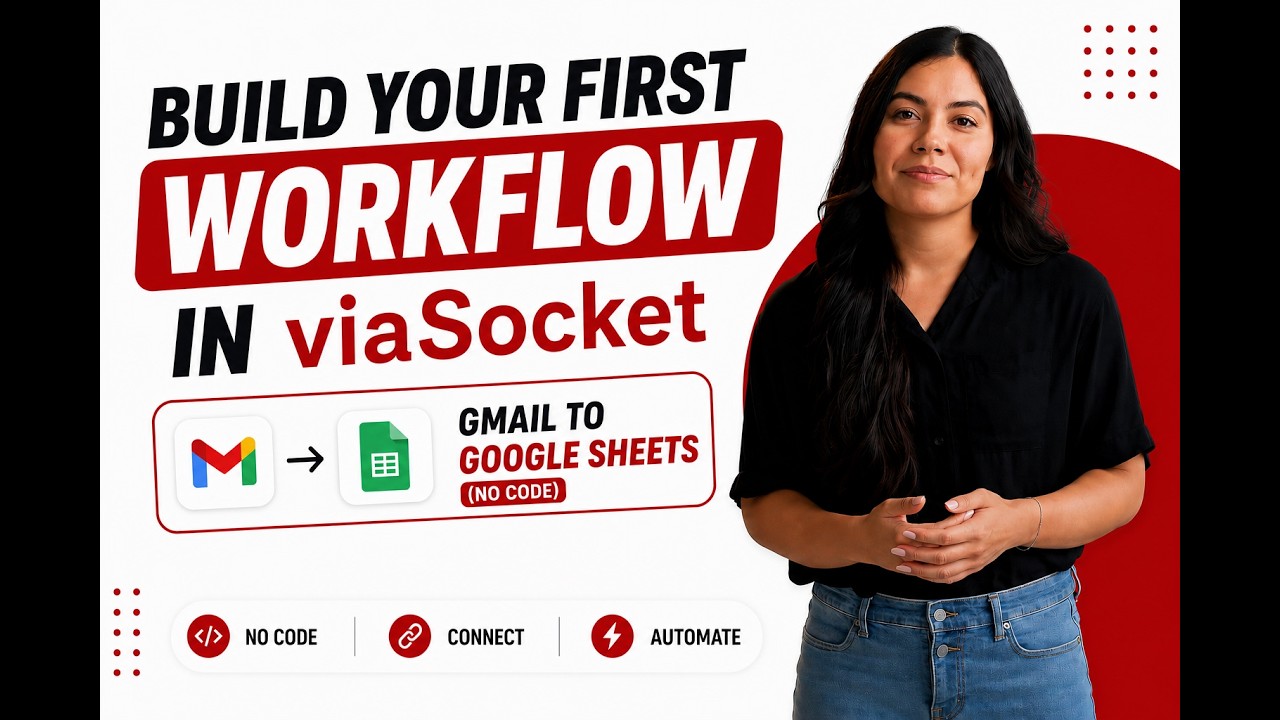
Learn how to build your first workflow
Follow a simple walkthrough to create, test, and launch your first automation.
- 1
Connect your apps
Link the apps you want to automate.
- 2
Configure your workflow
Set up triggers, actions, and map your data.
- 3
Test & publish
Test your workflow and publish it.
Trusted by Thousands. Recognized by the Best.
Recognized by leading review platforms and trusted by 10,000+ businesses worldwide.




From idea to automation.
AI will build it for you
Just describe the task in plain English. viaSocket AI selects the right apps, builds the workflow, maps the fields, and prepares everything for review before you publish.
Learn More About Automation

How viaSocket Works | A Complete Guide
Discover viaSocket, an AI-powered workflow automation platform with 2,300+ integrations. Learn what it is, how it works, and how to set up no-code automated workflows.

5 Simple Automation Hacks to Make Your Team Free
Five practical automation hacks to cut repetitive tasks and boost productivity using viaSocket, covering lead generation, onboarding, accounting, support, and HR.

What is Workflow Automation - Definition, Importance & Benefits | A Complete Guide
Explore workflow automation: its definition, benefits, how it works, real-world examples, and how to automate with viaSocket.

What are Webhooks - Definition, Working, Usage & Examples | A Complete Guide
Discover what webhooks are, how they work, and when to use them. Compare push-based webhooks with APIs and polling, with practical examples and ViaSocket integration.
viaSocket Support
We're here to help

Instant answers
AI assistant available 24/7
Expert support
Connect with our specialists
Trusted & secure
Your data is safe with us
Start automating Personio and Filestage free
No credit card required. Set up your first workflow in minutes.
About Personio
Personio is a comprehensive HR software solution designed to streamline and automate various human resources processes for small and medium-sized businesses. It offers features such as recruitment, employee onboarding, payroll management, and performance tracking, making it an essential tool for efficient HR management.
Learn moreAbout Filestage
Filestage is a collaborative platform designed to streamline the review and approval process for creative projects. It allows teams to share, review, and approve files such as videos, images, and documents in a centralized and organized manner, enhancing productivity and ensuring timely feedback.
Learn moreSimilar apps


Frequently Asked Questions
Sign up for a free viaSocket account, then authorize both your Personio and Filestage accounts. From there, pick a trigger in one app and an action in the other. Your first workflow can be live in under five minutes.
Yes. viaSocket uses instant triggers where available, so data moves between Personio and Filestage as soon as the event happens. Scheduled polling triggers run at a maximum interval of 15 minutes.
Yes. You can map specific fields, apply filters to skip records that do not match your conditions, and transform values before they reach Filestage. No coding required.
Yes. You can set up a workflow where Personio triggers actions in Filestage, and a separate workflow where Filestage triggers actions in Personio. Both run independently and in real time.
viaSocket logs every run so you can see exactly what succeeded and what failed. Failed tasks can be retried from the dashboard without re-configuring the workflow.
Yes, there is a free plan that covers basic workflows between Personio and Filestage. Paid plans unlock higher task limits, faster polling, and advanced features like multi-step workflows and conditional logic.
No. The entire Personio and Filestage integration is built through a visual, point-and-click interface. Code blocks are available if you want them, but they are never required.

