


MCP Server for InterMIND
Connect InterMIND actions with AI tools like ChatGPT, Claude, and Cursor using the viaSocket MCP Server.
AI Agent
What can I help you with?
You
I want to perform an action in InterMIND
AI AgentMCP Tool Calling...
Action in Progress...
Message your agent
Supported Actions
Add 8 actions as tools to your MCP client for seamless integration
Create Meeting
Creates a meeting link on your InterMIND account; with a Start Time it is also written to your connected calendar and invitees are invited. Duration defaults to 30 minutes. Returns {id, url, title, created_at}, plus scheduled_start_at, scheduled_end_at, time_zone and calendar when scheduled. Note: the link is created even if the calendar write fails; check calendar (created, not_connected or failed).
List Meetings
Lists meetings, channels and inboxes you host or belong to: recent by last activity (default) or upcoming scheduled ones, optionally filtered by type. Returns up to Limit items (default 10, max 50) as {data: [...]}; when nothing matches, data is an empty list and message is 'No data found.'.
Find Recaps
Gets the newest recaps of meetings you hosted (default 3, max 10) or, in Search mode, recap snippets whose summary contains a phrase (default 5, max 20). Returns {mode, data: [...]}: Newest gives full recaps with summary and tasks, Search gives snippets with recap and transcript links. No match gives an empty list with message 'No data found.'.
Get Meeting Transcript
Gets the latest finalized transcript of a meeting or channel as Markdown by speaker, or of a chosen session. Cut at Maximum Characters (default 60000) and then truncated is true. Returns {meeting_id, session_id, language, ended_at, transcript_url, truncated, transcript_md}.
List Channels
Lists the team channels and inboxes you belong to, most recently active first. Returns up to Limit channels (default 20, max 50) as {data: [...]}; when you have none, data is an empty list and message is 'No data found.'.
List Channel Messages
Gets one page of a channel's chat messages, oldest first: the latest Limit messages (default 50, max 200), or those sent before the Before date. Returns {data, oldest_sent_at}; use oldest_sent_at as Before to page back. An empty channel gives an empty list and message 'No data found.'.
Connect InterMIND to Any AI Assistant in 3 Easy Steps
viaSocket MCP Server lets you easily connect InterMIND actions with AI tools like ChatGPT, Claude, and Cursor, all with built-in authentication. No need to manage integrations or deal with a bulky setup.
Step 1
Get Your MCP Endpoint
Instantly get a unique, secure URL that connects your AI assistant to viaSocket's network of integrations
Step 2
Choose Your Actions
Choose and configure the actions your AI assistant can perform in InterMIND
Step 3
Connect Your AI Assistant
Connect your AI Assistant easily with the MCP endpoint for instant, secure task execution
Explore other MCP Servers


Start getting work done via viaSocket MCP
Break free from isolation-connect your AI to real-world data for smarter, more impactful results.
Free for Lifetime
viaSocket MCP is free to use for lifetime under a fair usage policy without rate limits
AI-to-App Integration Made Easy with viaSocket MCP
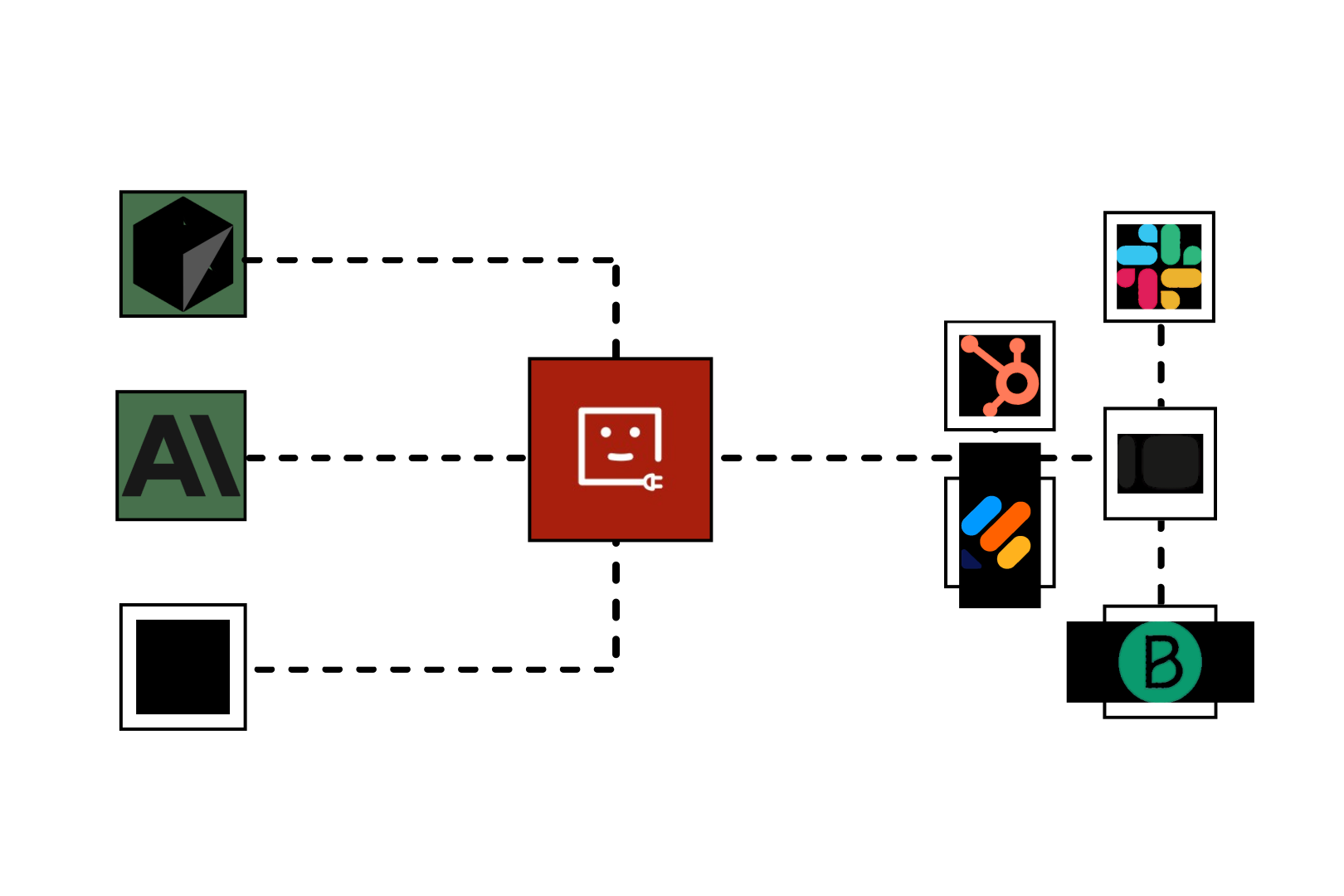
Skip the hassle of building or hosting your own APIs.We've already done the hard work
Set it up once and instantly tap into 1,000+ apps in simple and seamless fashion
Enjoy secure, scoped access right out of the box . Your data is in good hands
Compatible with all your go-to tools. Just plug and play
Learn More About Automation
What is MCP and Why It’s the Future of AI Integration
Directory of applications that support MCP integrations, detailing MCP capabilities, prompts, and tools for AI workflows and coding.
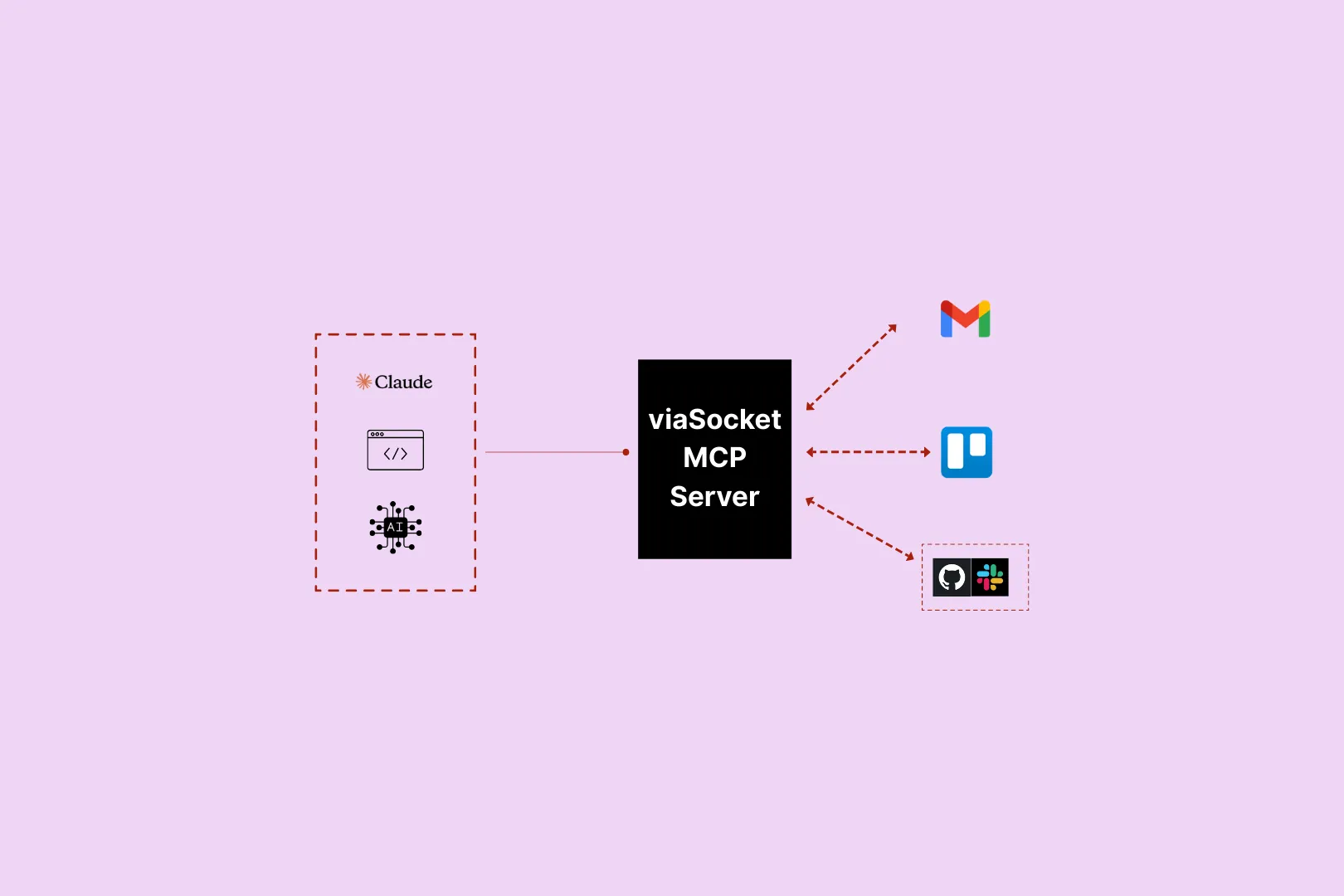
Connect viaSocket MCP with Your AI Assistant
Learn how viaSocket MCP enables AI to connect to thousands of apps and take actions through a single protocol, simplifying integrations, boosting scalability, and improving security. Get started for free.
MCP Servers:A Comprehensive Guide
Discover the Model Context Protocol (MCP) and MCP servers: secure AI integration with external tools and data, featuring architecture, use cases, security features, and future trends.

How viaSocket Works | A Complete Guide
Explore viaSocket, a no-code AI-powered automation platform that connects 2,000+ apps to automate repetitive tasks. Learn how it works, set up triggers and actions, and start automating your day.
Frequently Asked Questions
MCP (Model Context Protocol) is an open standard that lets AI models easily connect with external data and tools, serving as a universal bridge for AI integrations.
viaSocket MCP connects you to its vast ecosystem of integrations while handling authentication, API limits, and security for all your integrations.
Yes, MCP effortlessly connects with platforms such as Cursor, OpenAI, and custom-built clients, making integration and automation a breeze.
You can quickly set up your MCP endpoint and start executing AI actions in minutes.
Yes, MCP endpoints come with built-in authentication, ensuring secure and reliable connections.
viaSocket MCP supports a wide range of applications, including CRM systems, marketing tools, project management software, databases, and much more.
About InterMIND
InterMIND is a video meeting space with simultaneous translation in 20+ languages, persistent channels, meeting recaps, transcripts and shared documents.

About viaSocket MCP server
viaSocket MCP (Model Context Protocol) lets AI connect with thousands of apps through viaSocket's platform, enabling seamless communication, data exchange, and enhanced automation.
viaSocket
For SaaS
For AI Agent Builders
Support
Explore with AI
Automation Experts


Plans, Pricing and Offer
AI & Automation
© 2026 viaSocket |Privacy,TermsandData Retention & Deletion Policy
Walkover Web Solutions Pvt Ltd. | All rights reserved.