


MCP Server for Linkila
Connect Linkila actions with AI tools like ChatGPT, Claude, and Cursor using the viaSocket MCP Server.
AI Agent
What can I help you with?
You
I want to perform an action in Linkila
AI AgentMCP Tool Calling...
Action in Progress...
Message your agent
Supported Actions
Add 9 actions as tools to your MCP client for seamless integration
Create Short Link
Create a branded short link with optional domain, slug, title, and deep linking.
Update Link
Update a link's title, destination, UTM tags, redirect rules, password, and filter destinations.
Delete Link
Soft-delete a link to stop redirects while preserving its analytics; specify the link UUID.
List Links
List all links or search by link UUID or keyword across titles, destinations, and short URLs.
Create Domain
Register a custom domain and set its default URL and favicon options.
Verify Domain
Check DNS and update the verification status of a custom domain.
Connect Linkila to Any AI Assistant in 3 Easy Steps
viaSocket MCP Server lets you easily connect Linkila actions with AI tools like ChatGPT, Claude, and Cursor, all with built-in authentication. No need to manage integrations or deal with a bulky setup.
Step 1
Get Your MCP Endpoint
Instantly get a unique, secure URL that connects your AI assistant to viaSocket's network of integrations
Step 2
Choose Your Actions
Choose and configure the actions your AI assistant can perform in Linkila
Step 3
Connect Your AI Assistant
Connect your AI Assistant easily with the MCP endpoint for instant, secure task execution
Explore other MCP Servers










Start getting work done via viaSocket MCP
Break free from isolation-connect your AI to real-world data for smarter, more impactful results.
Free for Lifetime
viaSocket MCP is free to use for lifetime under a fair usage policy without rate limits
AI-to-App Integration Made Easy with viaSocket MCP
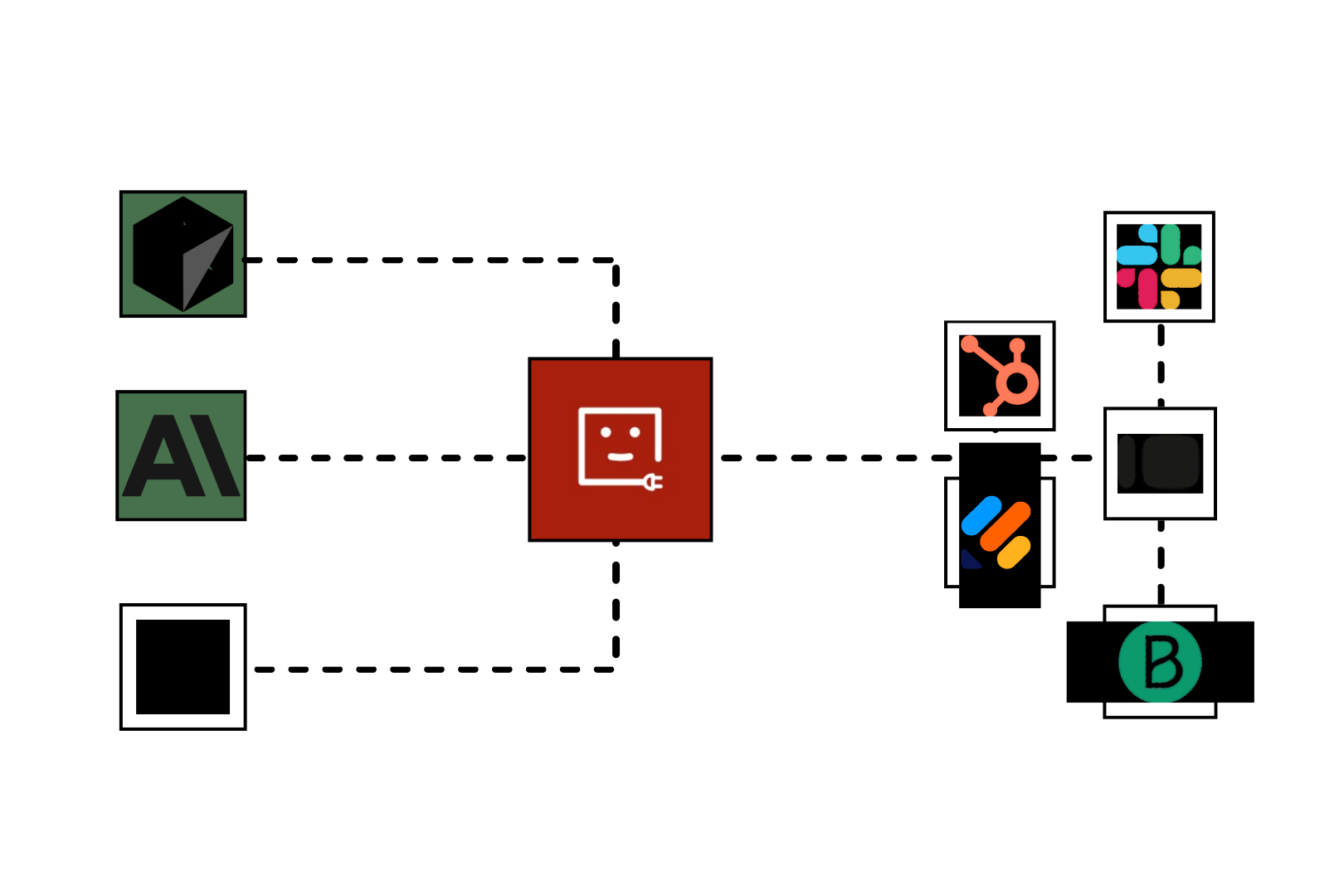
Skip the hassle of building or hosting your own APIs.We've already done the hard work
Set it up once and instantly tap into 1,000+ apps in simple and seamless fashion
Enjoy secure, scoped access right out of the box . Your data is in good hands
Compatible with all your go-to tools. Just plug and play
Learn More About Automation
What is MCP and Why It’s the Future of AI Integration
Directory of applications that support MCP integrations, detailing MCP capabilities, prompts, and tools for AI workflows and coding.
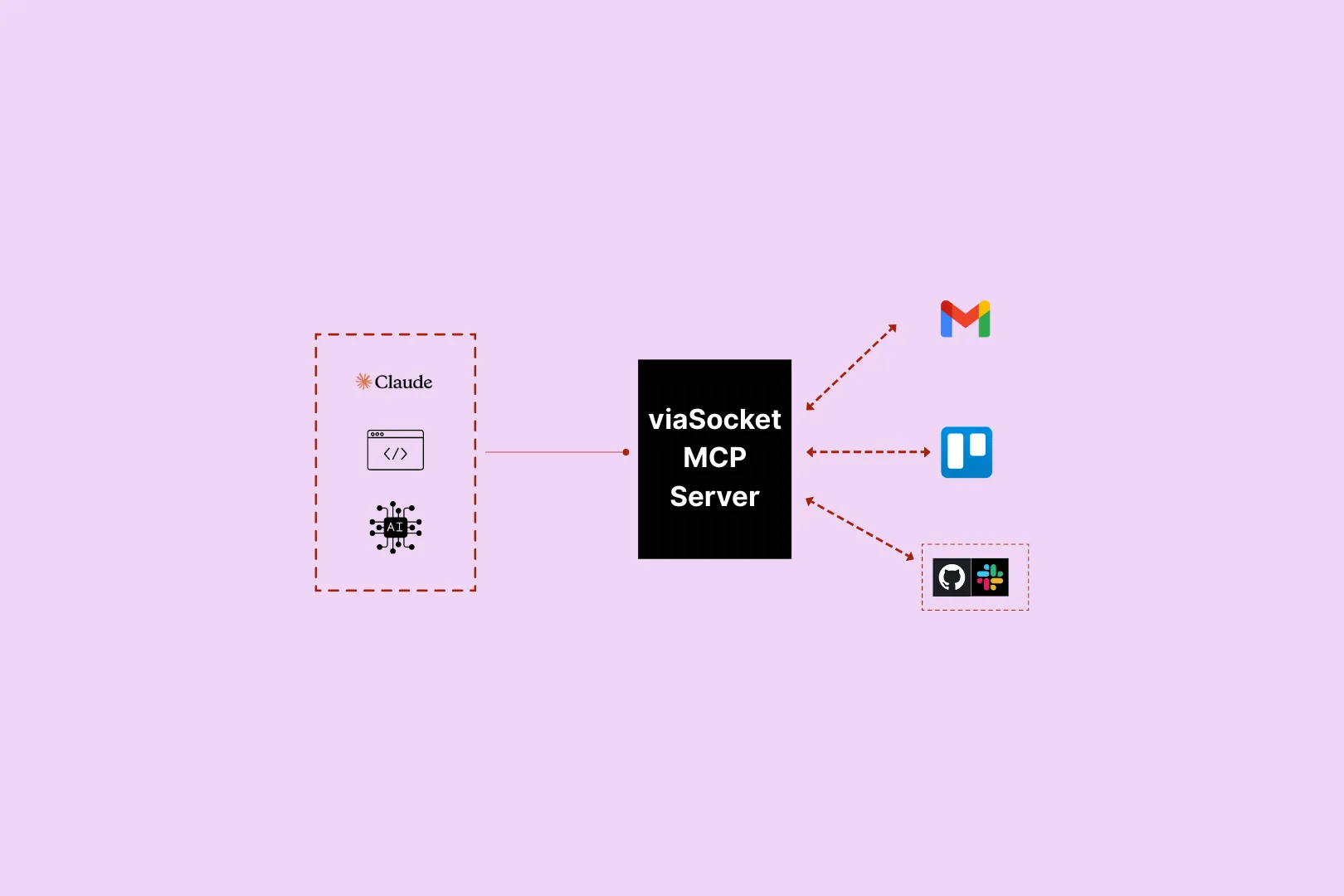
Connect viaSocket MCP with Your AI Assistant
Learn how viaSocket MCP enables AI to connect to thousands of apps and take actions through a single protocol, simplifying integrations, boosting scalability, and improving security. Get started for free.
MCP Servers:A Comprehensive Guide
Discover the Model Context Protocol (MCP) and MCP servers: secure AI integration with external tools and data, featuring architecture, use cases, security features, and future trends.

How viaSocket Works | A Complete Guide
Discover viaSocket, an AI-powered workflow automation platform with 2,300+ integrations. Learn what it is, how it works, and how to set up no-code automated workflows.
Frequently Asked Questions
MCP (Model Context Protocol) is an open standard that lets AI models easily connect with external data and tools, serving as a universal bridge for AI integrations.
viaSocket MCP connects you to its vast ecosystem of integrations while handling authentication, API limits, and security for all your integrations.
Yes, MCP effortlessly connects with platforms such as Cursor, OpenAI, and custom-built clients, making integration and automation a breeze.
You can quickly set up your MCP endpoint and start executing AI actions in minutes.
Yes, MCP endpoints come with built-in authentication, ensuring secure and reliable connections.
viaSocket MCP supports a wide range of applications, including CRM systems, marketing tools, project management software, databases, and much more.
About Linkila
Linkila is a branded URL management platform that creates smart short links with dynamic routing, mobile deep linking, QR codes, and real-time click analytics.

About viaSocket MCP server
viaSocket MCP (Model Context Protocol) lets AI connect with thousands of apps through viaSocket's platform, enabling seamless communication, data exchange, and enhanced automation.
viaSocket
For SaaS
For AI Agent Builders
Support
Explore with AI
Automation Experts


Plans, Pricing and Offer
AI & Automation
© 2026 viaSocket |Privacy,TermsandData Retention & Deletion Policy
Walkover Web Solutions Pvt Ltd. | All rights reserved.