Trigger
A Trigger is the event that starts a Workflow. Every Workflow begins with a Trigger that determines when the Workflow should run.

viaSocket supports different types of Triggers:
Webhook — Starts the Workflow when an external system sends data to your viaSocket webhook URL.
Scheduler — Starts the Workflow automatically at a defined time or interval.
Connected App — Starts the Workflow when a specific event occurs in a connected app, such as a new or updated row in Google Sheets or a new message in Slack.
Trigger configuration
Depending on the Trigger you select, you may also have options to control how it runs:
Run flow if — Run the Workflow only when the incoming data meets specified conditions.
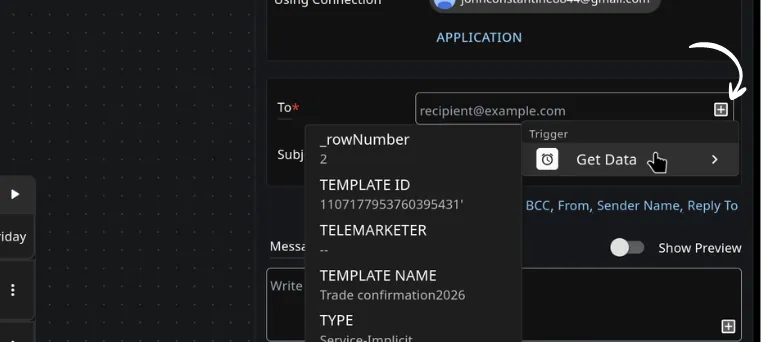
Get data — Retrieve additional data before continuing to the next step.
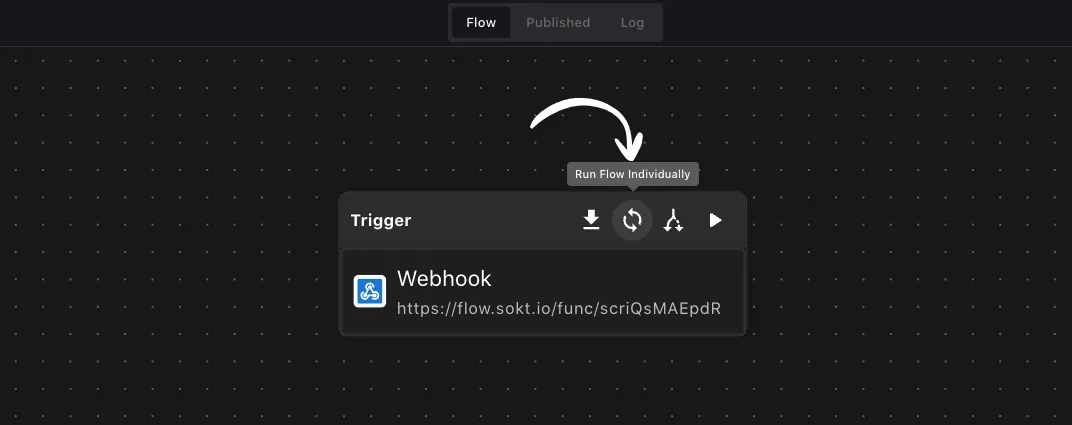
Run flow individually — Run the Workflow separately for each record when a Trigger returns multiple records.
Loop — Repeat actions for each item in a list.
Dry run — Test the Trigger with real data without executing the Workflow.