

Google Sheets automation for lead tracking and reporting
Auto-fill sheets from Gmail leads, sync updates to HubSpot, and keep reports current for sales and operations.
Popular Use Cases
Start a workflow in your other tools whenever something new happens in Google Sheets.
Update records in Google Sheets automatically when data changes in the apps your team already uses.
Log Google Sheets activity into a spreadsheet or database so reporting stays current without manual entry.


Popular ways to automate Google Sheets
Ready-made flows built with Google Sheets — preview one, then make it yours.


Ready to use Google Sheets automations
Triggers and Actions in Google Sheets Automations
viaSocket makes it simple to connect Google Sheets and automate repetitive tasks.
When this happensTriggers
A trigger is an event that starts a workflow.

Row Added Or Updated
Runs when row added or updated
Do thisActions
Action is the task that follows automatically within your Google Sheets integrations.
Update Spreadsheet Row
Update columns in sheet row
List Rows in Sheet
Get rows from a sheet tab as objects with row numbers. Supports an optional header row, offset/limit paging, and fetching from the last row.
Delete Rows
Delete one or more rows from a specific sheet in a Google Spreadsheet using a row range or row numbers.
Add New Row to Sheet
Conditionally require column selection only for header-based mapping and support direct column-letter value mapping when no header row is used.
Lookup Spreadsheet Rows
Find rows in a Google Sheet that match a column value or an advanced filter.
Copy Sheet To Spreadsheet
Copy a sheet to another file
Real-world use cases of Google Sheets integrations
See how Google Sheets integrates with popular apps to automate tasks and streamline your workflow.
Capture new Gmail inquiries in Google Sheets for faster lead follow-up.
Send Slack alerts when Google Sheets rows change for pricing or inventory reviews.
Create HubSpot deals from Google Sheets contacts after qualified demo requests arrive.
Update Shopify listings when Google Sheets flags low stock or price changes.
Route your CRM deals from Google Sheets into weekly sales reports.
Sync your database with Google Sheets after support teams close priority issues.





How to get started with Google Sheets automations
Automate when something happens in Google Sheets
Login -> Create new flow -> Select trigger -> Search Google Sheets -> Choose the trigger from the list
Take action in Google Sheets when something happens in an app or you want to add step in flow
Login -> Create new flow -> Select action -> Search Google Sheets -> Choose the action from the list
Trigger
Action
viaSocket Support
We're here to help

Instant answers
AI assistant available 24/7
Expert support
Connect with our specialists
Trusted & secure
Your data is safe with us
Learn to build automation
Step-by-step video tutorials to help you connect apps, automate workflows, and save time.
Learn how to automate Google Sheets workflows.
Learn how to automate Google Sheets workflows.
Learn how to automate Google Sheets workflows.

Learn how to automate Google Sheets workflows.
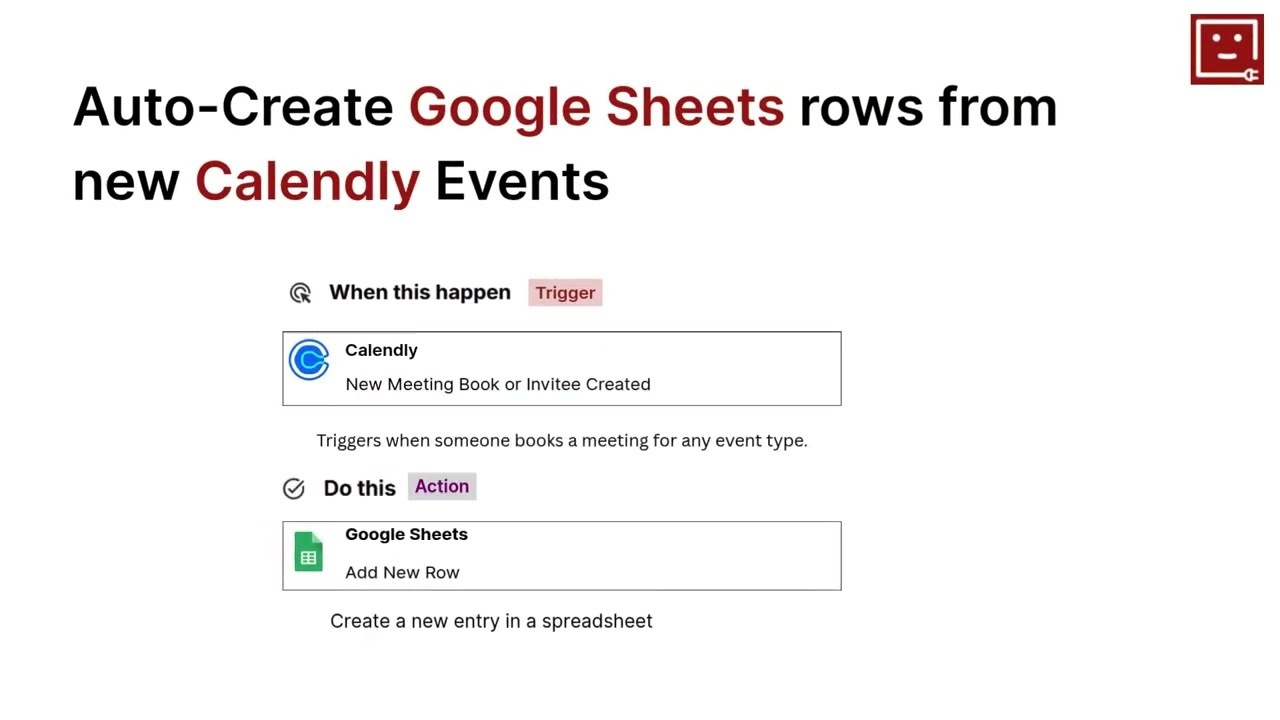
Learn how to automate Google Sheets workflows.
Learn how to automate Google Sheets workflows.
Learn More About Automation

Accounting Automation Guide
Master accounting automation with this guide with examples. Explore top tools, steps, and tips to save time, reduce errors, and streamline finances in 2025.

Simple Ways to Automate Google Sheets
Discover how viaSocket automates Google Sheets—turn form responses into rows, track sales and e-commerce data in real time, sync with project management tools, and set reminders with minimal effort.
Automate Teamwork.com with Slack, Google Sheets & Email -Powered by viaSocket
Connect Teamwork.com with Slack, Google Sheets, and email using viaSocket to trigger real-time notifications, auto-create tasks from external requests, sync live reports, and automate client updates, deadlines, onboarding, and billing.

How viaSocket Works | A Complete Guide
Discover viaSocket, an AI-powered workflow automation platform with 2,300+ integrations. Learn what it is, how it works, and how to set up no-code automated workflows.
Frequently Asked Questions
Connect securely using your Google account, then pick triggers (new row, updated row, schedule) and actions (add row, update cell, export). No coding required — map fields visually and run a quick test before go-live.
Yes. Set a trigger for new spreadsheet rows, map the form fields to CRM fields, and add follow-up actions (assign owner, send email, create task). The sheet stays the single source of truth for tracking status.
viaSocket can run AI-enabled steps that summarize rows, classify leads, extract entities (like product names or complaints), and generate suggested responses — then write results back to your sheet and notify your team.
Yes. Automations write to specified cells or ranges and respect existing formulas and formatting when configured correctly. We recommend testing on a copy until you’re confident with the mapping.
Triggers like new rows can run in near real-time; scheduled workflows run on the cadence you choose (hourly, daily, etc.). Workflows include retry and error-handling options so automations stay reliable in production.
About Google Sheets
Google Sheets is a cloud-based spreadsheet application that lets users create, edit, share, and collaborate on spreadsheets in real time.
Learn More
About viaSocket
viaSocket is an AI-powered, workflow automation platform that helps people and businesses connect apps and automate repetitive tasks. With thousands of integrations, anyone can build workflows to move data, cut manual work, and save time. Whether for simple tasks or large-scale processes, viaSocket makes automation easy and helps teams focus on what matters most.
Learn More
