

Integrate Groove and bdx leads with viaSocket
Groove already connects with hundreds of apps. bdx leads's automation is still on its way. Want to speed that up?
Supported Triggers & Actions
Everything you can automate between Groove and bdx leads.
When this happensTriggers
A trigger is an event that starts a workflow.

Ticket Closed
Triggers when a ticket is closed
Ticket Tagged
Triggers when a ticket is tagged
Ticket Priority Changed
Triggers when a ticket's priority is change
Ticket Started
Triggers when a new ticket is created.
Ticket Opened
Triggers when a ticket is opened.
Ticket Moved
Triggers when a ticket is moved to a different mailbox.
Do thisActions
Action is the task that follows automatically within your Groove integrations.
Create New
Starts a new ticket for your customer
Change Ticket State
Changes the state of a ticket, e.g. from "opened" to "closed".
Reopen Ticket
Changes the state of a ticket to "opened".
Close Ticket
Changes the state of a ticket to "closed
Change Assigned Agent
Assigns an agent to a ticket.
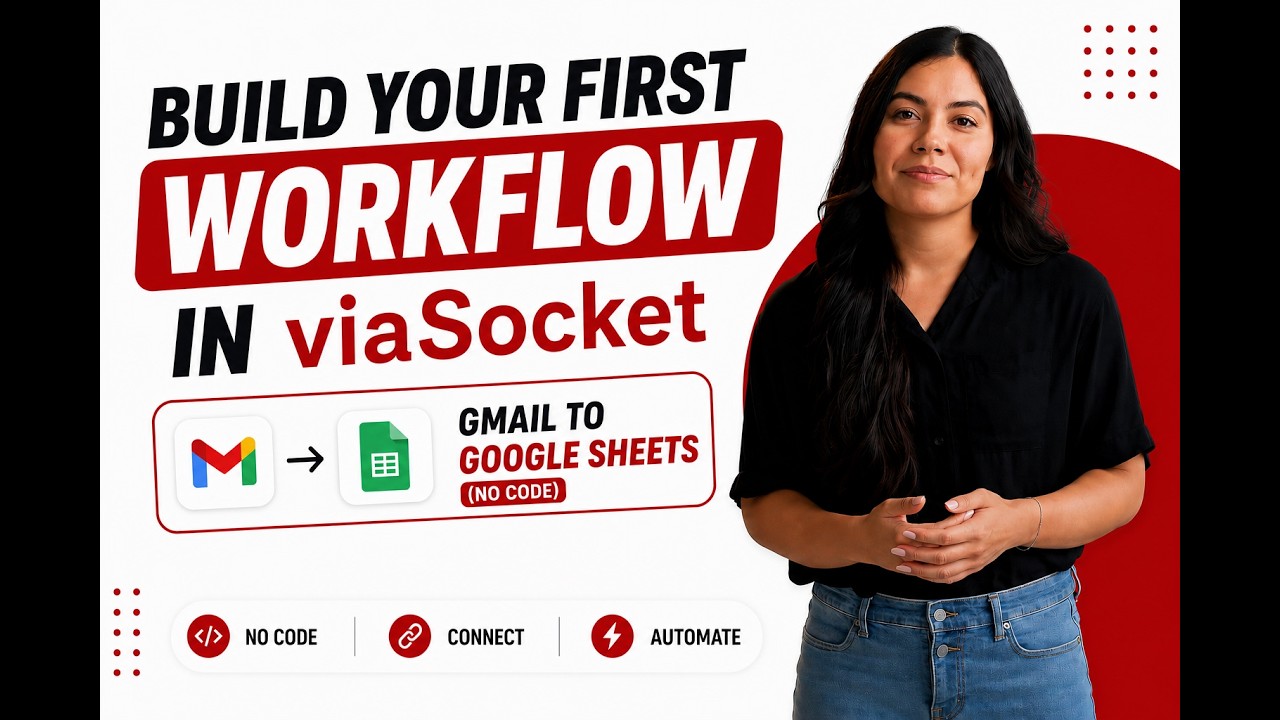
Learn how to build your first workflow
Follow a simple walkthrough to create, test, and launch your first automation.
- 1
Connect your apps
Link the apps you want to automate.
- 2
Configure your workflow
Set up triggers, actions, and map your data.
- 3
Test & publish
Test your workflow and publish it.
Trusted by Thousands. Recognized by the Best.
Recognized by leading review platforms and trusted by 10,000+ businesses worldwide.




From idea to automation.
AI will build it for you
Just describe the task in plain English. viaSocket AI selects the right apps, builds the workflow, maps the fields, and prepares everything for review before you publish.
Learn More About Automation

How viaSocket Works | A Complete Guide
Discover viaSocket, an AI-powered workflow automation platform with 2,300+ integrations. Learn what it is, how it works, and how to set up no-code automated workflows.

5 Simple Automation Hacks to Make Your Team Free
Five practical automation hacks to cut repetitive tasks and boost productivity using viaSocket, covering lead generation, onboarding, accounting, support, and HR.

What is Workflow Automation - Definition, Importance & Benefits | A Complete Guide
Explore workflow automation: its definition, benefits, how it works, real-world examples, and how to automate with viaSocket.

What are Webhooks - Definition, Working, Usage & Examples | A Complete Guide
Discover what webhooks are, how they work, and when to use them. Compare push-based webhooks with APIs and polling, with practical examples and ViaSocket integration.
viaSocket Support
We're here to help

Instant answers
AI assistant available 24/7
Expert support
Connect with our specialists
Trusted & secure
Your data is safe with us
Start automating Groove and bdx leads free
No credit card required. Set up your first workflow in minutes.
About Groove
Groove is a customer service platform designed to help businesses manage their customer support tickets, streamline communication, and improve overall customer satisfaction.
Learn moreSimilar apps


About bdx leads
The BDX Leads app allows BDX listings clients to automatically port their BDX leads into any number of popular CRM systems without any coding. This setup can be completed in as little as 30 minutes.
Learn more


Frequently Asked Questions
Sign up for a free viaSocket account, then authorize both your Groove and bdx leads accounts. From there, pick a trigger in one app and an action in the other. Your first workflow can be live in under five minutes.
Yes. viaSocket uses instant triggers where available, so data moves between Groove and bdx leads as soon as the event happens. Scheduled polling triggers run at a maximum interval of 15 minutes.
Yes. You can map specific fields, apply filters to skip records that do not match your conditions, and transform values before they reach bdx leads. No coding required.
Yes. You can set up a workflow where Groove triggers actions in bdx leads, and a separate workflow where bdx leads triggers actions in Groove. Both run independently and in real time.
viaSocket logs every run so you can see exactly what succeeded and what failed. Failed tasks can be retried from the dashboard without re-configuring the workflow.
Yes, there is a free plan that covers basic workflows between Groove and bdx leads. Paid plans unlock higher task limits, faster polling, and advanced features like multi-step workflows and conditional logic.
No. The entire Groove and bdx leads integration is built through a visual, point-and-click interface. Code blocks are available if you want them, but they are never required.

