

Automate MailChimp workflows for leads, customers, and campaigns
Sync new leads from Salesforce, add buyers from Shopify, and update MailChimp audiences to keep campaigns targeted.
Popular Use Cases
Start a workflow in your other tools whenever something new happens in MailChimp.
Update records in MailChimp automatically when data changes in the apps your team already uses.
Log MailChimp activity into a spreadsheet or database so reporting stays current without manual entry.




Popular ways to automate MailChimp
Ready-made flows built with MailChimp — preview one, then make it yours.




Razorpay to Zoom, Google Sheets, Kit & Telegram: Auto‑enroll Paid Workshop Leads




ThriveCart: Send Retention Email When Subscription Pauses + 3‑Day Follow‑Up

Reply to Instagram Business Comments with Randomized Public Responses and Keyword-Based DMs
Ready to use MailChimp automations
Triggers and Actions in MailChimp Automations
viaSocket makes it simple to connect MailChimp and automate repetitive tasks.
When this happensTriggers
A trigger is an event that starts a workflow.

When a new audience is created
Runs the workflow automatically when a new audience is created in the account.
When a campaign is created or sent
Runs the workflow automatically whenever a campaign is created or sent in the account.
When a recipient opens an email in a specific campaign
Runs the workflow automatically whenever a recipient opens an email in the specified campaign.
When a new subscriber is added to an audience
Runs the workflow automatically whenever any subscriber is added to an audience.
When a subscriber unsubscribes from an audience
Runs the workflow automatically whenever a subscriber unsubscribes from an audience.
When a subscriber's email address is updated
Runs the workflow automatically whenever a subscriber's email address is updated in the selected audience.
Do thisActions
Action is the task that follows automatically within your MailChimp integrations.
Add Note to Subscriber
Add a note to an existing subscriber in a selected audience.
Add Subscriber to Tag
Fix tag_name type normalization in Add Subscriber to Tag perform code to resolve Mailchimp 400 string type error.
Update Subscriber
Update an audience subscriber's email address, subscription status, or profile (merge) fields.
Archive Subscriber
Archive a subscriber from a Mailchimp audience.
Create Campaign
Surgical update: (1) validate varite contents as JSON array of strings; (2) add optional prebuilt_segment_id input; (3) rename Ecommerce to E-commerce Tracking and update help; (4) update contents input help/placeholders.
Create Custom Event
Add a custom event to a Mailchimp list member.
Real-world use cases of MailChimp integrations
See how MailChimp integrates with popular apps to automate tasks and streamline your workflow.
Add new Shopify buyers to MailChimp when orders are marked paid.
Create Slack alerts when MailChimp campaign replies mention cancellations or urgent billing questions.
Send HubSpot contacts into MailChimp after sales approves a follow up sequence.
Update Salesforce records when MailChimp subscribers reengage with a win back campaign.
Route MailChimp unsubscribes to your CRM so sales stops contacting inactive leads.
Log MailChimp campaign performance in your spreadsheet for weekly reporting and budget reviews.


How to get started with MailChimp automations
Automate when something happens in MailChimp
Login -> Create new flow -> Select trigger -> Search MailChimp -> Choose the trigger from the list
Take action in MailChimp when something happens in an app or you want to add step in flow
Login -> Create new flow -> Select action -> Search MailChimp -> Choose the action from the list
Trigger
Action
viaSocket Support
We're here to help

Instant answers
AI assistant available 24/7
Expert support
Connect with our specialists
Trusted & secure
Your data is safe with us
Learn to build automation
Step-by-step video tutorials to help you connect apps, automate workflows, and save time.
Learn how to automate MailChimp workflows.
Learn how to automate MailChimp workflows.
Learn More About Automation
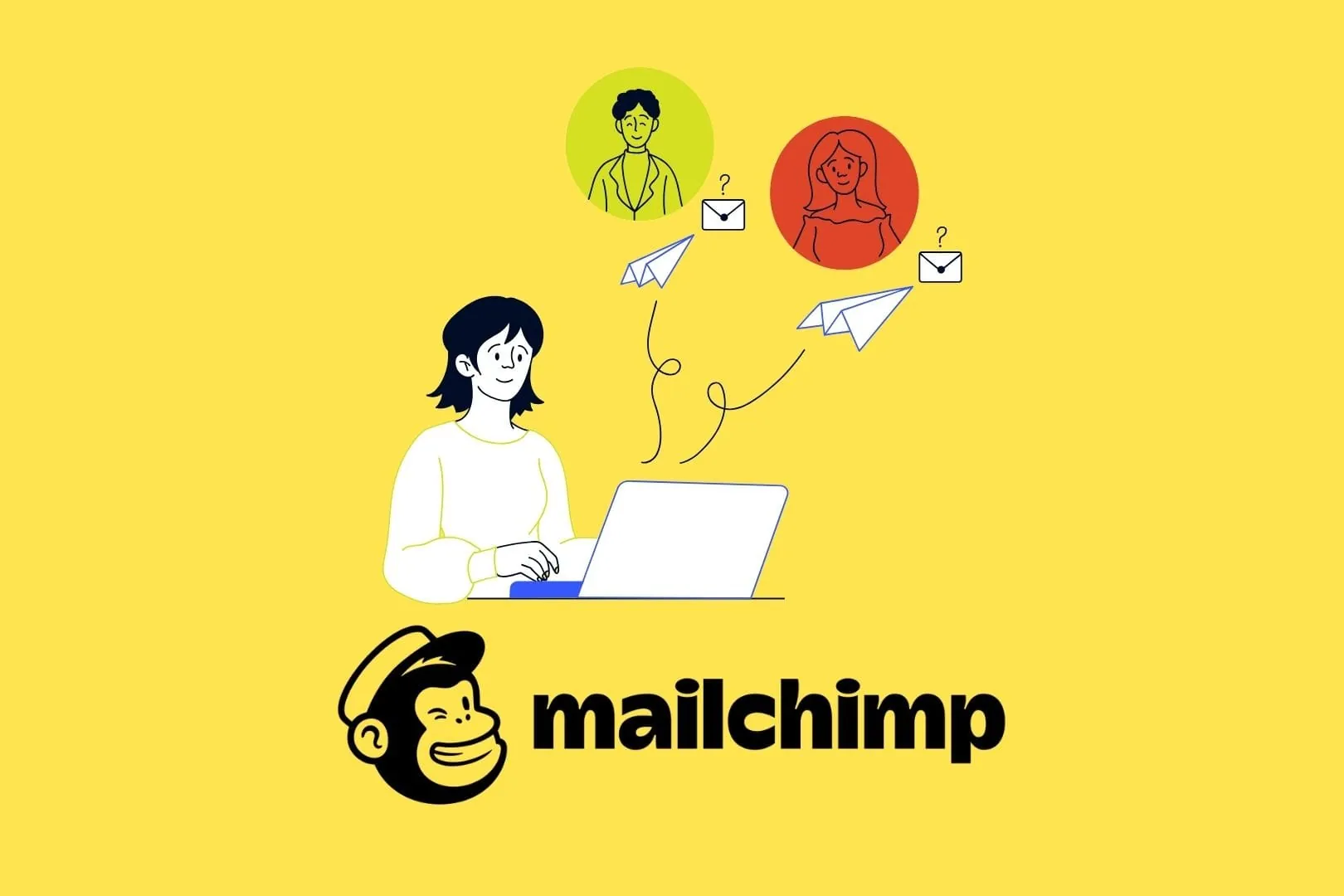
4 Must Try Mailchimp Automation Strategies You Need Today
Discover four Mailchimp automation strategies with viaSocket to convert subscribers, engage event participants, securely store contact data, and keep your CRM up to date.

A Step by Step Guide to Automate Customer Communication
Learn how to automate customer communication with a practical, step-by-step guide. Discover what to automate, the benefits, and simple workflows for timely, personalized messages across email, SMS, and chat.
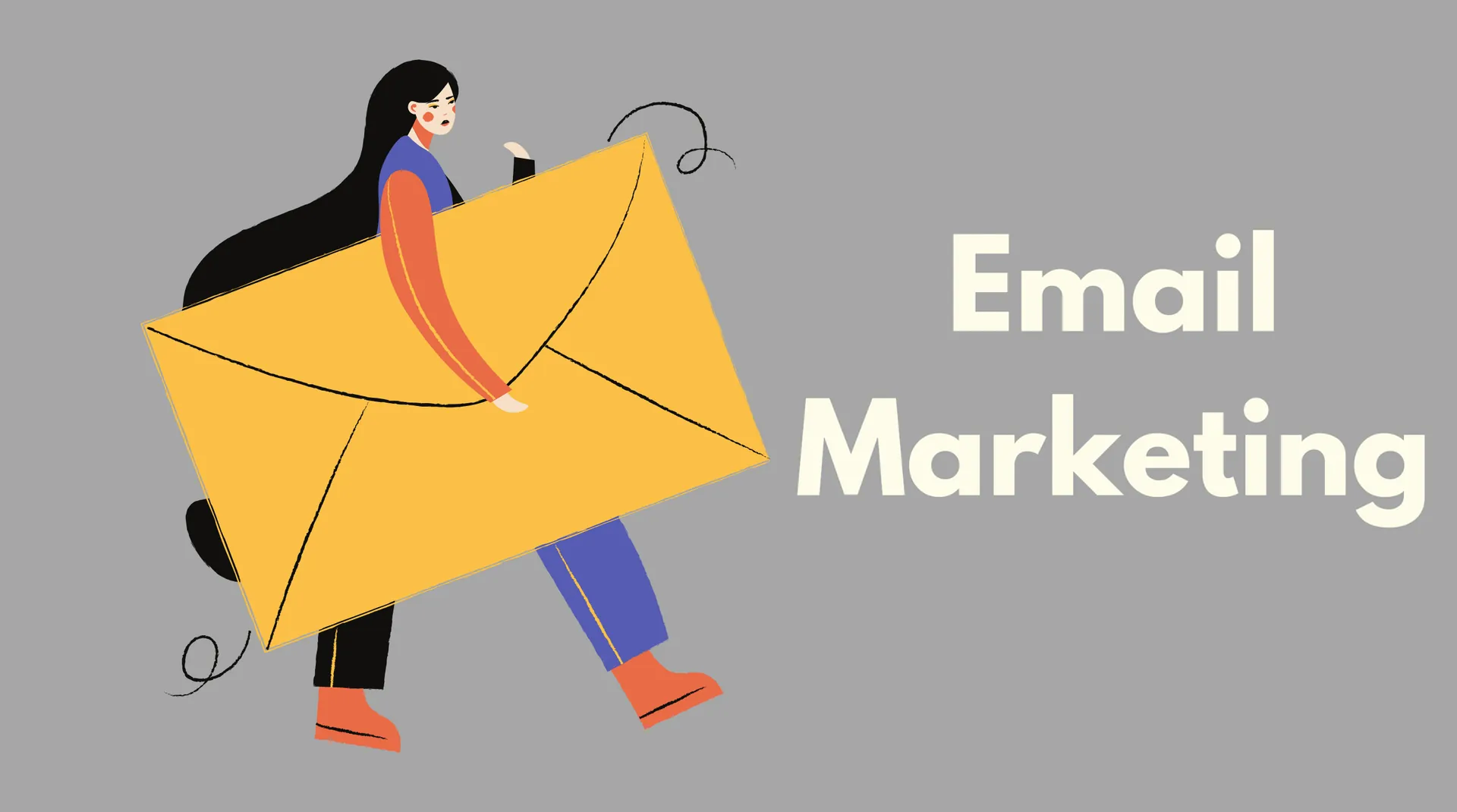
Best Software for Email Marketing
This quick guide compares leading email marketing platforms—Mailchimp, HubSpot, Campaigner, Brevo, Omnisend, and Zoho Campaigns—covering pricing, features, automation, and audience segmentation.

Step-by-Step Guide to Your First Mailchimp Campaign
Step-by-step guide to creating your first Mailchimp email campaign: audience setup, sender details, subject lines, email design, sending options, and performance tracking.
8 Best Free Email Marketing Tools You Need in 2025
Explore eight top free email marketing tools for 2025. Compare target users, core features, and free plan limits for Mailchimp, Sender, Benchmark Email, Moosend, Brevo, GetResponse, ActiveCampaign, and MailerLite.
Frequently Asked Questions
You can automate contact syncing, tagging, audience assignment, and campaign triggers based on events in your CRM, website forms, eCommerce store, or support tools. viaSocket keeps Mailchimp data updated and starts the right journeys without manual exports or list uploads.
No. viaSocket is designed for operators and marketers. You choose triggers and actions in a simple workflow builder—like “when a deal is won in my CRM, add this contact to a Mailchimp upsell sequence”—without writing code or working with APIs.
viaSocket can pass your contact and event data through AI models before sending it to Mailchimp. For example, it can generate personalized subject lines, segment contacts based on AI scoring, or create summaries of engagement for your team, then update Mailchimp or your CRM automatically.
Yes. You can build two-way sync workflows so that new or updated contacts, tags, and subscription statuses are reflected both in Mailchimp and in tools like your CRM or helpdesk, reducing duplicates and keeping records aligned.
Teams often automate lead capture from web forms into Mailchimp audiences, trigger welcome and nurture journeys from CRM status changes, send eCommerce-based campaigns like abandoned cart or win-back emails, and push Mailchimp engagement stats into Slack or dashboards for easier reporting.
About MailChimp
Mailchimp is an all-in-one marketing platform that helps businesses manage and talk to their clients, customers, and other interested parties.
Learn More
About viaSocket
viaSocket is an AI-powered, workflow automation platform that helps people and businesses connect apps and automate repetitive tasks. With thousands of integrations, anyone can build workflows to move data, cut manual work, and save time. Whether for simple tasks or large-scale processes, viaSocket makes automation easy and helps teams focus on what matters most.
Learn More
