
Integrate testing1234 with your favorite apps
Easily connect testing1234 with the apps you use every day. Pick from thousands of available testing1234 integrations or customize
new ones through our automation platform.








Ready to use testing1234 automations
Explore more automations built by businesses and experts


Automate Instagram Comment Replies with Smart Keywords and DMs




Automate Social Media Post Creation and Scheduling Across Multiple Platforms
Automate Instagram DM Auto-Replies for Non‑Followers, Keywords, and Greetings
Triggers and Actions in testing1234 Automations
viaSocket makes it simple to connect testing1234 and automate repetitive tasks.
When this happensTrigger
No trigger available
Do thisActions
Action is the task that follows automatically within your testing1234 integrations.
Test Action
A basic test action that runs successfully and echoes the provided input.
How to get started with testing1234 automations
Automate when something happens in testing1234
Login -> Create new flow -> Select trigger -> Search testing1234 -> Choose the trigger from the list
Take action in testing1234 when something happens in an app or you want to add step in flow
Login -> Create new flow -> Select action -> Search testing1234 -> Choose the action from the list
Trigger
Action
Real-world use cases of testing1234 integrations
See how testing1234 integrates with popular apps to automate tasks and streamline your workflow.
- Integrate testing1234 with Salesforce to sync records, ensuring that customer data is consistently updated across your CRM and testing1234 databases.
- Integrate testing1234 with MySQL to automatically sync records, facilitating seamless data exchange between testing1234 and your SQL databases.




Know More About viaSocket Integrations

How viaSocket Works | A Complete Guide
Gain insights into how viaSocket functions through our detailed guide. Understand its key features and benefits to maximize your experience and efficiency.

5 Simple Automation Hacks to Make Your Team Free
Unlock your team's potential with 5 straightforward automation hacks designed to streamline processes and free up valuable time for more important work.
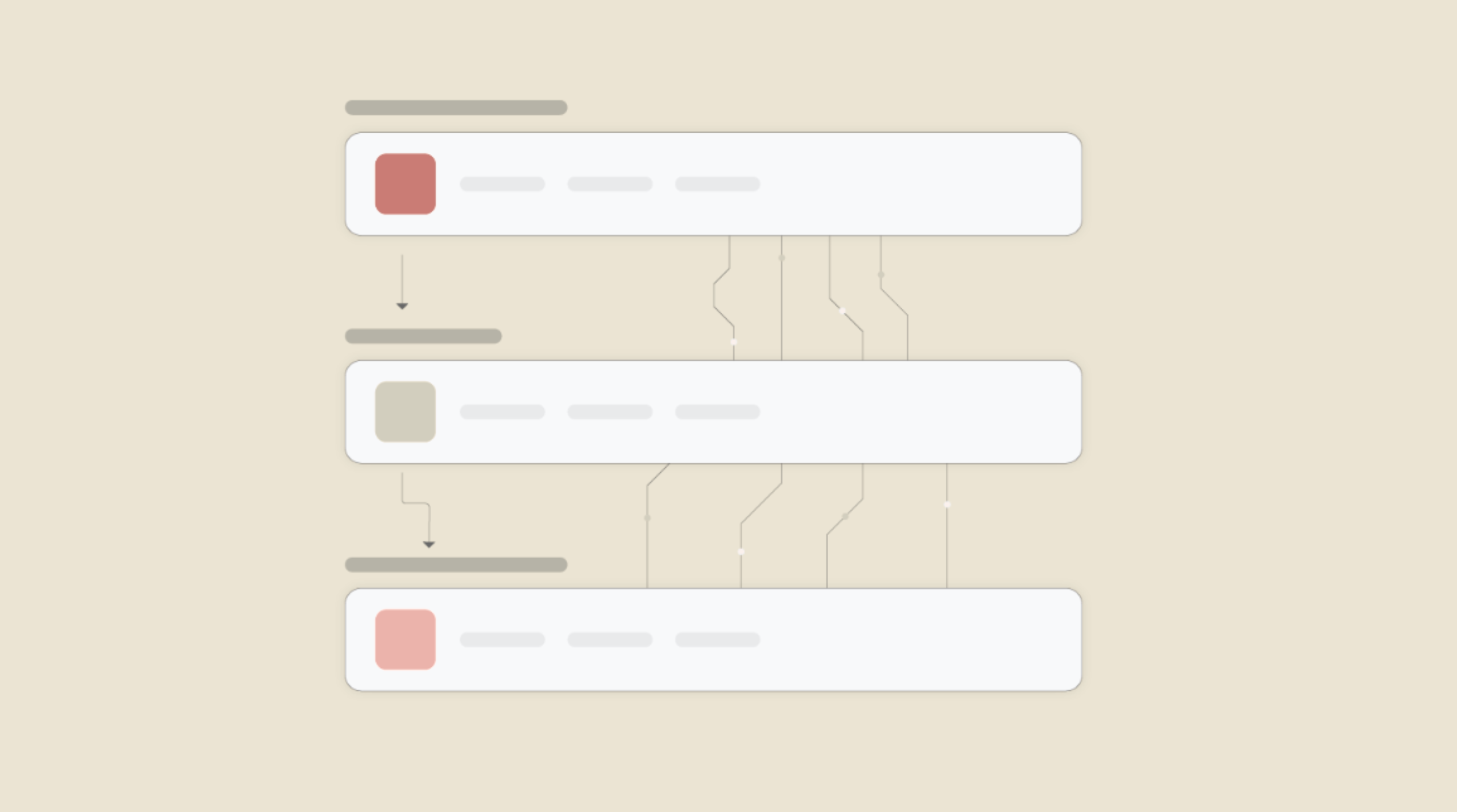
What is Workflow Automation - Definition, Importance & Benefits | A Complete Guide
Workflow automation is the process of using technology to execute repetitive tasks with minimal human intervention, creating a seamless flow of activities.
Frequently Asked Questions
Data mapping in viaSocket involves defining how information flows from one application to another in your automation. You specify which data from the trigger event should be used in your action step.
viaSocket includes error handling mechanisms in automated workflows to detect and address errors or exceptions that may occur during execution.
Yes, viaSocket offers flexibility and customization options for automated workflows. Users can tailor workflows to fit their specific business requirements by configuring triggers, actions, conditions, and integrations to suit their unique processes and workflows.
viaSocket regularly updates its integrations to ensure compatibility with new app versions, features, and APIs released by app developers. These updates help maintain seamless functionality and ensure that integrations continue to work effectively over time.
About testing1234
Explore the capabilities of testing and development with test.com, a platform designed for developers and QA professionals to streamline their testing processes.
Learn More
About viaSocket
viaSocket is an AI-powered, workflow automation platform that helps people and businesses connect apps and automate repetitive tasks. With thousands of integrations, anyone can build workflows to move data, cut manual work, and save time. Whether for simple tasks or large-scale processes, viaSocket makes automation easy and helps teams focus on what matters most.
Learn MoreviaSocket
For SaaS
For AI Agent Builders
Support
Automation Experts


Plans, Pricing and Offer
AI & Automation
© 2026 viaSocket |Privacy,TermsandData Retention & Deletion Policy
Walkover Web Solutions Pvt Ltd. | All rights reserved.