

Zoho CRM automation for leads, deals, and follow-up
Route new Zoho CRM leads, update deal stages, and sync contact changes so your pipeline stays current and follow-ups never slip.
Popular Use Cases
Start a workflow in your other tools whenever something new happens in Zoho CRM.
Update records in Zoho CRM automatically when data changes in the apps your team already uses.
Log Zoho CRM activity into a spreadsheet or database so reporting stays current without manual entry.





Popular ways to automate Zoho CRM
Ready-made flows built with Zoho CRM — preview one, then make it yours.


Ready to use Zoho CRM automations
Triggers and Actions in Zoho CRM Automations
viaSocket makes it simple to connect Zoho CRM and automate repetitive tasks.
When this happensTriggers
A trigger is an event that starts a workflow.
New Lead
Update New Lead trigger perform code with required fields param for Zoho CRM v8 pagination.
New Contact
Triggers when a new contact is created in Zoho CRM.
New Account
Adds transferoption code for the New Account polling trigger using Zoho CRM Accounts Get Records pagination.
New Deals
Update New Deals trigger transferoption to use Zoho CRM Get Records page_token pagination.
New Task
Update scheduled trigger transferoption to use Zoho CRM v8 Get Records requirements with fields and page_token pagination.
New or Updated Lead
Update sample data code for New or Updated Lead trigger.
Do thisActions
Action is the task that follows automatically within your Zoho CRM integrations.
Update a lead
Update an existing lead in Zoho CRM by Lead ID.
Create a Note
Create a note in the selected module
Create a lead
Updated Zoho CRM Create a lead action with dynamic dropdowns for Layout, Wizard, and Assignment Rule, plus reviewer-suggested custom field date/datetime handling and wizard connection path validation.
Search Lead
Searchs Lead by Mobile Number
Update Note in Lead
Update note_id field visibility so the Note dropdown appears only after a lead is selected, while preserving existing perform logic and input field behavior.
Add Tags to Leads
Attach tags to existing leads by lead ID, email, or mobile number; optionally replace existing tags.
Real-world use cases of Zoho CRM integrations
See how Zoho CRM integrates with popular apps to automate tasks and streamline your workflow.
Capture new Zoho CRM leads from Slack and assign follow-up tasks to reps.
Send qualified Zoho CRM deals to Gmail when prospects request pricing.
Update Zoho CRM contact records from Google Sheets after event imports.
Create Zendesk tickets from Zoho CRM closed-lost reasons for account recovery.
Sync closed-won Zoho CRM accounts to your database for renewal tracking.
Move stalled Zoho CRM leads to your chat tool for re-engagement.


How to get started with Zoho CRM automations
Automate when something happens in Zoho CRM
Login -> Create new flow -> Select trigger -> Search Zoho CRM -> Choose the trigger from the list
Take action in Zoho CRM when something happens in an app or you want to add step in flow
Login -> Create new flow -> Select action -> Search Zoho CRM -> Choose the action from the list
Trigger
Action
viaSocket Support
We're here to help

Instant answers
AI assistant available 24/7
Expert support
Connect with our specialists
Trusted & secure
Your data is safe with us
Learn More About Automation
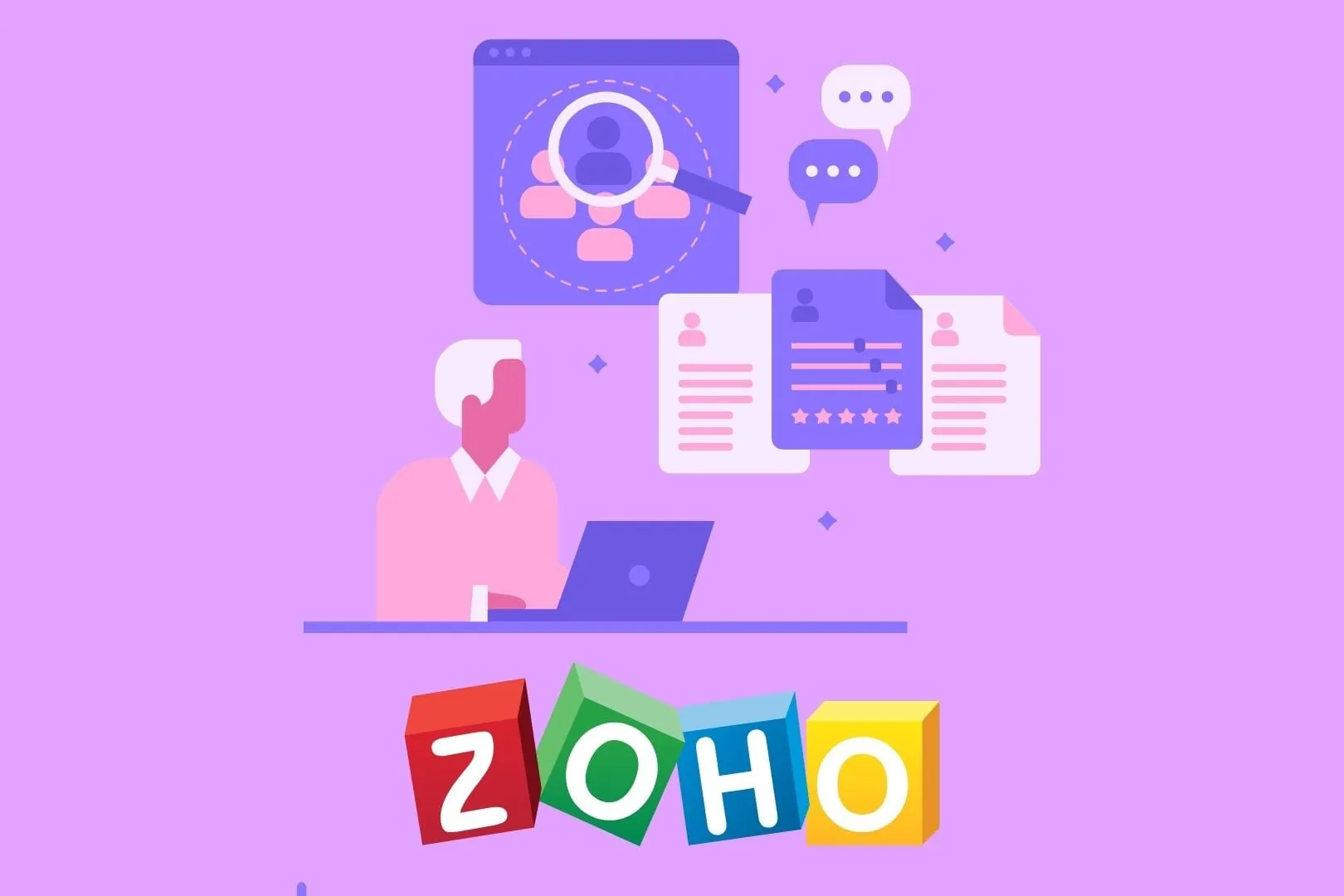
5 Zoho CRM Integrations to Boost Productivity
Discover how ViaSocket connects Zoho CRM with Shopify, WooCommerce, Gmail, Smartsheet, and Asana to centralize data, automate workflows, and boost productivity.

How viaSocket Works | A Complete Guide
Discover viaSocket, an AI-powered workflow automation platform with 2,300+ integrations. Learn what it is, how it works, and how to set up no-code automated workflows.

5 Simple Automation Hacks to Make Your Team Free
Five practical automation hacks to cut repetitive tasks and boost productivity using viaSocket, covering lead generation, onboarding, accounting, support, and HR.

What is Workflow Automation - Definition, Importance & Benefits | A Complete Guide
Explore workflow automation: its definition, benefits, how it works, real-world examples, and how to automate with viaSocket.
Frequently Asked Questions
Automations include lead enrichment and scoring, intelligent routing and assignment, deal-to-invoice workflows, SLA-based support escalations, scheduled reporting, and multi-app data syncs that remove repetitive data entry.
Simple automations (lead routing, deal sync) can be set up in under an hour using templates. More complex flows with enrichment, AI scoring or multi-app orchestration usually take a few hours to configure and test.
Yes. viaSocket can apply AI to summarize notes, draft personalized follow-up emails, and score leads so your team focuses on the best opportunities. AI outputs are editable and can be reviewed before sending.
viaSocket connects to Zoho CRM through official APIs and access controls. Data transfers are encrypted and access is limited to scopes and accounts you authorize. You control who can build and run automations.
About Zoho CRM
Zoho CRM is an AI-powered customer relationship management platform that helps businesses manage leads, contacts, deals, customer interactions, sales automation, forecasting, and analytics in one place.
Learn More
About viaSocket
viaSocket is an AI-powered, workflow automation platform that helps people and businesses connect apps and automate repetitive tasks. With thousands of integrations, anyone can build workflows to move data, cut manual work, and save time. Whether for simple tasks or large-scale processes, viaSocket makes automation easy and helps teams focus on what matters most.
Learn More
