

Automate Anything. Anywhere.
Want to list your app?Build viaSocket integration
2300+ Apps
viaSocket is your all-in-one solution, seamlessly integrating CRM, Marketing, E-Commerce, Helpdesk, Payments, Web forms, Collaboration, and more for streamlined business success.

Google Sheets

Gmail

Slack

Google Calendar

Google Drive

HubSpot

Salesforce

Shopify

Microsoft Teams

MailChimp

Airtable

Notion

Stripe

GitHub
Microsoft Outlook
Google Forms

Zoom

Asana

Discord

Zoho CRM

Telegram

Trello

Wordpress

WooCommerce

Pipedrive

ActiveCampaign

Calendly

Intercom

ClickUp

Dropbox

Typeform

Facebook Lead Ads

monday.com

Twilio

Docusign

Google Ads

Klaviyo


Jotform

Webflow

QuickBooks

Google Analytics

OpenAI (ChatGPT)

Freshdesk

BulkPublish
Request an App
Added in 2 daysAutomation ideas for your stack
Tell us the apps you use and get practical workflow ideas your team can put to work right away.
Get automation ideasChoose your apps. Discover ideas. Build your flow.
Slack✓HubSpot✓Google SheetsMailChimp✓NotionStripeAirtableDiscordWhen a new HubSpot lead emails you, post to Slack automatically.
+ 12 more like thisLearn More About Automation

How viaSocket Works | A Complete Guide
Discover viaSocket, an AI-powered workflow automation platform with 2,300+ integrations. Learn what it is, how it works, and how to set up no-code automated workflows.

5 Simple Automation Hacks to Make Your Team Free
Five practical automation hacks to cut repetitive tasks and boost productivity using viaSocket, covering lead generation, onboarding, accounting, support, and HR.

What is Workflow Automation - Definition, Importance & Benefits | A Complete Guide
Explore workflow automation: its definition, benefits, how it works, real-world examples, and how to automate with viaSocket.

What are Webhooks - Definition, Working, Usage & Examples | A Complete Guide
Discover what webhooks are, how they work, and when to use them. Compare push-based webhooks with APIs and polling, with practical examples and ViaSocket integration.

Boost Your Team’s Efficiency with viaSocket
Enhance your team's productivity with viaSocket. Discover innovative tools and strategies designed to streamline workflows and improve collaboration effectively.
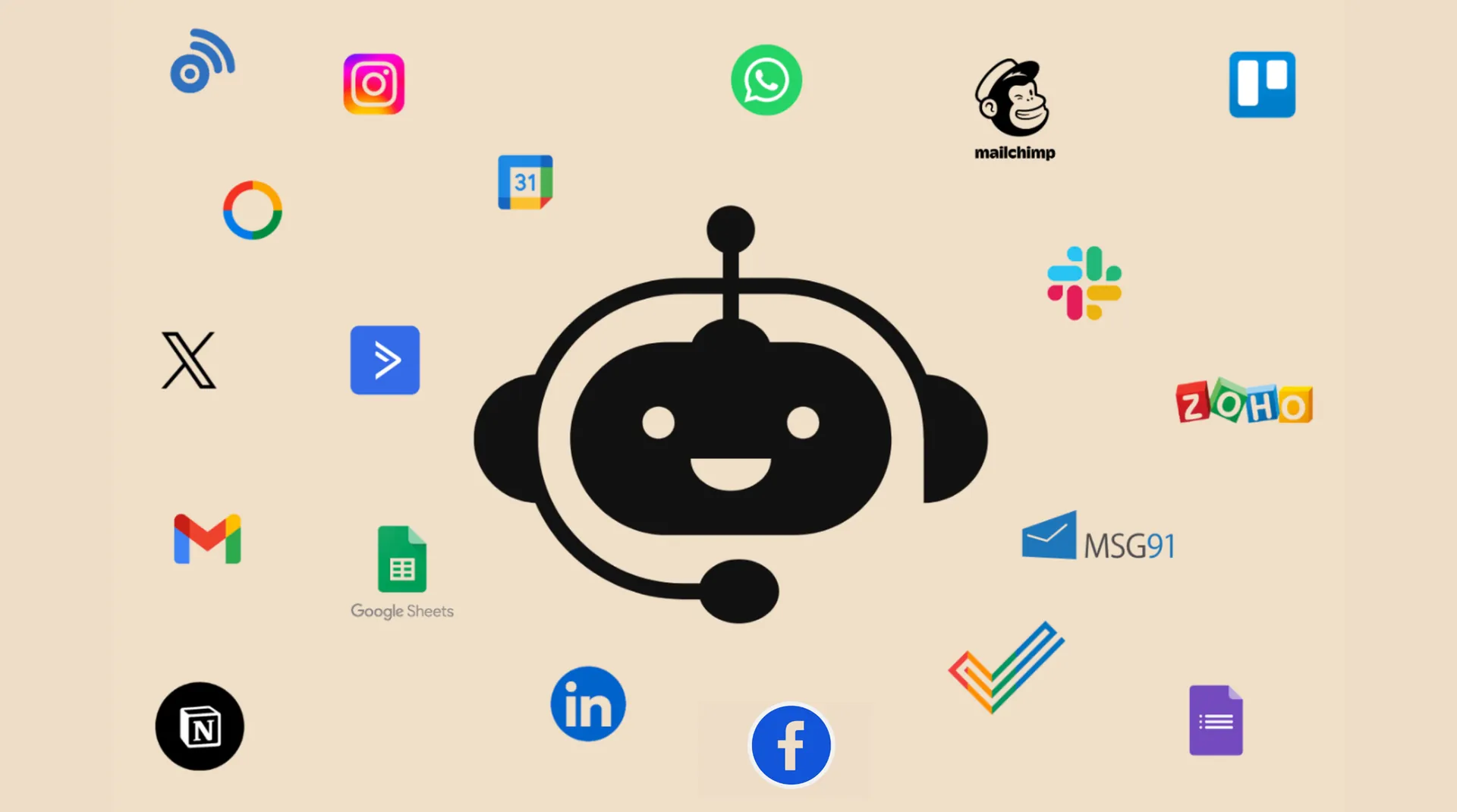
Chatbot Integration: Give Your Chatbot the Power of 1,500+ Integrations
Learn how chatbots powered by LLMs connect with 1,500+ apps via viaSocket to automate tasks, fetch real-time data, update CRMs, schedule events, track orders, and more.
Frequently Asked Questions
You can connect to any app that offers an API using our HTTP app, or you can request the app integration or build your own.
For assistance with integrations: General support: support@viasocket.com, Plugin-related inquiries: plugs@viasocket.com, For more details, visit the viaSocket Support page.
No, viaSocket allows you to create unlimited integrations across various apps, so you can automate as many workflows as you need.
Yes, viaSocket supports multi-step workflows, allowing you to automate tasks across multiple apps in a single, seamless process.

