

Automate Anything. Anywhere.
Want to list your app?Build viaSocket integration
2200+ Apps
viaSocket is your all-in-one solution, seamlessly integrating CRM, Marketing, E-Commerce, Helpdesk, Payments, Web forms, Collaboration, and more for streamlined business success.

Google Sheets

LeadConnector

Airtable

Slack

Shopify

HubSpot

Zendesk Sell

Zendesk Support

Razorpay

ActiveCampaign

Bitbucket

Basecamp

JustCall

SIGNL4

IP2Location.io

Ecwid

MyDocSafe

Zoho Projects

Bigin

Zoho CRM

Zoho cliq

Zoho Mail

ProjectManager

Productlane

Phrase

Filestage

PHP Point Of Sale

Shortcut

SurveyMethods

Intercom

Pivotal Tracker

socialandro

Elastic Email

La Growth Machine

OneHash Chat

Way We Do

Quipu

DataBlow Gateway

Zoom for development

Acronis Cyber Protect

Lago

ChatbotAI partner

PDF Gate

Changecrab

Ollama
💡Request an App
Can’t find the App you’re looking for? We’ll try to build it for you within 48 hours
Know More About viaSocket Integrations

How viaSocket Works | A Complete Guide
Discover viaSocket, an AI-powered workflow automation platform with 2,000+ integrations. Learn what it is, how it works, and how to set up no-code automated workflows.

5 Simple Automation Hacks to Make Your Team Free
Unlock your team's potential with 5 straightforward automation hacks designed to streamline processes and free up valuable time for more important work.

What is Workflow Automation - Definition, Importance & Benefits | A Complete Guide
Explore workflow automation: its definition, benefits, how it works, real-world examples, and how to automate with viaSocket.

What are Webhooks - Definition, Working, Usage & Examples | A Complete Guide
Discover what webhooks are, how they work, and when to use them. Compare push-based webhooks with APIs and polling, with practical examples and ViaSocket integration.

Boost Your Team’s Efficiency with viaSocket
Enhance your team's productivity with viaSocket. Discover innovative tools and strategies designed to streamline workflows and improve collaboration effectively.
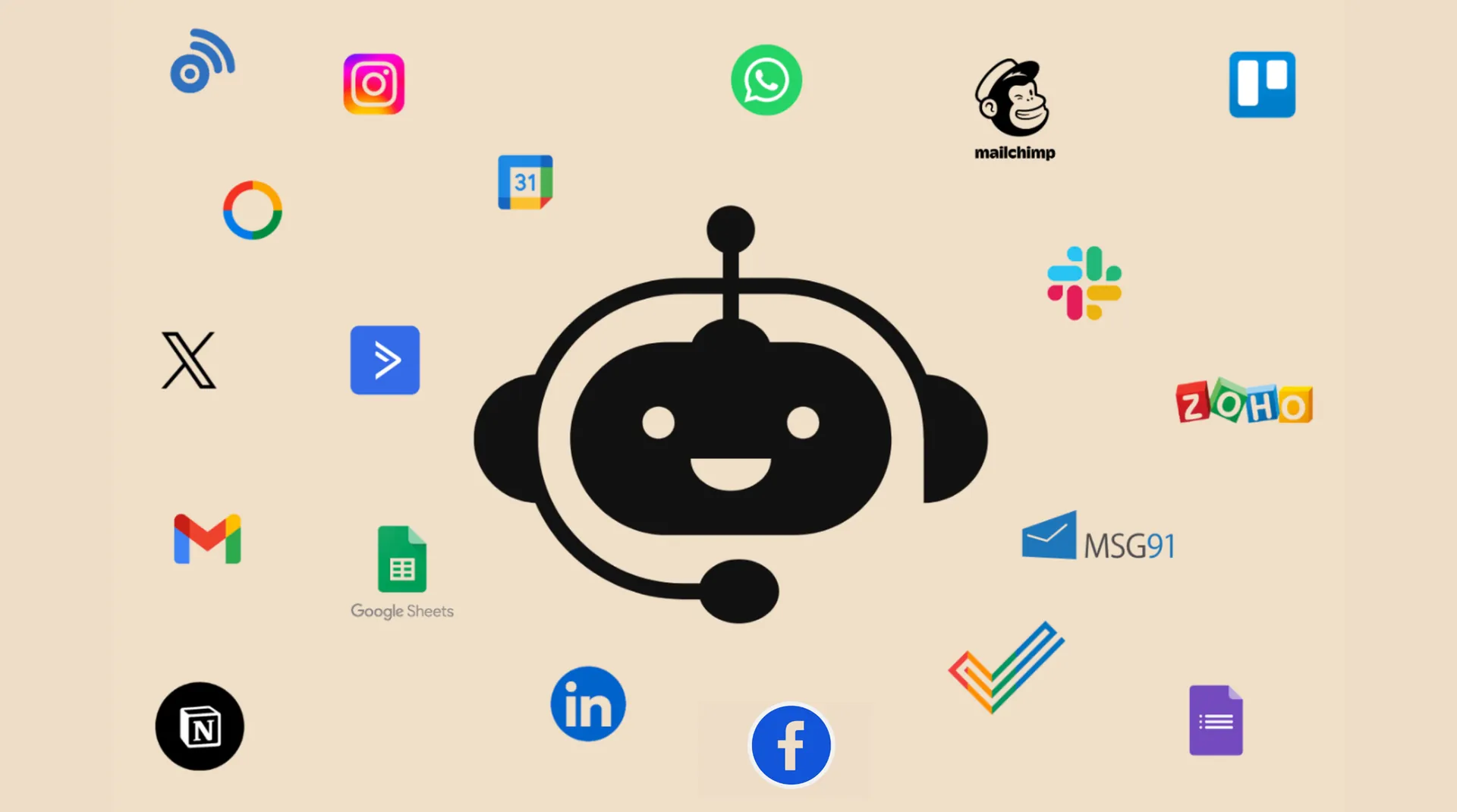
Chatbot Integration: Give Your Chatbot the Power of 1,500+ Integrations
Learn how chatbots powered by LLMs connect with 1,500+ apps via viaSocket to automate tasks, fetch real-time data, update CRMs, schedule events, track orders, and more.
Frequently Asked Questions
You can connect to any app that offers an API using our HTTP app, or you can request the app integration or build your own.
For assistance with integrations: General support: support@viasocket.com, Plugin-related inquiries: plugs@viasocket.com, For more details, visit the viaSocket Support page.
No, viaSocket allows you to create unlimited integrations across various apps, so you can automate as many workflows as you need.
Yes, viaSocket supports multi-step workflows, allowing you to automate tasks across multiple apps in a single, seamless process.

